

Create a Freshdesk ticket when a Textline conversation status changes
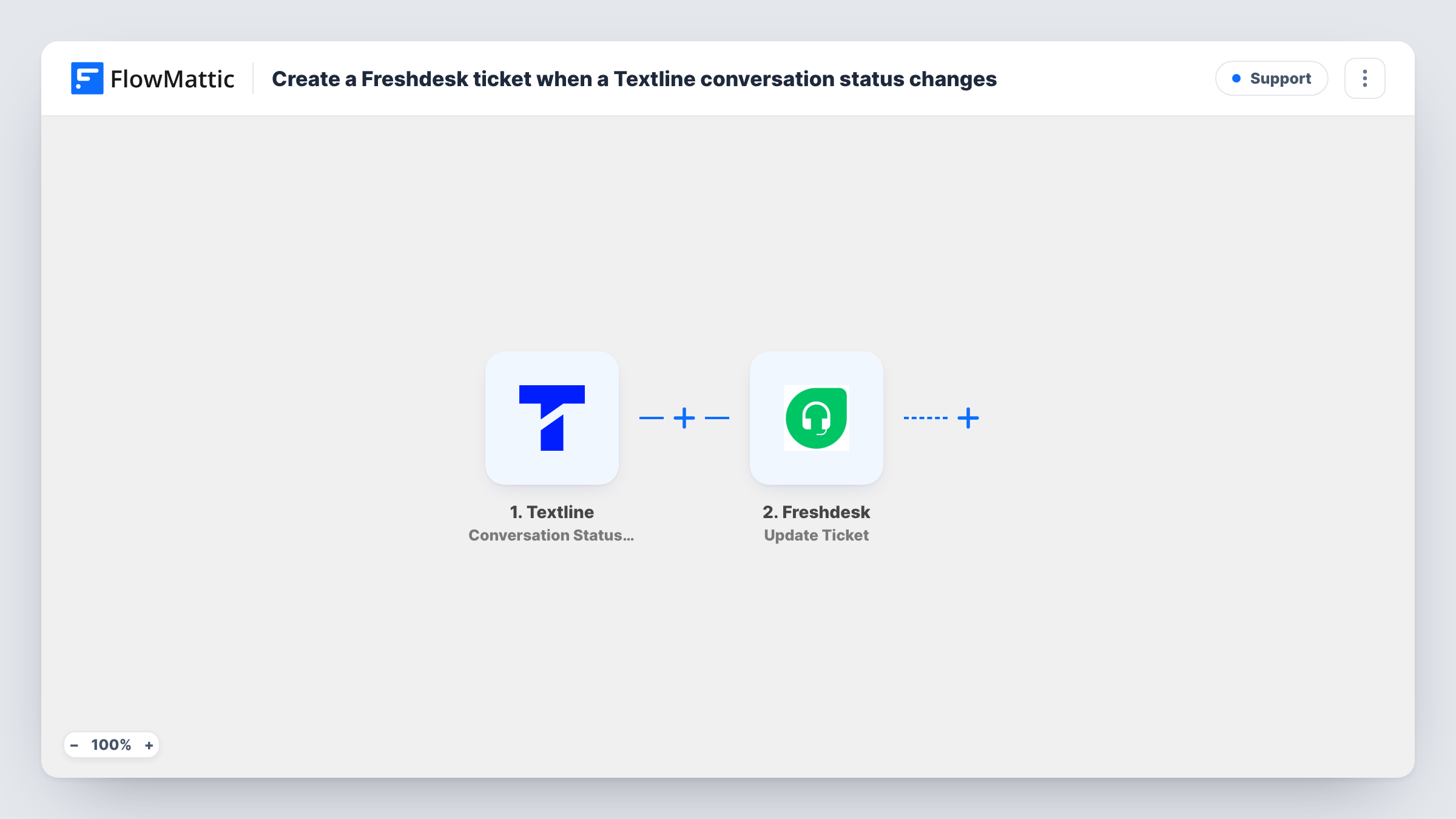
Each time a Textline conversation changes status, FlowMattic sends a POST request with API by FlowMattic to create a Freshdesk ticket, which you set up with your Freshdesk details after import.
 Textline
 API by FlowMattic
2 steps Setup ~5 min Used on 1.4k sites Free to import
What this workflow does
Teams that text customers through Textline and track support work in Freshdesk often want a ticket for conversations that need follow-up. This workflow sends a request to Freshdesk whenever a conversation's status changes, so the help desk gets a record without anyone copying the thread across.
The Textline trigger, Conversation Status Change, fires when the status of a conversation changes and passes the conversation's data to FlowMattic. Change the status of a test conversation after import to see which values arrive, such as the contact's number and name and the new status.
Freshdesk has no actions of its own in FlowMattic, so the second step is API by FlowMattic making a POST request. This step ships unmapped: after import you enter the address of Freshdesk's ticket-creation API for your account, add your Freshdesk API authentication, and build the request body with the ticket details Freshdesk expects, mapping values from Textline. Use Freshdesk's own API documentation for the exact address, headers and fields.
Every status change starts a run, so one conversation that moves through several statuses creates several tickets. Send a test and open Task History to read Freshdesk's response, which shows whether the ticket was accepted or what was missing.
Ticket when a text needs follow-up
A clinic's front desk changes a Textline conversation's status when a patient asks something they can't answer on the spot. With a Filter on that status, a Freshdesk ticket is opened for the office manager.
Record of resolved SMS conversations
A repair shop keeps a Freshdesk record of each text conversation its staff resolve, so the history is searchable next to email tickets.
SMS support in a Freshdesk-led team
A support team that works from Freshdesk queues gets a ticket whenever a Textline conversation changes state, so text customers are not handled outside the help desk.
How this workflow runs
What happens at each step once the workflow is on, and what you need before you import it.
 Textline Conversation Status Change
Starts when a Textline conversation's status changes. The conversation's data, including the new status and contact details, is passed to the API step. Change a test conversation's status to see what arrives.
- API by FlowMattic POST
Sends a POST request to create the Freshdesk ticket. The step ships unmapped: enter Freshdesk's ticket API address and authentication, then build the request body from the Textline values, following Freshdesk's API documentation.
What you need
- FlowMatticCore
- Textline AccountAccount
After importing, map your own data. To keep the template universal, not every step is pre-filled. Open each step in the builder and connect your accounts and fields (channels, lists, sheets, recipients) before you switch the workflow on.
Make it yours
Changes worth making after you import it.
- To open tickets for one status only, put a Filter between the Textline trigger and the API step that continues when the new status exactly matches the one you want. Check a test run for the exact status text Textline sends.
- Put the Textline contact's phone number and name in the ticket body, so agents can identify the customer in Freshdesk.
- Send your Freshdesk API key as authentication with the request, never inside the ticket text, so agents and customers can't read it in the ticket.
Questions about this workflow
Is there no Freshdesk step for Textline conversations to use?
FlowMattic's Freshdesk app offers triggers only, with no action to create a ticket. API by FlowMattic sends the request to Freshdesk's API directly, which you set up with your account details.
Do I need a Freshdesk API key to use this Textline workflow?
Yes. Freshdesk's API needs authentication, so you add your key to the POST step. Freshdesk's documentation explains where to find it and how to send it.
Can one Textline conversation create several Freshdesk tickets?
Yes. Each status change is a new run, and each run sends a new ticket request. Add a Filter on the status between the trigger and the API step to limit it.
How do I know whether Freshdesk created the ticket?
Look at that run's API step in Task History. It shows Freshdesk's response, including any error message about missing or invalid fields.
More Support workflows
Other ready-to-import templates from the same category.





Import this workflow into your WordPress site
Download the JSON, import it from the Workflows screen and connect your accounts. Every run stays on your server, with no per-task fees.
30-day money-back guarantee Unlimited workflows and runs Self-hosted