

Create a Freshdesk ticket from each KnowledgeOwl contact form submission
When a reader sends your KnowledgeOwl contact form, FlowMattic passes the message to Freshdesk through an API by FlowMattic POST request, so it can become a support ticket. The request itself is yours to configure once imported.
 Knowledgeowl
 API by FlowMattic
2 steps Setup ~5 min Used on 2.2k sites Free to import
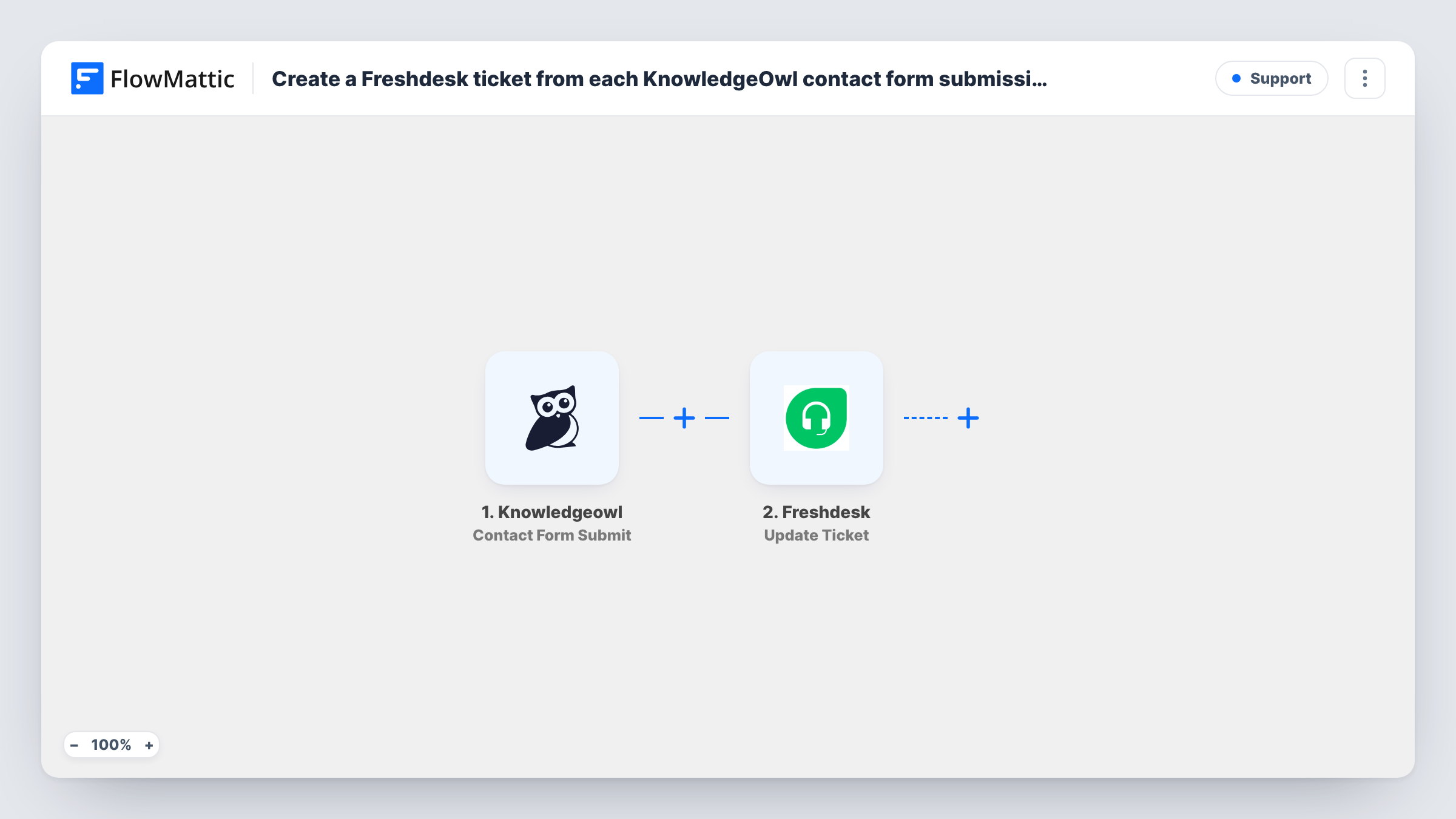
What this workflow does
A knowledge base contact form is where readers go when the articles didn't answer their question. If those messages land in an inbox nobody watches, they get lost. This workflow sends each one on to Freshdesk, where your support team already works, so it can be answered and tracked like any other ticket.
The KnowledgeOwl trigger fires when a contact form is submitted in your knowledge base. The submission's details, such as the reader's name, email and message, are passed on. Submit a test message after connecting so you can see the exact fields KnowledgeOwl sends.
The second step uses API by FlowMattic to send a POST request. It ships unmapped: no endpoint, authentication or body is filled in. After import you point it at Freshdesk's ticket-creation endpoint for your helpdesk, add your Freshdesk API credentials as Freshdesk's API documentation describes, and map the form fields into the request body, for example the email as the requester and the message as the description.
Freshdesk decides whether the request is accepted, so send a test submission and read the response in Task History. It shows the status Freshdesk returned and, when the ticket is created, its details.
Help center questions into the support queue
A software company's KnowledgeOwl contact form feeds Freshdesk, so a reader who couldn't find an answer gets a reply from the same team that handles support email.
Documentation feedback tracked as tickets
A product team asks readers to report outdated articles through the contact form, and each report becomes a Freshdesk ticket the writers can assign and close.
Customer portal without a separate inbox
A small business retires the shared mailbox its KnowledgeOwl form used to send to, and all reader messages now arrive in Freshdesk.
How this workflow runs
What happens at each step once the workflow is on, and what you need before you import it.
 Knowledgeowl Contact Form Submit
Fires when someone submits the contact form in your KnowledgeOwl knowledge base. The reader's details and message become available to map into the API request.
- API by FlowMattic POST
Posts the form data to Freshdesk through API by FlowMattic. The step ships unmapped: set it to Freshdesk's ticket endpoint, add your API credentials and map the KnowledgeOwl fields into the request body yourself.
What you need
- FlowMatticCore
- Knowledgeowl AccountAccount
After importing, map your own data. To keep the template universal, not every step is pre-filled. Open each step in the builder and connect your accounts and fields (channels, lists, sheets, recipients) before you switch the workflow on.
Make it yours
Changes worth making after you import it.
- To keep empty or test messages out of Freshdesk, put a Filter between the KnowledgeOwl trigger and the API by FlowMattic step that continues only when the message field is not empty.
- Put the knowledge base article or page the reader came from into the ticket description, if KnowledgeOwl sends it, so agents know what they were reading.
- Run a test submission and check the status code in Task History before going live, since a mistake in the request is easy to spot there.
Questions about this workflow
Do I need a Freshdesk account for this KnowledgeOwl workflow?
Yes. The API request creates the ticket in your Freshdesk helpdesk, so you need access to its API and an API key. The template lists only KnowledgeOwl as a requirement, but Freshdesk is needed too.
Is the Freshdesk request already set up when I import it?
No. The POST step has no URL, authentication or body in the template. You fill those in following Freshdesk's API documentation and map the KnowledgeOwl form fields into the body.
Why does this KnowledgeOwl template call the Freshdesk API directly?
FlowMattic's Freshdesk integration offers triggers, such as New Ticket and New Contact, but no ticket-creation action. Calling Freshdesk's ticket API from the POST step is how this workflow creates the ticket instead.
What if the reader's email isn't a Freshdesk contact yet?
Freshdesk decides how to handle a new requester when it receives the request. Send a test with an address Freshdesk doesn't know and check the response in Task History.
More Support workflows
Other ready-to-import templates from the same category.






Import this workflow into your WordPress site
Download the JSON, import it from the Workflows screen and connect your accounts. Every run stays on your server, with no per-task fees.
30-day money-back guarantee Unlimited workflows and runs Self-hosted