

When a conversation is assigned to an agent, send him a template message in WhatsApp using WA.Team
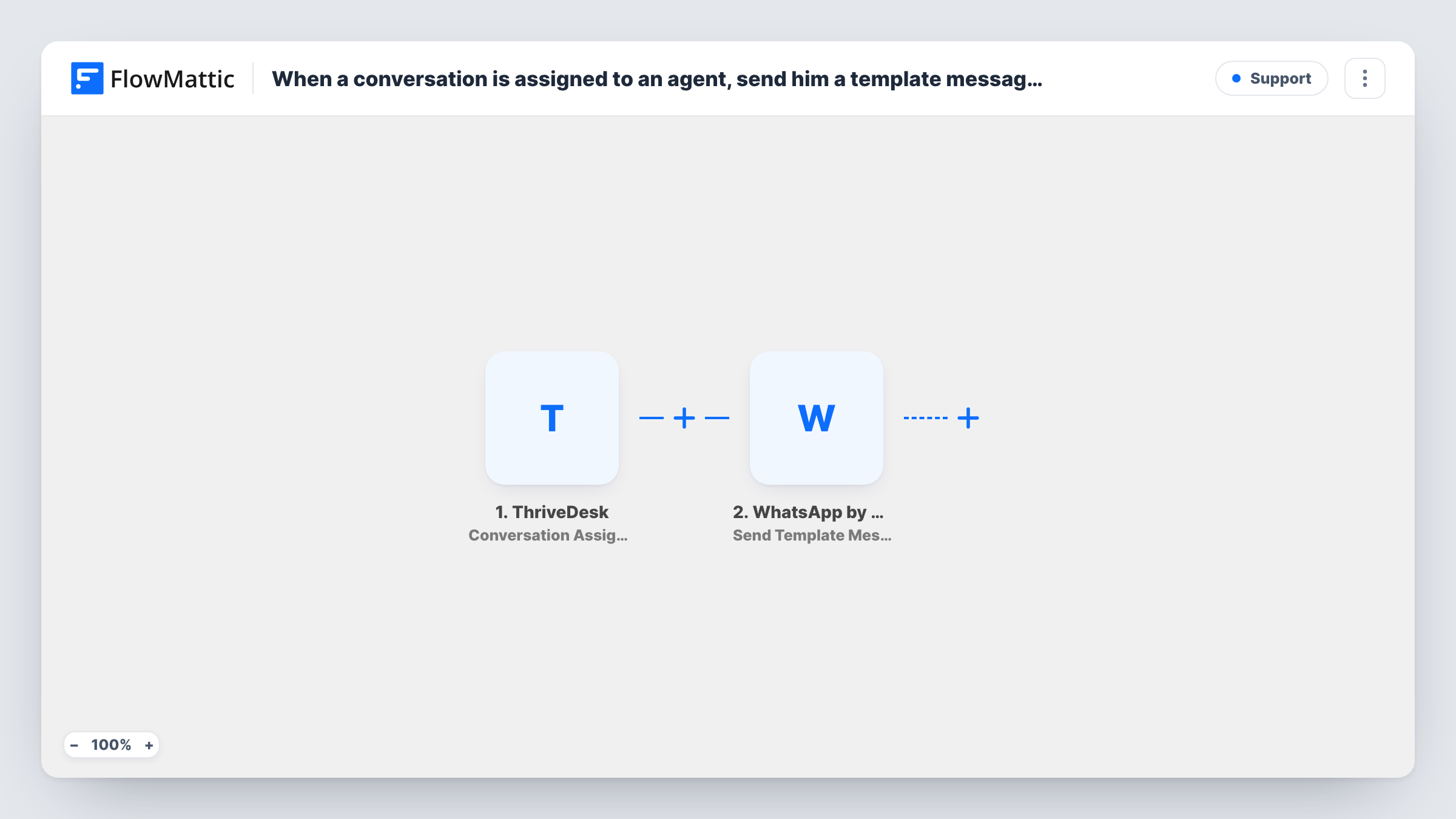
When a ThriveDesk conversation is assigned to an agent, this workflow sends a WhatsApp template message through WA.Team, so the agent hears about the new assignment on their phone.
 ThriveDesk
 WhatsApp by WA.Team
2 steps Setup ~5 min Used on 2.6k sites Free to import
What this workflow does
Agents who are away from the ThriveDesk inbox can miss that a conversation was handed to them. The customer then waits longer than they should. This workflow sends the agent a WhatsApp message the moment the assignment happens.
The ThriveDesk trigger fires when a conversation is assigned to an agent. FlowMattic passes the conversation data to WhatsApp by WA.Team, whose Send Template Message action sends a pre-approved WhatsApp template. You choose the template and fill its variables with values from the conversation, such as the subject or customer name.
The message needs the agent's WhatsApp number. Check a test run to see whether the assignment event carries it. If it doesn't, type the number into the step for a single agent, or add a Router with one route per agent, each with that agent's number. Task History shows what WA.Team returned for each send.
After-hours support rota
One agent covers evenings from their phone. When a conversation is assigned to them, a WhatsApp template tells them a customer is waiting, so they don't need the inbox open.
Escalations to a senior agent
A team lead reassigns tricky conversations to a specialist. The specialist gets a WhatsApp note with the subject and can pick it up between other work.
Small teams without desktop alerts
A two-person store answers ThriveDesk tickets around other jobs. Assignment messages on WhatsApp make sure neither misses a hand-off.
How this workflow runs
What happens at each step once the workflow is on, and what you need before you import it.
 ThriveDesk Conversation Assigned
Fires when a ThriveDesk conversation is assigned to an agent. The conversation and assignment details become available to map into the WhatsApp message.
- WhatsApp by WA.Team Send Template Message
Delivers one WhatsApp template message to the agent via WA.Team. Pick the template, map its variables from the conversation, and set the agent's number.
What you need
- FlowMatticCore
- ThriveDesk AccountAccount
- WhatsApp by WA.Team AccountAccount
After importing, map your own data. To keep the template universal, not every step is pre-filled. Open each step in the builder and connect your accounts and fields (channels, lists, sheets, recipients) before you switch the workflow on.
Make it yours
Changes worth making after you import it.
- If the assignment data doesn't include the agent's phone number, add a Router with a route per agent, each checking the assigned agent's name or email and sending to that agent's number.
- Add a Filter after the trigger that continues only for conversations assigned to agents who want WhatsApp alerts, so others aren't messaged.
- Put the conversation subject and customer name in the template variables, if your template has them, so the agent knows what to expect before opening ThriveDesk.
Questions about this workflow
Why does the ThriveDesk alert go out as a WhatsApp template?
Free-form WhatsApp text reaches someone only in the 24 hours after they last wrote to your business number. An approved template can be sent outside that window, so agents receive it even if they haven't written to you.
Where does the agent's WhatsApp number come from?
It depends on what ThriveDesk sends with the assignment. Run a test assignment and check the data. If no phone number is there, enter the number in the step or route by agent.
Which account sends the WhatsApp message to the agent?
Your own WhatsApp by WA.Team account. The message goes out through that connection, using a template that is already approved in that account.
Will reassigning a conversation send another WhatsApp message?
The trigger fires on each assignment, so a reassignment may send a new message to whichever number you map. Test a reassignment to confirm.
More Support workflows
Other ready-to-import templates from the same category.






Import this workflow into your WordPress site
Download the JSON, import it from the Workflows screen and connect your accounts. Every run stays on your server, with no per-task fees.
30-day money-back guarantee Unlimited workflows and runs Self-hosted