

Send a Slack alert when a new Comm100 chat is requested
When a visitor requests a chat in Comm100, FlowMattic posts a message to a Slack channel, so agents who are working in Slack know a chat is waiting.
 Comm100
 Slack
Slack2 steps Setup ~5 min Used on 1.9k sites Free to import
What this workflow does
A Comm100 chat request is only useful if an agent sees it. When agents spend the day in Slack rather than the Comm100 console, a chat request can wait unnoticed. This workflow puts a message in Slack each time a visitor asks to chat.
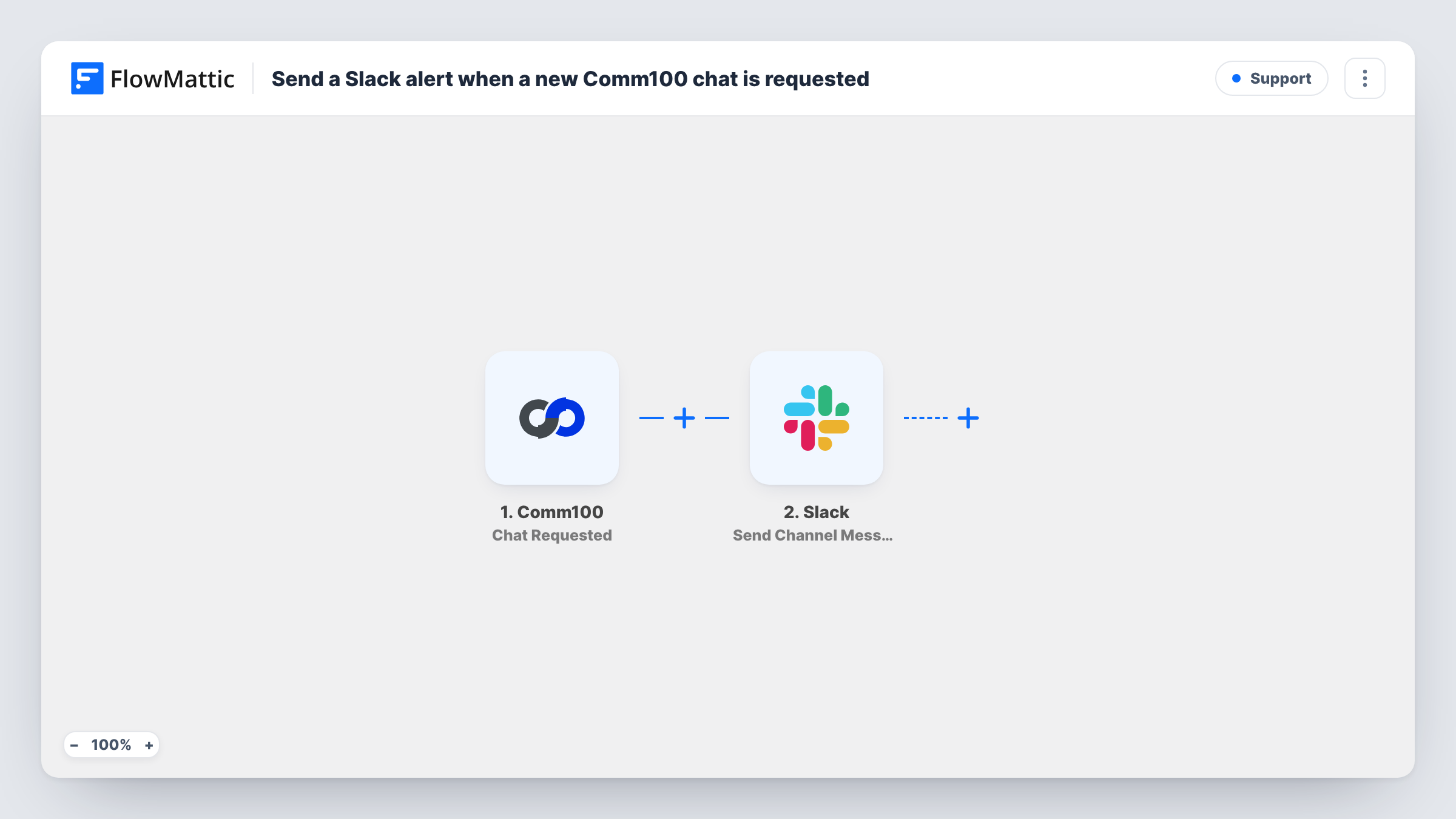
The Comm100 trigger, Chat Requested, fires when a chat is requested. FlowMattic then runs Send Channel Message in Slack and posts to the channel you choose. Write the alert and map in details from the request, using what a test chat shows.
The Slack message is a heads-up only. The agent still accepts and answers the chat in Comm100. Every request posts once, so a busy site sends a steady stream of messages to the channel.
Small teams sharing chat duty
Three people cover chat between other jobs. A post in #live-chat tells them a visitor is waiting so one of them opens Comm100.
Sales chat on a pricing page
Sales reps watch a Slack channel for chat requests and jump into Comm100 to answer pricing questions.
Covering lunch breaks
When the main agent steps away, the rest of the team still sees chat requests in Slack and can pick them up.
How this workflow runs
What happens at each step once the workflow is on, and what you need before you import it.
 Comm100 Chat Requested
Fires when a visitor requests a chat in Comm100. Details of the request are passed on for the Slack message.
- Slack Send Channel Message
Alerts your team in a Slack channel of your choice. Connect your Slack workspace, write the alert, and map in Comm100 details so agents know what is waiting.
What you need
- FlowMatticCore
- Comm100 AccountAccount
- Slack AccountAccount
After importing, map your own data. To keep the template universal, not every step is pre-filled. Open each step in the builder and connect your accounts and fields (channels, lists, sheets, recipients) before you switch the workflow on.
Make it yours
Changes worth making after you import it.
- Start the Slack message with a clear label such as Chat waiting, so agents can spot it in the channel at a glance.
- Use a separate Slack channel for chat alerts so they don't bury other conversations.
- Build a second workflow on Comm100's New Offline Message trigger to post messages left while no agent was online.
Questions about this workflow
Can agents answer the Comm100 chat from Slack?
No. The workflow only posts an alert. Agents accept and answer the chat in Comm100.
Which Comm100 event starts the workflow?
Chat Requested, which fires when a chat is requested. Comm100 has other triggers, such as New Chat and Chat Ended, for different moments.
Will the Slack alert disappear once an agent takes the Comm100 chat?
No. The message stays in the channel. Nothing in this workflow edits or deletes it later.
Do I need accounts in both Comm100 and Slack?
Yes. You connect a Comm100 account for the trigger and a Slack workspace where you can post to the channel.
More Support workflows
Other ready-to-import templates from the same category.






Import this workflow into your WordPress site
Download the JSON, import it from the Workflows screen and connect your accounts. Every run stays on your server, with no per-task fees.
30-day money-back guarantee Unlimited workflows and runs Self-hosted