

Create a ClickUp task when a HappyFox ticket is updated
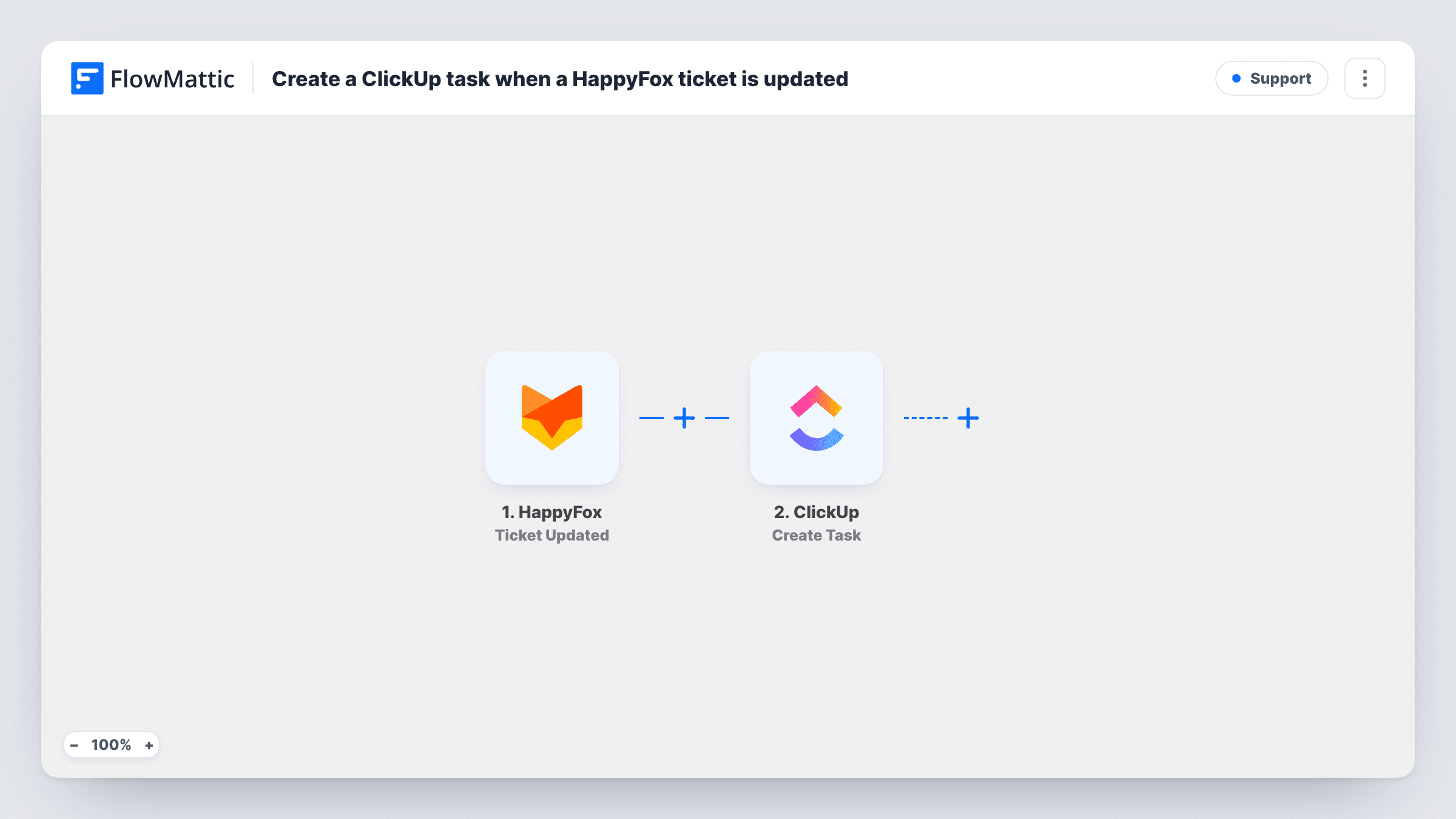
Every time a HappyFox ticket is updated, this workflow creates a task in ClickUp, so changes in your helpdesk show up as work items for the team that plans in ClickUp.
 HappyFox
 ClickUp
2 steps Setup ~5 min Used on 1.2k sites Free to import
What this workflow does
Support tickets often turn into work for another team, such as a bug to fix or a refund to approve. If that team plans in ClickUp, they may not see what is happening in HappyFox. This workflow creates a ClickUp task each time a ticket changes.
The HappyFox trigger runs whenever a ticket is updated. FlowMattic passes the ticket data to ClickUp, and the Create Task action adds a task. You map ticket details into the task after import; a test update shows which values HappyFox sends.
As imported, there are no conditions. Every update to any ticket creates a new task, so one ticket that changes several times produces several tasks. If you only want tasks for certain changes, such as a status moving to escalated, add a Filter after the trigger before you turn the workflow on.
Escalations to the product team
With a Filter on status, a ticket marked as escalated in HappyFox becomes a ClickUp task for the developers to pick up.
Activity log in ClickUp
Without a Filter, each ticket change becomes a task, giving a ClickUp list that records support activity in the order it happened.
Refund and billing follow-ups
Filter on a HappyFox category so updates to billing tickets create tasks for the finance team in their ClickUp space.
How this workflow runs
What happens at each step once the workflow is on, and what you need before you import it.
 HappyFox Ticket Updated
Runs each time a ticket is updated in HappyFox. The ticket's data is passed on for mapping into the ClickUp task.
- ClickUp Create Task
Creates a ClickUp task from the updated ticket. Connect ClickUp, map ticket details such as the subject into the task, and check where it lands with a test update.
What you need
- FlowMatticCore
- HappyFox AccountAccount
- ClickUp AccountAccount
After importing, map your own data. To keep the template universal, not every step is pre-filled. Open each step in the builder and connect your accounts and fields (channels, lists, sheets, recipients) before you switch the workflow on.
Make it yours
Changes worth making after you import it.
- Add a Filter after the trigger so only certain updates create tasks, for example when the ticket status equals the one your team uses for escalations.
- Put the HappyFox ticket number in the ClickUp task name so the team can find the original ticket quickly.
- Update a test ticket in HappyFox after import so FlowMattic captures the fields, then map them into the task before you turn the workflow on.
Questions about this workflow
Will one HappyFox ticket create more than one ClickUp task?
Yes, as imported. Every update runs the workflow, and each run creates a new task. Add a Filter if you want fewer tasks.
Does closing the ClickUp task update the HappyFox ticket?
No. The flow goes one way, from HappyFox to ClickUp, and only creates tasks.
Does this run when a new HappyFox ticket is created?
The trigger is Ticket Updated. Run a test after import to see whether creating a ticket fires it in your account, or use a ticket-created trigger in a second workflow.
More Support workflows
Other ready-to-import templates from the same category.







Import this workflow into your WordPress site
Download the JSON, import it from the Workflows screen and connect your accounts. Every run stays on your server, with no per-task fees.
30-day money-back guarantee Unlimited workflows and runs Self-hosted