

When a ticket is created in Freshdesk, send ticket details to KonnectzIT
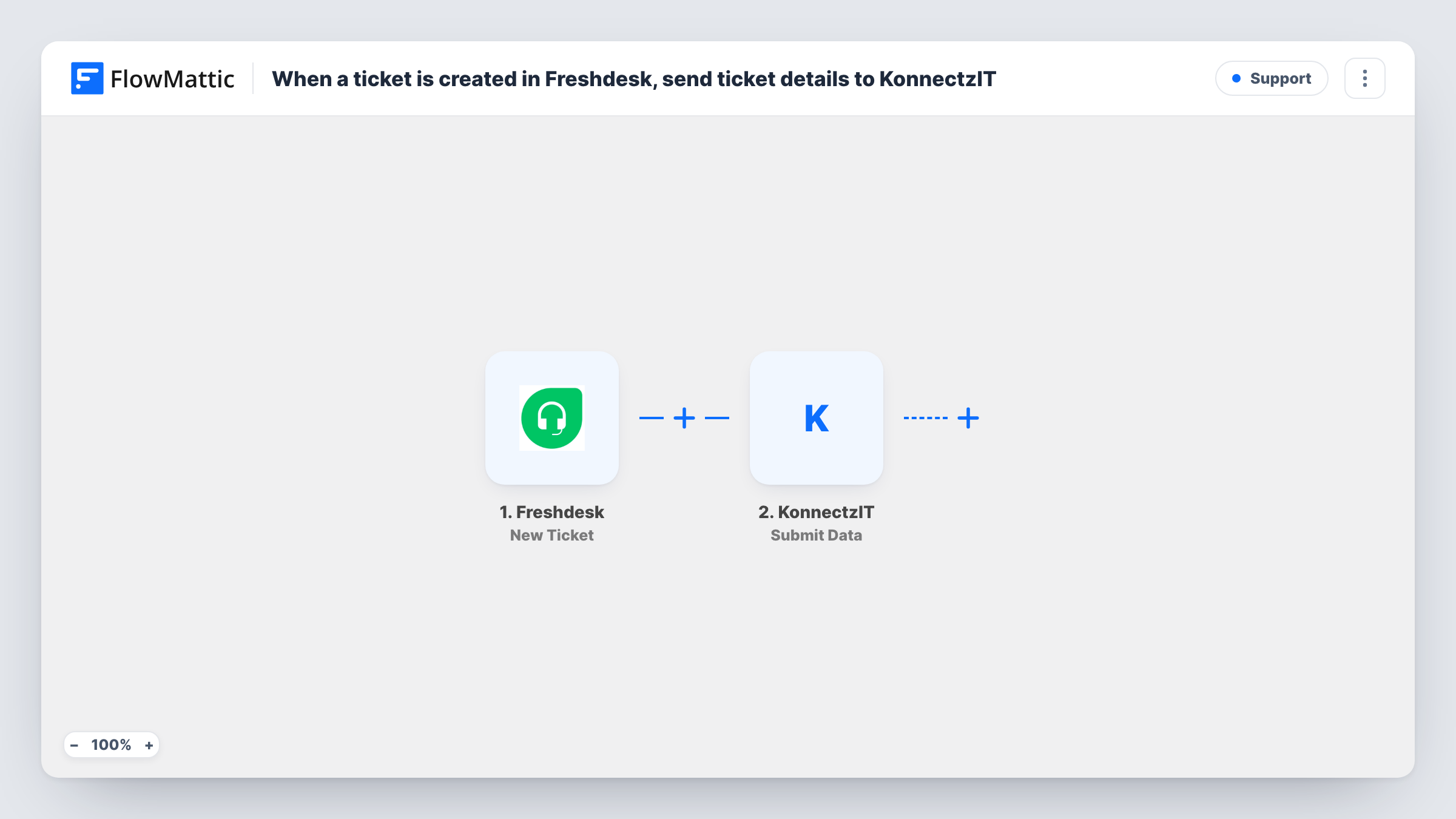
Each new Freshdesk ticket is passed from FlowMattic to KonnectzIT with the details you map, so an automation you already run in KonnectzIT can act on support tickets as they come in.
 Freshdesk
 KonnectzIT
2 steps Setup ~5 min Used on 2.1k sites Free to import
What this workflow does
You may already have automations in KonnectzIT that update other tools, and you want support tickets to feed them. This workflow lets FlowMattic watch Freshdesk and hand each new ticket to KonnectzIT, where your existing setup takes over.
The Freshdesk trigger fires when a new ticket is created in your helpdesk. FlowMattic receives the ticket data and the Submit Data step sends the values you map to KonnectzIT. What happens next depends on the automation you build on the KonnectzIT side.
Each new ticket is sent once. Replies, status changes and later edits in Freshdesk do not start the workflow. Task History lists each run, with the ticket data FlowMattic received and the response from KonnectzIT.
Feed tickets to an existing KonnectzIT automation
You built a KonnectzIT automation that posts to your team chat. New Freshdesk tickets now arrive there through this workflow.
Keep a ticket log in another app
KonnectzIT receives each new ticket and writes it to the reporting tool your managers use, while support keeps working in Freshdesk.
How this workflow runs
What happens at each step once the workflow is on, and what you need before you import it.
 Freshdesk New Ticket
Fires when a new ticket is created in your Freshdesk account. The ticket's data is passed to the next step for mapping.
- KonnectzIT Submit Data
Sends the ticket data to KonnectzIT. Map the Freshdesk values you want to pass on, and make sure the receiving automation in KonnectzIT is set up first.
What you need
- FlowMatticCore
- Freshdesk AccountAccount
- KonnectzIT AccountAccount
After importing, map your own data. To keep the template universal, not every step is pre-filled. Open each step in the builder and connect your accounts and fields (channels, lists, sheets, recipients) before you switch the workflow on.
Make it yours
Changes worth making after you import it.
- Create a test ticket in Freshdesk after import. FlowMattic captures its data, and you can map it in the KonnectzIT step and confirm it arrives on the other side.
- Add a Filter after the trigger with a condition on a ticket value such as priority, if only some tickets should go to KonnectzIT.
- If KonnectzIT only forwards the data to one app, check whether FlowMattic connects to that app directly. You could then replace the Submit Data step with that app's own action.
Questions about this workflow
Do I need a KonnectzIT account for this Freshdesk workflow?
Yes. The data goes to KonnectzIT, so you need an account there and an automation ready to receive it.
Will replies or status changes on a Freshdesk ticket be sent?
No. The trigger fires only when a ticket is created. Updates to existing tickets do not start the workflow.
Are tickets created before I turn the workflow on sent to KonnectzIT?
No. Only tickets created after the workflow is active are passed on.
More Support workflows
Other ready-to-import templates from the same category.




Import this workflow into your WordPress site
Download the JSON, import it from the Workflows screen and connect your accounts. Every run stays on your server, with no per-task fees.
30-day money-back guarantee Unlimited workflows and runs Self-hosted