

Send a Pushover alert when a SupportCandy ticket breaches its SLA
When a SupportCandy ticket goes past its SLA time, FlowMattic sends a Pushover notification to your devices with the ticket details you map, so an overdue ticket reaches you even when the helpdesk is closed.
 SupportCandy
 Pushover
2 steps Setup ~5 min Used on 876 sites Free to import
What this workflow does
An SLA breach usually means a customer has waited longer than you promised. In a busy SupportCandy queue it is easy to miss one until the customer writes again. This workflow sends a push alert to your phone or desktop as soon as SupportCandy reports the breach.
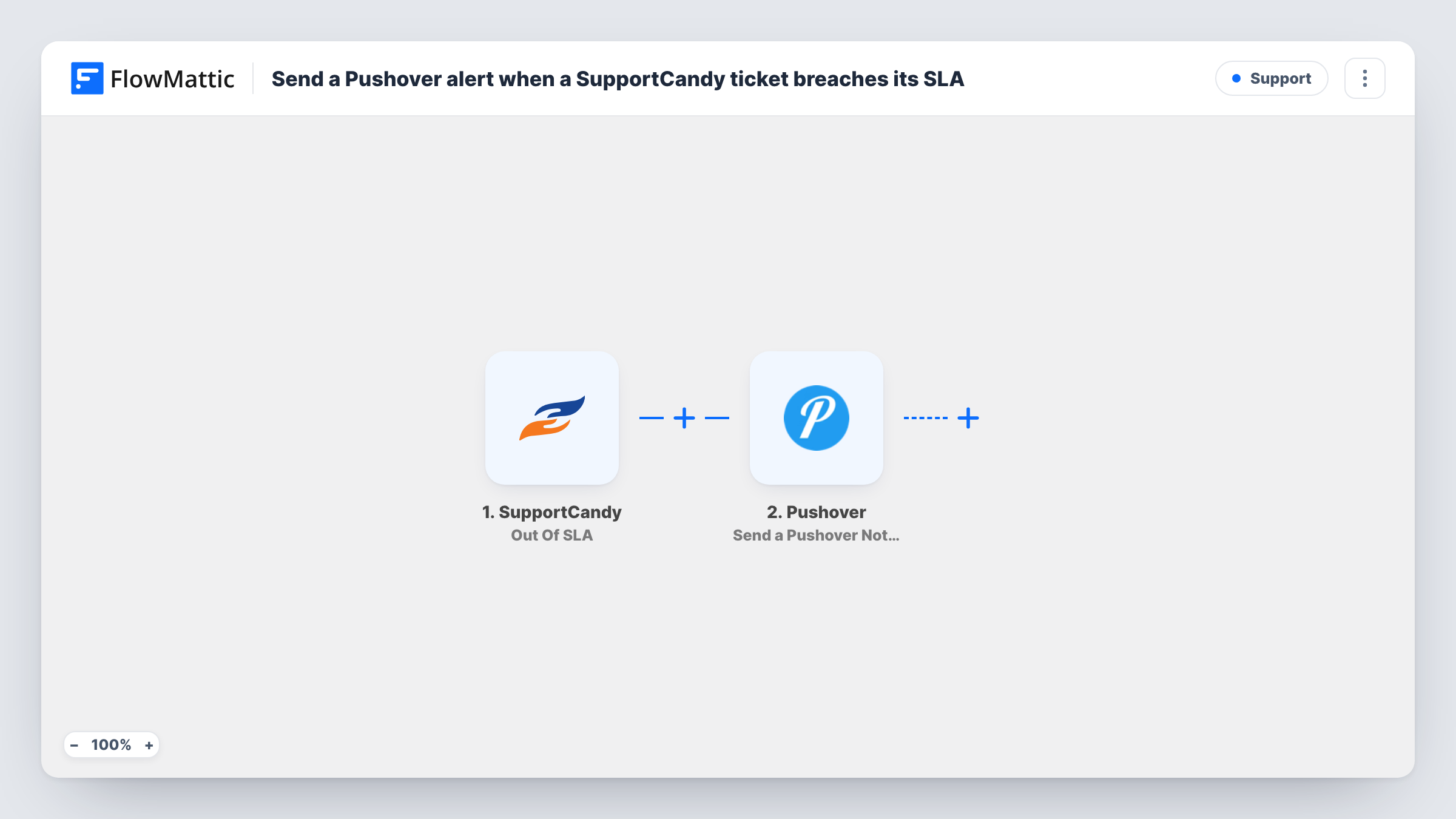
The SupportCandy trigger fires when a ticket's SLA exceeds the time interval set for it, and passes along the ticket data. FlowMattic then runs Send a Pushover Notification in Pushover, which delivers the alert to the devices subscribed to your Pushover account. You write the message and map in ticket details such as the subject, ID or assigned agent.
The alert is the only thing the workflow does. It doesn't change the ticket, its priority or its assignee in SupportCandy. Each alert appears in Task History, which helps when you want to review how many tickets went overdue in a week.
Support manager covering evenings
The manager keeps Pushover on their phone and hears about each overdue ticket without logging into WordPress to check the queue.
Small team with strict response times
A hosting company promises replies within set hours. Each breach pings the lead's devices so the ticket can be picked up or reassigned.
Freelancer offering support plans
A developer who sells support plans gets a phone alert when a client ticket passes its agreed time, so the breach does not go unnoticed.
How this workflow runs
What happens at each step once the workflow is on, and what you need before you import it.
 SupportCandy Out Of SLA
Fires when the SLA of a SupportCandy ticket exceeds its time interval. The ticket data from the event is passed on for the Pushover message.
- Pushover Send a Pushover Notification
Sends a notification to the devices subscribed to your Pushover account. Connect Pushover on import, write the alert text and map the ticket subject or ID so you know which ticket to open.
What you need
- FlowMatticCore
- SupportCandy AccountAccount
- Pushover AccountAccount
After importing, map your own data. To keep the template universal, not every step is pre-filled. Open each step in the builder and connect your accounts and fields (channels, lists, sheets, recipients) before you switch the workflow on.
Make it yours
Changes worth making after you import it.
- Add a Filter after the trigger if only some tickets need a push alert, for example those with a high priority or from a certain category.
- Put the ticket ID at the start of the notification text, so it shows in the preview on a locked phone.
- Let a ticket breach its SLA on a test setup, then open Task History to see the ticket fields SupportCandy sends before you finish the message.
Questions about this workflow
When exactly does the SupportCandy Out Of SLA trigger fire?
When a ticket's SLA goes beyond the time interval set for it in SupportCandy. Tickets answered within their SLA never start a run.
Who receives the Pushover notification?
The devices subscribed to the Pushover account you connect. Anyone who should get the alert needs to receive notifications through that account.
Does the workflow escalate the ticket in SupportCandy?
No. It only sends the Pushover alert. The ticket's status, priority and assignee stay as they are in SupportCandy.
Can I get the SLA alert by email or Slack instead of Pushover?
Yes. Replace the Pushover step with an email or Slack step in FlowMattic and map the same ticket data into it.
More Support workflows
Other ready-to-import templates from the same category.







Import this workflow into your WordPress site
Download the JSON, import it from the Workflows screen and connect your accounts. Every run stays on your server, with no per-task fees.
30-day money-back guarantee Unlimited workflows and runs Self-hosted