

Open a Freshdesk ticket for each new Carrot quest message
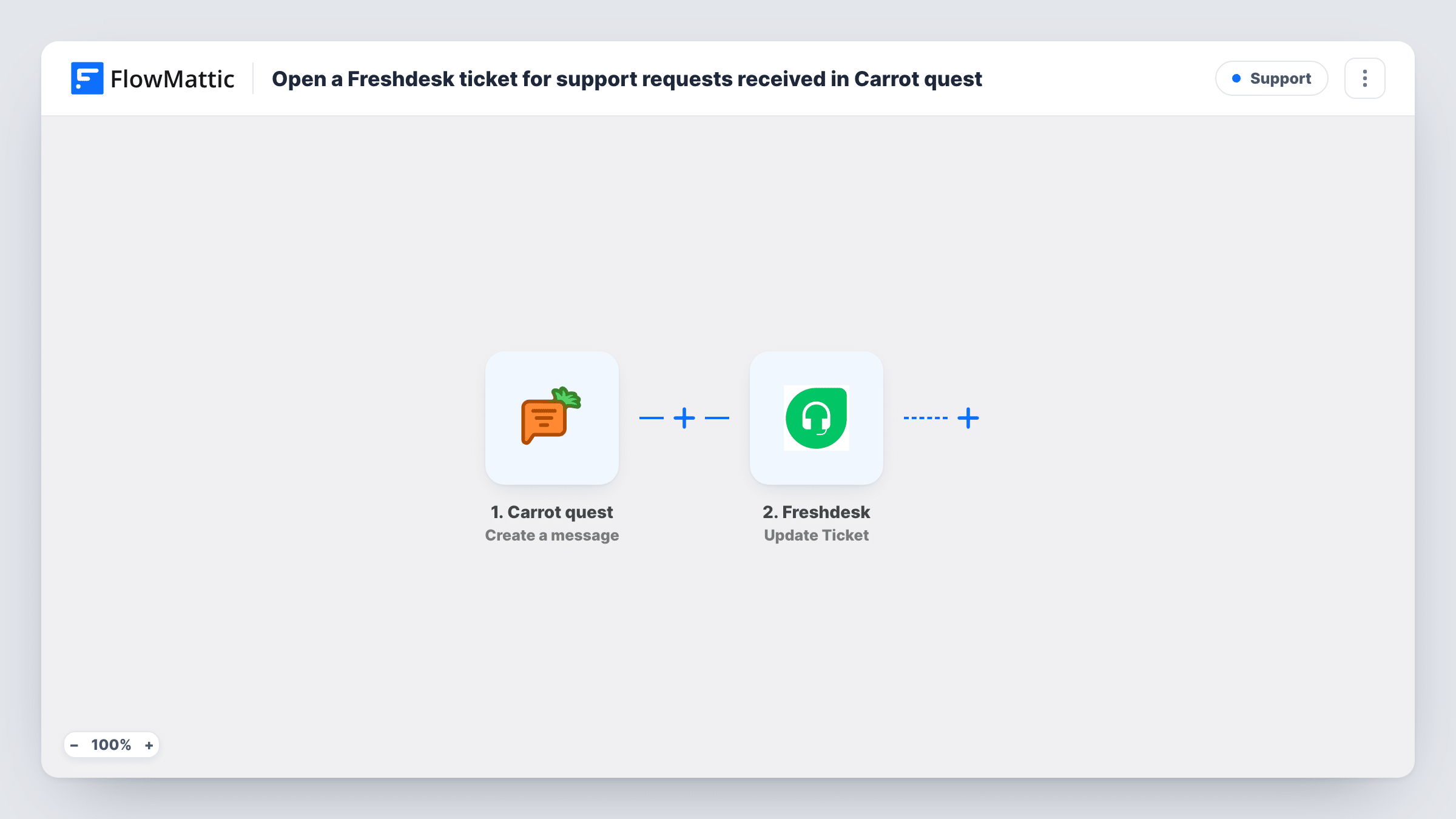
Each message or template created in Carrot quest triggers an API by FlowMattic POST request that opens a ticket in your Freshdesk helpdesk, with the request set up by you after import.
 Carrot quest
 API by FlowMattic
2 steps Setup ~5 min Used on 2.7k sites Free to import
What this workflow does
Conversations that start in Carrot quest sometimes need the tracking a helpdesk gives: an owner, a priority and a status that the whole support team can see. This workflow raises a Freshdesk ticket for each new Carrot quest message, so nothing said in chat depends on someone remembering to log it.
The Carrot quest Create a message trigger fires when a template or a message is created. That is broad: it doesn't tell support requests apart from other messages, and creating a template also starts a run. Plan on every event of that kind becoming a ticket, or narrow it as described in the tips.
FlowMattic has Freshdesk triggers but no Freshdesk actions, so the ticket is opened with API by FlowMattic. Nothing in that request is filled in yet. After import, enter your helpdesk's ticket-creation endpoint and Freshdesk API credentials, then build the request body from the Carrot quest data, using Freshdesk's API documentation for the fields a ticket requires.
Create a test message in Carrot quest and look at Task History. It shows the data the trigger received and the response Freshdesk sent back, which is where you see a new ticket or the reason one wasn't created.
Chat questions tracked as tickets
An online store's support team answers in Carrot quest but tracks every conversation as a Freshdesk ticket, so response times are reported in one place.
Hand-off from sales chat to support
A SaaS company uses Carrot quest on its website, and messages that need a technical answer appear in the Freshdesk queue for the support engineers.
Message history for account reviews
A customer success manager reviews each client's Freshdesk tickets before a quarterly call, including the ones that began as Carrot quest messages.
How this workflow runs
What happens at each step once the workflow is on, and what you need before you import it.
 Carrot quest Create a message
Runs each time Carrot quest reports a newly created message or template. Every such event starts a run, and its details are passed on for the ticket.
- API by FlowMattic POST
Calls Freshdesk's API with a POST request that opens the ticket. Unmapped as shipped: add your ticket endpoint, API credentials and a request body built from the Carrot quest message.
What you need
- FlowMatticCore
- Carrot quest AccountAccount
After importing, map your own data. To keep the template universal, not every step is pre-filled. Open each step in the builder and connect your accounts and fields (channels, lists, sheets, recipients) before you switch the workflow on.
Make it yours
Changes worth making after you import it.
- Put a Filter between the Carrot quest trigger and the POST step on a value that marks real customer messages, if a test run shows one, so templates and other events don't open tickets.
- Map the customer's email from the Carrot quest data into the ticket body, so agents can see in Freshdesk who wrote in.
- Include the message text in the ticket description so agents can read the request without opening Carrot quest.
Questions about this workflow
Will every Carrot quest message open a Freshdesk ticket?
Yes, as imported. The trigger fires for each message or template created, and nothing narrows it. A Filter between the trigger and the POST step can limit it once you know which value to check.
Why is the Freshdesk ticket created with API by FlowMattic?
FlowMattic's Freshdesk integration has triggers, such as New Ticket and Update Ticket, but no actions. Calling Freshdesk's API directly is how this template creates tickets.
Which Freshdesk details does the Carrot quest workflow need?
The API address your helpdesk uses for creating tickets and an API key to authenticate. Check Freshdesk's API reference for the values a ticket requires before you build the body.
More Support workflows
Other ready-to-import templates from the same category.






Import this workflow into your WordPress site
Download the JSON, import it from the Workflows screen and connect your accounts. Every run stays on your server, with no per-task fees.
30-day money-back guarantee Unlimited workflows and runs Self-hosted