

When a template is exported from Stripo, add a new entry to Fluent Support for customer review
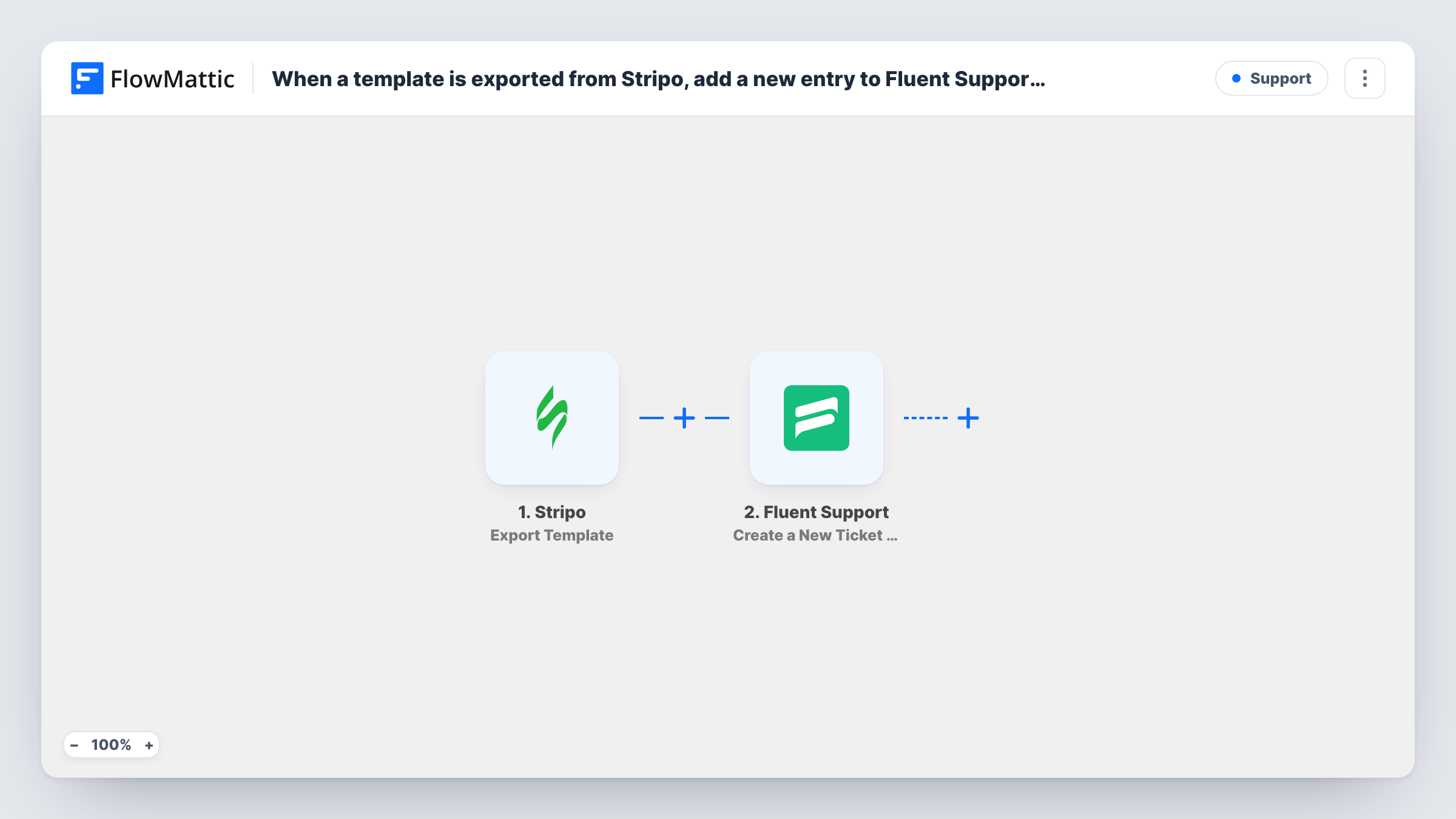
Every time a template is exported from Stripo, this workflow opens a ticket in Fluent Support on your WordPress site, giving the export a tracked review thread your team and the customer can reply in.
 Stripo
 Fluent Support
2 steps Setup ~5 min Used on 1.1k sites Free to import
What this workflow does
An exported email template usually needs a sign-off before it is sent. Approval by email chains gets lost between inboxes. A help desk ticket gives each export one thread, a status and an owner. This workflow opens that ticket for you in Fluent Support whenever someone exports from Stripo.
The Stripo trigger runs when a template is exported. FlowMattic passes the export data to Fluent Support, where the Create a New Ticket Using Agent action opens a ticket. Per FlowMattic's description of this action, it can also create a new customer and a WordPress user for the ticket. You build the ticket text from the template details in the export.
A ticket belongs to a customer, so you decide whose ticket it is. Run a test export to see what Stripo sends. If the person who should review is not in the data, enter their details as fixed values in the Fluent Support step, and check after the first run whether a new WordPress user was created for them.
Client approval of a newsletter design
An agency exports a newsletter from Stripo, and a Fluent Support ticket opens for the client's review, so feedback and the go-ahead stay in one thread.
Internal QA before a campaign
A marketing team routes every Stripo export into a ticket in its own help desk, where a reviewer checks links and copy before the email goes out.
Audit trail for regulated content
Teams that must show who approved each email keep the review as a Fluent Support ticket per Stripo export, with replies and status on record.
How this workflow runs
What happens at each step once the workflow is on, and what you need before you import it.
 Stripo Export Template
Triggers on each Stripo template export. The data Stripo includes in the export event can be mapped into the ticket, so do a test export first to see the template details.
- Fluent Support Create a New Ticket Using Agent
Opens a new Fluent Support ticket as an agent. Map the Stripo template details into the ticket text and set the customer the ticket is for; the action can create that customer and a WordPress user.
What you need
- FlowMatticCore
- Stripo AccountAccount
- Fluent Support PluginPlugin
After importing, map your own data. To keep the template universal, not every step is pre-filled. Open each step in the builder and connect your accounts and fields (channels, lists, sheets, recipients) before you switch the workflow on.
Make it yours
Changes worth making after you import it.
- Map something that identifies the template, such as its name if the Stripo export carries one, into the ticket text so reviewers can tell exports apart.
- Insert a Filter after the Stripo trigger if only some exports need review. Exports that fail its condition end the run, and no ticket is opened.
- Do one test export after import and open the new ticket in Fluent Support to confirm the customer and message look right before you switch the workflow on.
Questions about this workflow
Will this create WordPress users for my reviewers?
It can. FlowMattic describes this Fluent Support action as able to create a new customer and a WordPress user. Check your test run to see what was created for the details you entered.
Does every Stripo export open a new Fluent Support ticket?
Yes. The workflow has no condition, so each export creates its own ticket. Add a Filter after the trigger if some exports should skip review.
Does opening a ticket from a Stripo export need Fluent Support Pro?
Creating a ticket is not marked as a Pro action in FlowMattic. The free plugin has to run on the WordPress site where FlowMattic is installed.
Can the customer reply to the Stripo review ticket?
Replies work the way your Fluent Support setup handles them. The workflow only opens the ticket; it does not change your help desk's email or portal settings.
More Support workflows
Other ready-to-import templates from the same category.





Import this workflow into your WordPress site
Download the JSON, import it from the Workflows screen and connect your accounts. Every run stays on your server, with no per-task fees.
30-day money-back guarantee Unlimited workflows and runs Self-hosted