

Open a Freshdesk ticket for each New Relic incident event
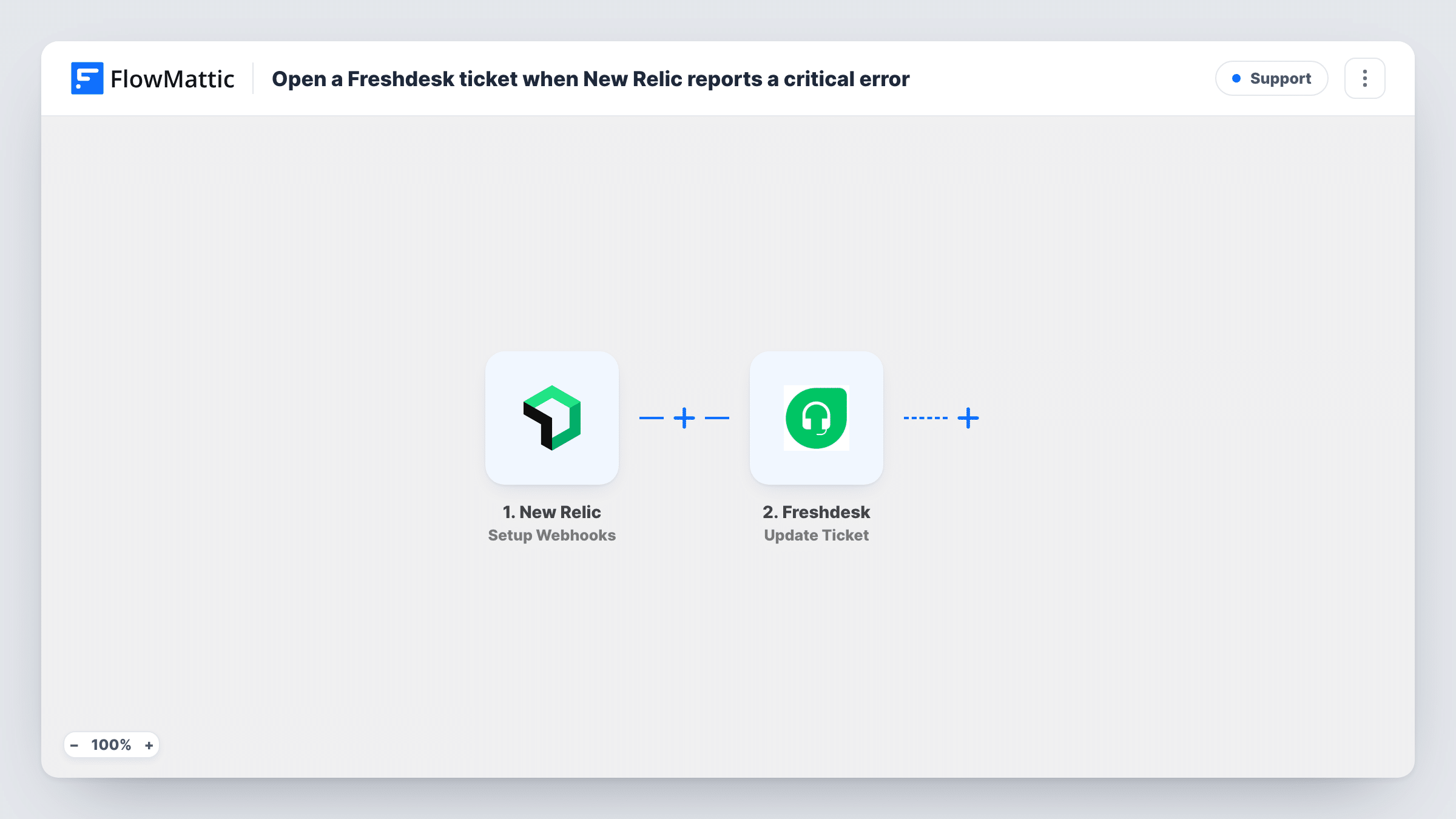
Each New Relic incident event, whether opened, acknowledged or closed, sends a POST request through API by FlowMattic that you set up to open a Freshdesk ticket.
 New Relic
 API by FlowMattic
2 steps Setup ~5 min Used on 421 sites Free to import
What this workflow does
Some incidents need follow-up long after the alert fires: a customer to update, a fix to verify, a write-up to file. Keeping that work in your help desk gives it an owner and a history. This workflow takes incident events from New Relic and opens a ticket in Freshdesk for each one.
The trigger, Setup Webhooks, fires when an incident is opened, acknowledged or closed. That means one incident can start up to three runs, and as shipped each run opens its own ticket. If you want one ticket per incident, add the Filter described in the tips. In New Relic, you decide which alerts reach the webhook through your alert and notification settings.
FlowMattic's Freshdesk integration has triggers but no actions, so the ticket is created by a POST request in API by FlowMattic. The step ships unmapped. After import you enter the Freshdesk ticket endpoint for your account, your authentication and the ticket fields, filling the subject and description with incident details from the trigger. Freshdesk's API reference lists the fields a ticket requires.
Open a test incident in New Relic and check Task History for the incident data and Freshdesk's reply.
Customer-facing incident follow-up
A SaaS support team gets a Freshdesk ticket when an incident opens, so agents can link customer complaints to it and reply once it's resolved.
Incident audit trail
An operations lead keeps a ticket for every opened, acknowledged and closed event, giving a timeline in Freshdesk that matches New Relic.
Post-incident reviews
An engineering manager filters to closed events only, so each resolved incident leaves a ticket for writing up the review.
How this workflow runs
What happens at each step once the workflow is on, and what you need before you import it.
 New Relic Setup Webhooks
Starts the workflow when a New Relic incident is opened, acknowledged or closed. The incident details are passed on for mapping into the ticket request.
- API by FlowMattic POST
Sends a POST request to Freshdesk's API from API by FlowMattic. Nothing is configured yet: add your ticket endpoint, authentication and request body, mapping New Relic incident details into the ticket.
What you need
- FlowMatticCore
- New Relic AccountAccount
After importing, map your own data. To keep the template universal, not every step is pre-filled. Open each step in the builder and connect your accounts and fields (channels, lists, sheets, recipients) before you switch the workflow on.
Make it yours
Changes worth making after you import it.
- For one ticket per incident, add a Filter between the New Relic trigger and the API by FlowMattic step that continues only when the incident state is opened, using the state field a test run shows.
- Put the New Relic incident ID in the Freshdesk ticket subject so agents can match related tickets and alerts.
- Map the incident's priority or severity, if the payload carries it, into the ticket's priority so serious incidents stand out in Freshdesk.
- Add a Slack step after the API by FlowMattic step if the on-call channel should also hear about each ticket.
Questions about this workflow
Will one New Relic incident create several Freshdesk tickets?
It can. The trigger fires on open, acknowledge and close, and each run sends a ticket request. Add a Filter between the trigger and the POST step on the incident state to keep only the event you want.
Why does this New Relic workflow use a POST request instead of a Freshdesk step?
FlowMattic's Freshdesk integration has triggers such as New Ticket and Update Ticket, but no actions. A POST request to Freshdesk's ticket API fills that gap.
Is the POST request to Freshdesk already set up?
No. The step ships empty, so you add the endpoint, authentication and ticket fields after import. Freshdesk's API reference describes what each ticket needs.
More Support workflows
Other ready-to-import templates from the same category.






Import this workflow into your WordPress site
Download the JSON, import it from the Workflows screen and connect your accounts. Every run stays on your server, with no per-task fees.
30-day money-back guarantee Unlimited workflows and runs Self-hosted