

Create custom coupon for a user in MemberPress when he completes a course in LearnDash
When a learner completes a LearnDash course, this workflow creates a new coupon in MemberPress, which you can build from the learner’s details and then send them as a reward or an offer for your next membership.
 LearnDash
 MemberPress
2 steps Setup ~5 min Used on 1.9k sites Free to import
What this workflow does
A finished course is a natural point to offer something next: a discount on a membership, an upgrade, or access to a follow-up programme. Making a coupon by hand for each graduate is easy to forget. This workflow creates a MemberPress coupon each time a course is completed.
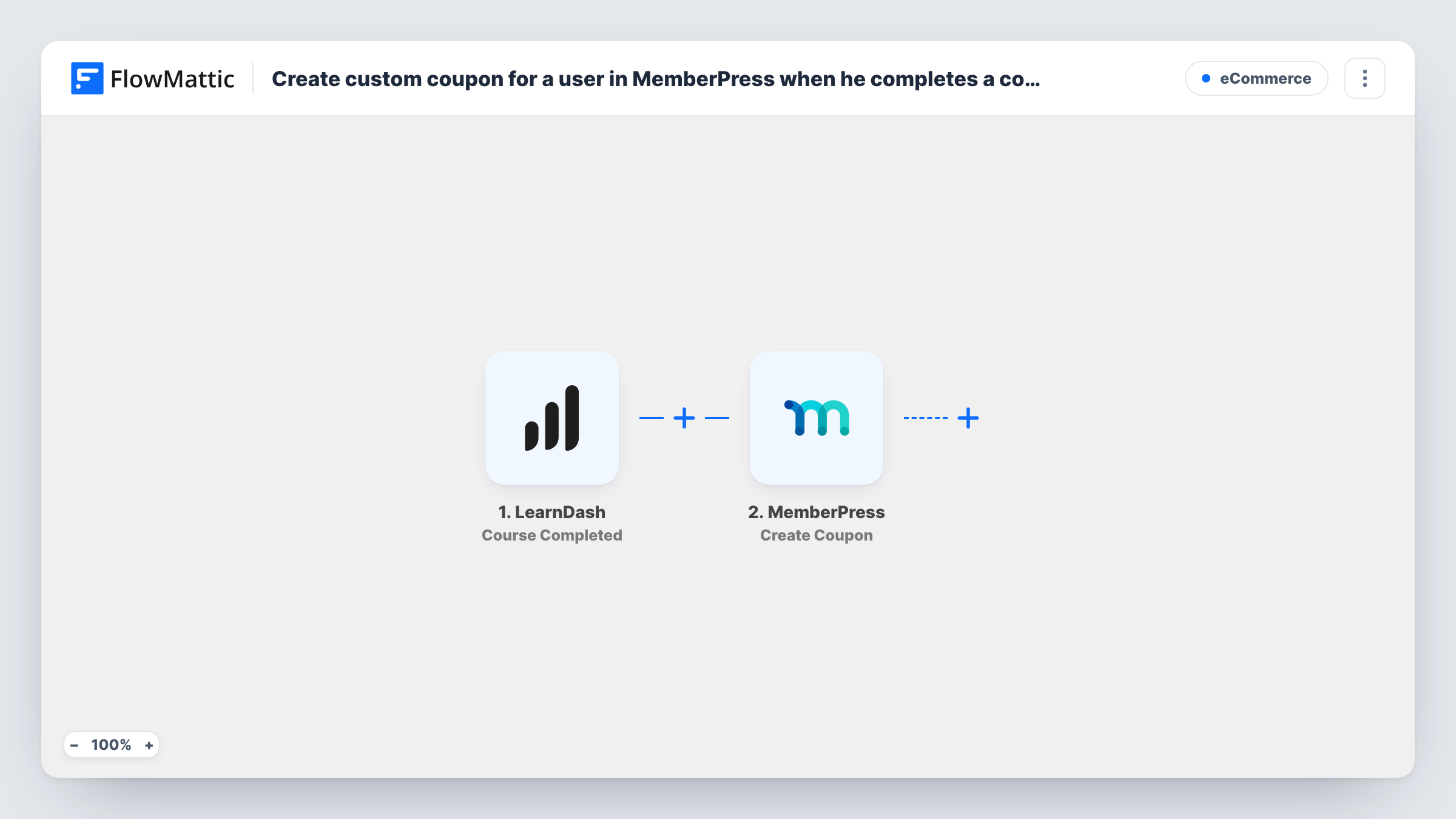
The LearnDash trigger fires when a user completes a course on your site, and the learner and course data becomes available to map. FlowMattic then runs Create Coupon in MemberPress. You decide what goes into the coupon, and you can use learner data so each one is different.
The workflow stops once the coupon exists. It does not email the code to the learner, and a MemberPress coupon is not tied to one person by this step, so anyone who has the code can use it within the rules you set. Add an email step if the learner should receive it. Task History shows each run and what MemberPress returned.
Graduation discount on a membership
A student finishes your beginner course. A MemberPress coupon is created for them, ready to send with an invitation to join your paid membership.
Upsell to an advanced programme
Learners who complete module one get a coupon toward the advanced membership that holds the next stage of content.
Thank-you reward for corporate trainees
Staff from a client company finish a compliance course, and each completion produces a coupon your account manager can pass on.
How this workflow runs
What happens at each step once the workflow is on, and what you need before you import it.
 LearnDash Course Completed
Runs when a user completes a LearnDash course on your site. The learner and course details are passed on so you can use them in the coupon.
- MemberPress Create Coupon
Adds a new coupon in MemberPress from the values you map. Run a test after import to see what the action asks for, and use learner data where you want each coupon to be unique.
What you need
- FlowMatticCore
- LearnDash PluginPlugin
- MemberPress PluginPlugin
After importing, map your own data. To keep the template universal, not every step is pre-filled. Open each step in the builder and connect your accounts and fields (channels, lists, sheets, recipients) before you switch the workflow on.
Make it yours
Changes worth making after you import it.
- Add an email step after Create Coupon and map the coupon details MemberPress returns into a message to the learner, so they actually receive the offer.
- Add a Filter after the trigger that continues only for the course you want to reward, if other LearnDash courses on your site should not create coupons.
- Build any code from learner data, such as their user ID plus a short word, so two completions never try to create the same coupon.
Questions about this workflow
Does the learner receive the MemberPress coupon automatically?
No. The workflow only creates the coupon in MemberPress. Add an email step after it and map in the coupon details to send it to the learner.
Can only the learner who finished the LearnDash course use the coupon?
Not through this step. It creates a normal MemberPress coupon, so anyone with the code can use it within the coupon's own limits.
Does every LearnDash course completion create a coupon?
Yes, as imported. Each completed course starts a run. Add a Filter on the course if only some courses should lead to a coupon.
Do LearnDash and MemberPress need to be on the same site?
Yes. Both are WordPress plugins, and FlowMattic runs the trigger and the action on the site where they are installed.
More E-Commerce workflows
Other ready-to-import templates from the same category.






Import this workflow into your WordPress site
Download the JSON, import it from the Workflows screen and connect your accounts. Every run stays on your server, with no per-task fees.
30-day money-back guarantee Unlimited workflows and runs Self-hosted