

Log every fulfilled Convictional order in a Google Sheets spreadsheet
Each time a fulfillment is added to a Convictional order, this workflow writes a new row to a Google Sheets spreadsheet, giving you a running log of shipped drop-ship orders that anyone with the sheet can read.
 Convictional
 Google Sheets
2 steps Setup ~5 min Used on 1.8k sites Free to import
What this workflow does
Convictional handles drop-ship orders between sellers and the stores that list their products. Keeping track of what has shipped often means pulling reports or checking order pages one by one. This workflow builds that record for you in a spreadsheet.
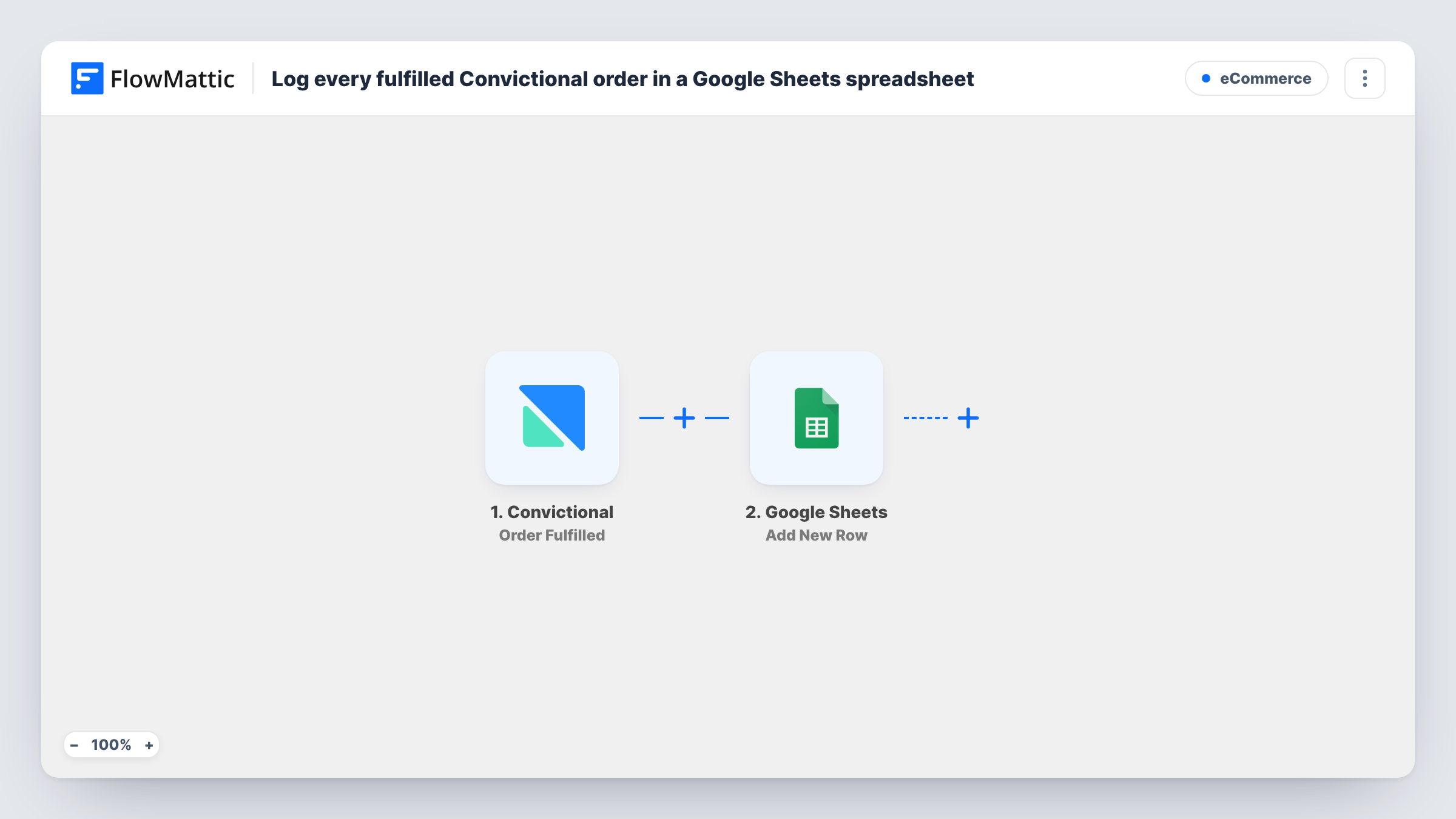
The Convictional Order Fulfilled trigger fires when a fulfillment is added to an order. FlowMattic then takes the order and fulfillment data and adds a new row to the Google Sheets spreadsheet you select, with each column filled from the value you mapped.
Two details shape what lands in the sheet. Editing an existing fulfillment does not fire the trigger, so a changed record stays as it was first logged. And because the event is a fulfillment being added, an order shipped in more than one part may produce more than one row. Task History lists every run if a row ever looks wrong.
Shipping report for a retailer
A retailer selling partner products through Convictional keeps a sheet of fulfilled orders to answer customers asking whether their order has shipped.
Weekly shipping count
An operations lead counts the rows added during the week to report how many Convictional fulfillments went out, with no export needed.
Finance reconciliation
Your bookkeeper matches the fulfilled orders in the sheet against invoices without needing a Convictional login.
How this workflow runs
What happens at each step once the workflow is on, and what you need before you import it.
 Convictional Order Fulfilled
Fires when a fulfillment is added to a Convictional order. Updates to an existing fulfillment do not trigger it. The order and fulfillment data is passed on for mapping.
- Google Sheets Add New Row
Writes one new row into the spreadsheet and tab you pick in Google Sheets. Map each column to a Convictional value, and connect your Google account during import.
What you need
- FlowMatticCore
- Convictional AccountAccount
- Google Sheets AccountAccount
After importing, map your own data. To keep the template universal, not every step is pre-filled. Open each step in the builder and connect your accounts and fields (channels, lists, sheets, recipients) before you switch the workflow on.
Make it yours
Changes worth making after you import it.
- Fulfill a test order in Convictional after import so FlowMattic captures the event's fields, then map them to your sheet's columns.
- Want canceled orders logged too? Copy the workflow, switch the trigger to Convictional's Order Canceled event, and point it at a second tab in the same spreadsheet.
- Share the spreadsheet view-only with staff who need the shipping log, so they can read it without editing the rows the workflow writes.
Questions about this workflow
Why might one Convictional order appear on two rows?
The trigger fires each time a fulfillment is added to an order. An order shipped in parts can get more than one fulfillment, and each one adds its own row.
Does editing a fulfillment in Convictional update the sheet?
No. Convictional's Order Fulfilled event does not fire when a fulfillment is updated, and the workflow only adds rows, so earlier rows are not changed.
Are past Convictional fulfillments added to the spreadsheet?
No. Only fulfillments added after you switch the workflow on are logged. Earlier orders have to be added to the sheet by hand if you want a complete history.
More E-Commerce workflows
Other ready-to-import templates from the same category.





Import this workflow into your WordPress site
Download the JSON, import it from the Workflows screen and connect your accounts. Every run stays on your server, with no per-task fees.
30-day money-back guarantee Unlimited workflows and runs Self-hosted