

Notify the risk team via Telegram when a 2Checkout fraud status changes
When the fraud review status of a 2Checkout order is updated, this workflow sends a Telegram message to your risk team with the order details you map in, so status changes don’t go unseen.
 2Checkout
 Telegram
2 steps Setup ~5 min Used on 2.5k sites Free to import
What this workflow does
Orders held for fraud review need someone to look at them, and status changes are easy to miss when nobody is watching the 2Checkout dashboard. This workflow sends a Telegram message each time an order's fraud review status is updated.
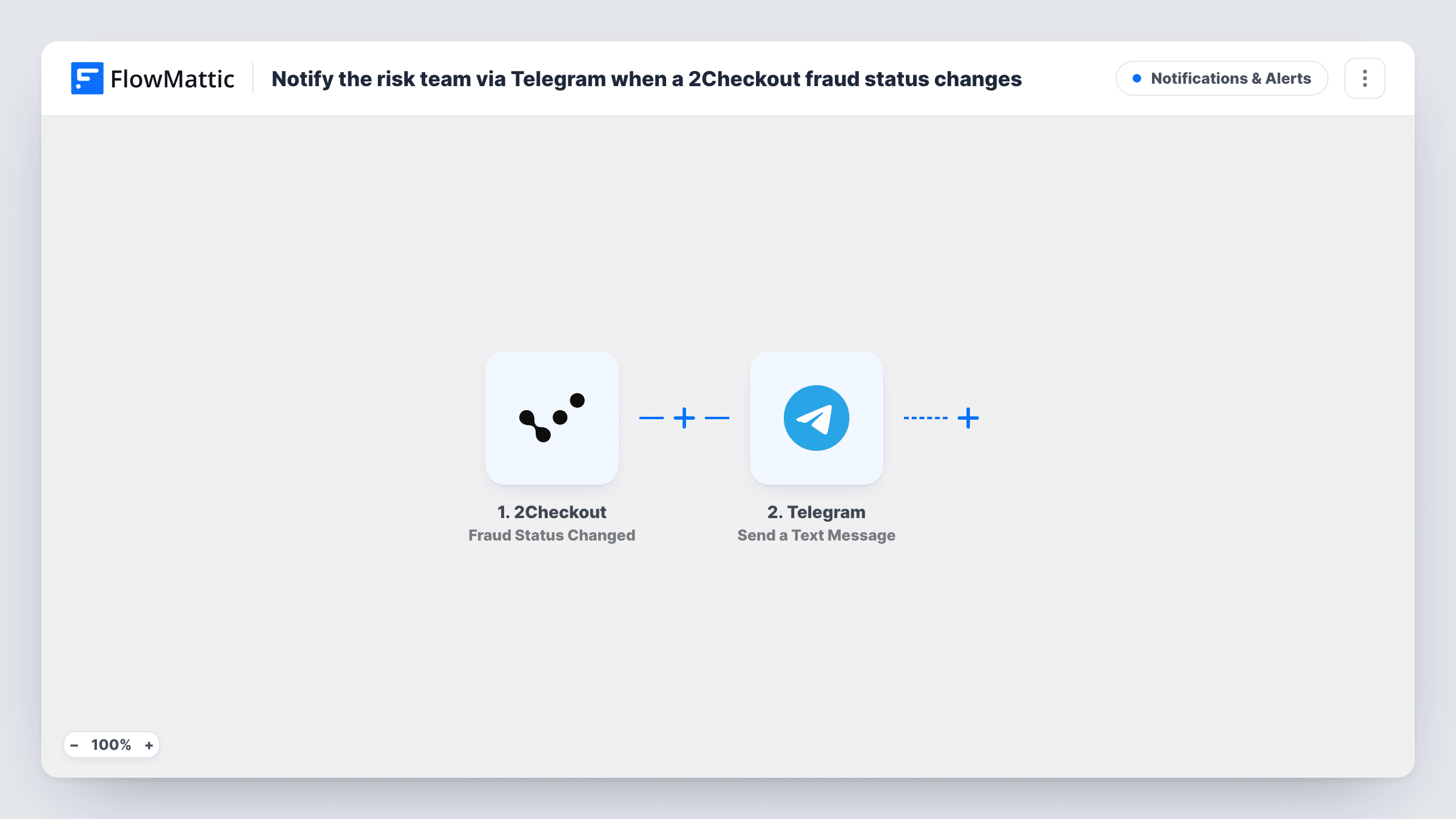
The 2Checkout trigger, Fraud Status Changed, fires on any update to an order's fraud review status. The order data it sends is passed to Telegram, where Send a Text Message delivers your message to the chat you set up. The action supports markup, so you can bold the order reference or the new status to make it stand out.
Every status change sends a message, whatever the new status is, because the template has no Filter. If your team only acts on certain outcomes, add one after import. Task History records each run and what was sent.
Risk team group chat
A Telegram group for your risk analysts gets a message whenever 2Checkout updates an order's fraud status, so whoever is on shift can review it.
Founder watching a small store
A solo software seller gets fraud status changes on their phone through Telegram and can decide whether to contact the buyer.
Support team context
Support staff who handle order questions see fraud review changes in Telegram, so they know why a customer's order might be on hold.
How this workflow runs
What happens at each step once the workflow is on, and what you need before you import it.
 2Checkout Fraud Status Changed
Fires whenever 2Checkout updates the fraud review status of an order. The order data from 2Checkout can be mapped into the Telegram message.
- Telegram Send a Text Message
Sends a text message to the Telegram chat you set up, with markup support. Write the alert and map in the order reference and fraud status from 2Checkout.
What you need
- FlowMatticCore
- 2Checkout AccountAccount
- Telegram AccountAccount
After importing, map your own data. To keep the template universal, not every step is pre-filled. Open each step in the builder and connect your accounts and fields (channels, lists, sheets, recipients) before you switch the workflow on.
Make it yours
Changes worth making after you import it.
- Add a Filter after the trigger that continues only for the fraud status values your team needs to act on, so routine changes don't send a message.
- Use a Router with one route per status value, each with its own Telegram step, to send different statuses to different chats.
- Add a Google Sheets step after the message to keep a log of every 2Checkout fraud status change for later review.
Questions about this workflow
Which 2Checkout fraud statuses send a Telegram message?
All of them, as imported. Any update to an order's fraud review status runs the workflow. Add a Filter on the status value to limit it.
Can the 2Checkout alert go to a Telegram group?
Yes. Point the Send a Text Message step at the group chat you want, then send a test to confirm the message arrives there.
Does this change the order in 2Checkout?
No. The workflow only reads the event and sends a message. Approving or cancelling the order still happens in 2Checkout.
Can I format the 2Checkout fraud alert?
Yes. Send a Text Message supports markup, so you can bold or otherwise format parts of the text you write.
More Notifications & Alerts workflows
Other ready-to-import templates from the same category.




Import this workflow into your WordPress site
Download the JSON, import it from the Workflows screen and connect your accounts. Every run stays on your server, with no per-task fees.
30-day money-back guarantee Unlimited workflows and runs Self-hosted