

Send a notification to the Telegram group when a new alert is received in TradingView
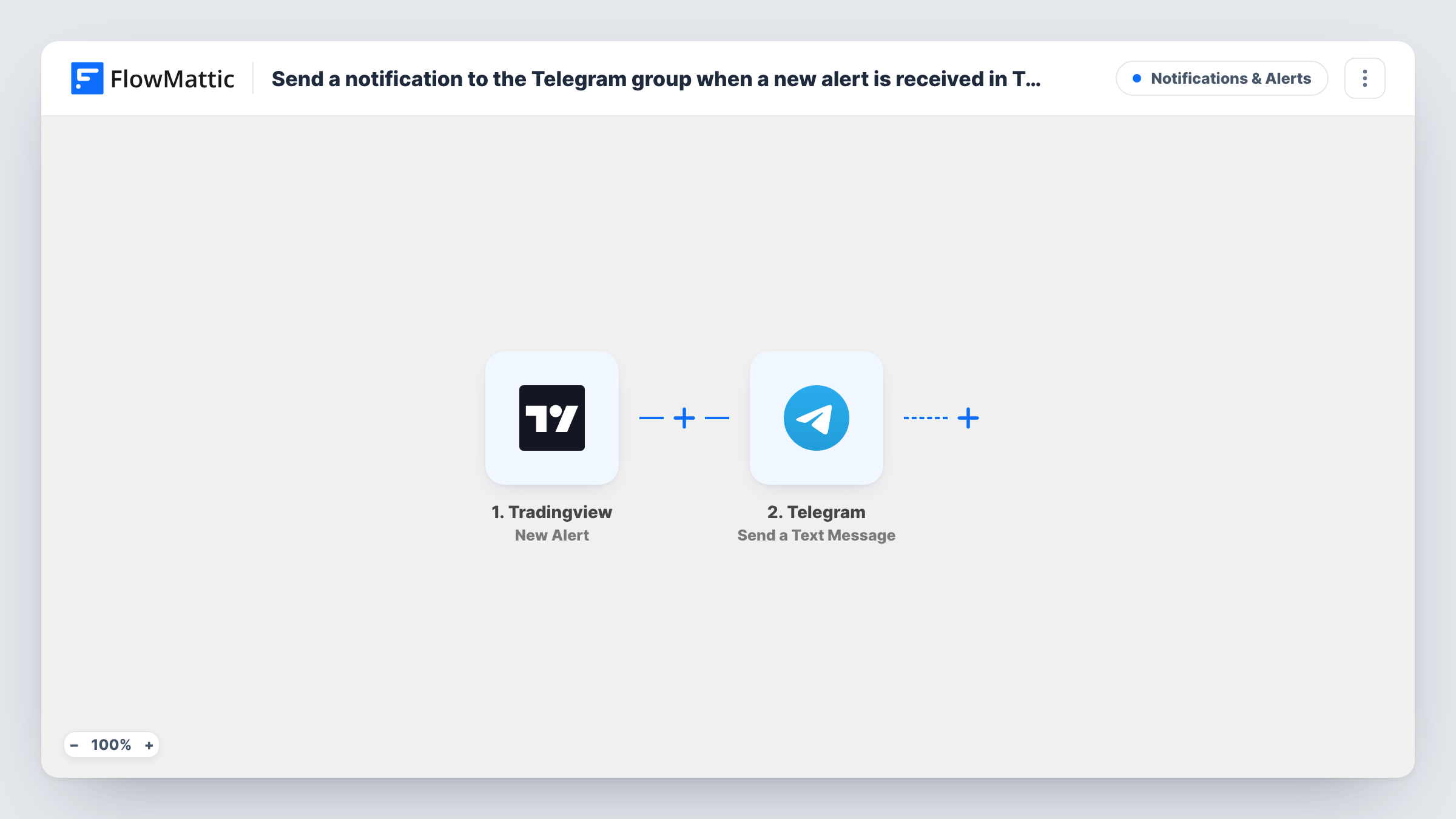
When a TradingView alert fires, this workflow posts a text message to your Telegram group through your bot, so everyone in the group sees the alert in the chat they already watch.
 Tradingview
 Telegram
2 steps Setup ~5 min Used on 2.6k sites Free to import
What this workflow does
TradingView alerts tell you when a price, indicator or drawing condition you set has been met. If you share signals with a group, passing each one along by hand means you have to be at the screen when it fires. This workflow forwards alerts to a Telegram group for you.
The TradingView trigger receives each new alert. FlowMattic takes the alert content and hands it to Telegram, where your bot sends a text message to the group you set. You write the message in the Telegram step and place the alert data inside it, with markup if you want parts in bold.
Every alert that reaches the trigger produces one message. The workflow does not judge the signal or place trades; it only relays what TradingView sent. Task History lists each run, which helps you check that alerts are arriving.
Signal group for a trading community
You run a Telegram group for members who follow your setups. Each TradingView alert you create is posted to the group as it fires.
Personal alerts on your phone
Add your bot to a private group with just yourself, and your TradingView alerts arrive as Telegram messages wherever you are.
Team watchlist
A small desk shares one watchlist. Alerts on key levels go to the team's Telegram group so everyone sees the same message.
How this workflow runs
What happens at each step once the workflow is on, and what you need before you import it.
 Tradingview New Alert
Receives each new alert from TradingView. The alert's content becomes data you can place in the Telegram message.
- Telegram Send a Text Message
Sends a text message through your Telegram bot to the group you choose. Build the message with the alert data and use markup for emphasis if you like.
What you need
- FlowMatticCore
- TradingView AccountAccount
- Telegram AccountAccount
After importing, map your own data. To keep the template universal, not every step is pre-filled. Open each step in the builder and connect your accounts and fields (channels, lists, sheets, recipients) before you switch the workflow on.
Make it yours
Changes worth making after you import it.
- Write a clear alert message in TradingView itself, naming the symbol and condition. That text is what reaches Telegram, so a readable alert makes a readable post.
- Running several groups? Add a Router with a route for each group and a condition on the alert content, using values that can't match more than one route.
- Fire a test alert after import and look at the run in Task History to see exactly which alert fields FlowMattic received.
Questions about this workflow
Does this workflow place trades from TradingView alerts?
No. It only sends a Telegram message with the alert data. Nothing is bought or sold.
How does the bot post to my Telegram group?
You connect a Telegram bot in FlowMattic and add that bot to your group. The Send a Text Message step then posts as the bot.
Will every TradingView alert be sent to Telegram?
Every alert that reaches the FlowMattic trigger is sent. If you want only some, add a Filter on the alert content after the trigger.
Can the Telegram message include the price from the alert?
Yes, if the price is part of what TradingView sends. Include it in your TradingView alert message, then map it into the Telegram text.
More Notifications & Alerts workflows
Other ready-to-import templates from the same category.




Import this workflow into your WordPress site
Download the JSON, import it from the Workflows screen and connect your accounts. Every run stays on your server, with no per-task fees.
30-day money-back guarantee Unlimited workflows and runs Self-hosted