

When a 2Checkout recurring installment fails, log it to Google Sheets and email the customer via Gmail
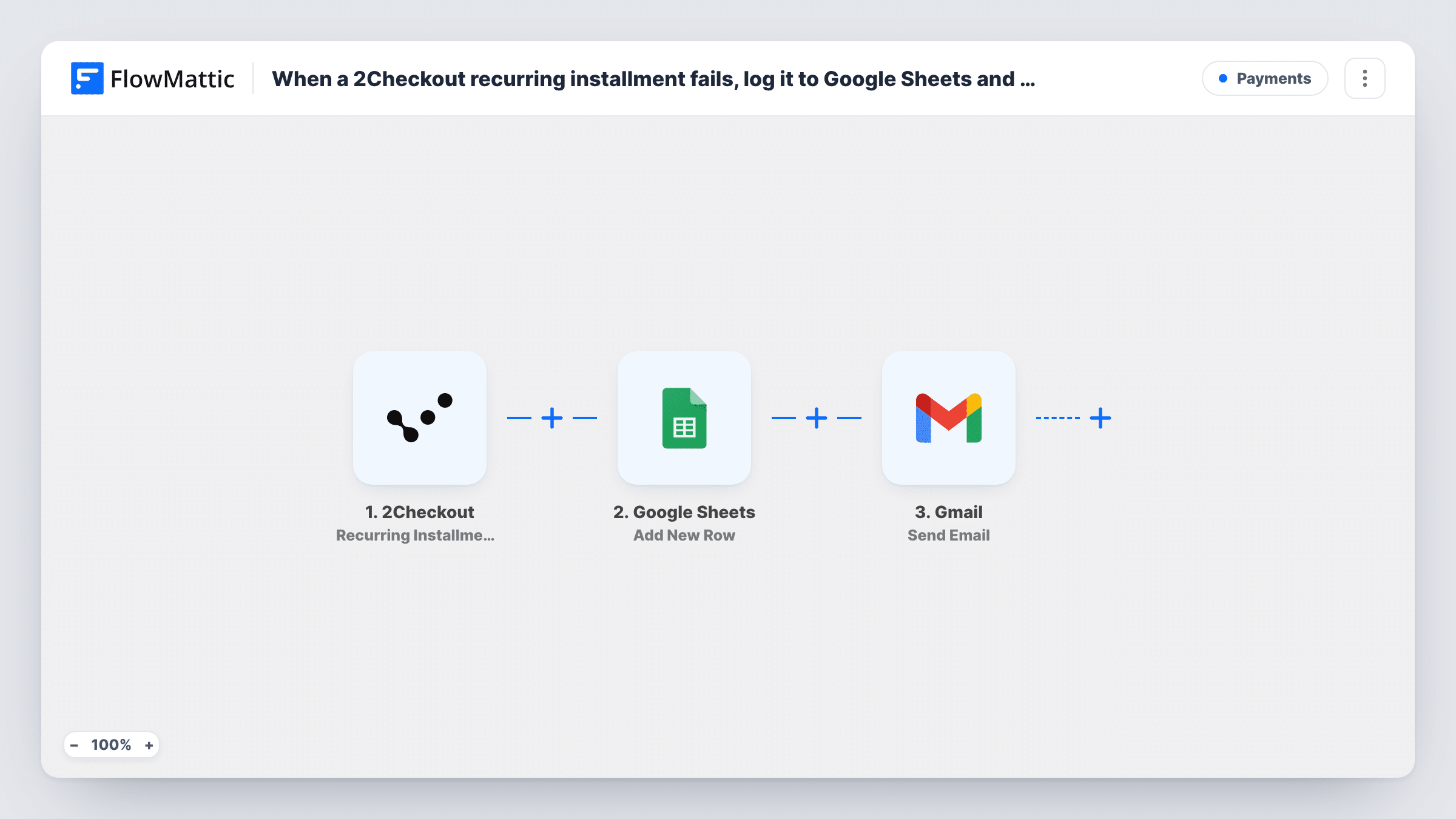
When a 2Checkout subscription payment attempt fails, this workflow adds the details to a Google Sheets row and sends the customer an email from your Gmail account, so you have a record and they hear about it.
 2Checkout
 Google Sheets
 Gmail
3 steps Setup ~5 min Used on 1.4k sites Free to import
What this workflow does
A failed renewal payment is easy to miss in a payment dashboard, and the customer may not know their card was declined. This workflow gives you a running list of failed installments and writes to the customer each time one happens.
The 2Checkout trigger Recurring Installment Failed fires when a scheduled recurring payment attempt fails. FlowMattic passes the event data to Google Sheets, which adds a new row with the fields you map, such as the order reference, customer and amount. Then the Gmail step sends an email from your connected account to the customer address taken from the same event.
You write the email after import. A plain note that the payment did not go through, and how to update their payment details, keeps it useful. Check with a test run which customer fields 2Checkout sends before you map the recipient. Every run appears in Task History, including the response from each step.
SaaS subscription renewals
A monthly plan renewal is declined in 2Checkout. The customer gets an email asking them to update their card, and the failure is added to the sheet your billing person checks.
Software licence installments
Customers paying for a licence in installments are told by email when one is missed, and the sheet shows which accounts have missed payments.
Monthly review of failed charges
At the end of each month you sort the Google Sheets log by customer to see who failed more than once and needs a personal follow-up.
How this workflow runs
What happens at each step once the workflow is on, and what you need before you import it.
 2Checkout Recurring Installment Failed
Runs when 2Checkout reports that a scheduled recurring payment attempt failed. The order and customer data from that event are available to map in the next two steps.
- Google Sheets Add New Row
Writes the failed installment into a new row of the spreadsheet you pick. Map columns to the 2Checkout data you want to keep, such as the order reference, customer email and amount.
- Gmail Send Email
Emails the customer through the Gmail account you connect. Map their address from the 2Checkout event as the recipient, then write the subject and message, adding order details where they help.
What you need
- FlowMatticCore
- 2Checkout AccountAccount
- Google Sheets AccountAccount
- Gmail AccountAccount
After importing, map your own data. To keep the template universal, not every step is pre-filled. Open each step in the builder and connect your accounts and fields (channels, lists, sheets, recipients) before you switch the workflow on.
Make it yours
Changes worth making after you import it.
- Add a date column in the Google Sheets step so you can see when each failure happened and spot repeat failures for the same customer.
- Add a Delay before the Gmail step if you would rather email the customer a few hours after the failed attempt instead of straight away.
- Set up a second workflow on 2Checkout's Recurring Installment Success trigger to log successful renewals to another tab, so you can tell when a failed customer has paid.
Questions about this workflow
Which 2Checkout payments start this workflow?
It runs when 2Checkout reports that a scheduled recurring payment attempt failed. Successful renewals don't start it; 2Checkout has a separate Recurring Installment Success trigger for those.
Does the workflow retry the failed 2Checkout payment?
No. It records the failure and emails the customer. It does not change anything in your 2Checkout account, so how and when 2Checkout tries again is outside this workflow.
Can the Gmail email go to my team instead of the customer?
Yes. Put your team's address in the recipient field instead of mapping the customer's email, or add a second Gmail step so both receive a message.
Will older failed installments be added to the Google Sheet?
No. The trigger only reacts to failures that happen after you turn the workflow on, so earlier ones need to be added by hand.
More Payments workflows
Other ready-to-import templates from the same category.



Import this workflow into your WordPress site
Download the JSON, import it from the Workflows screen and connect your accounts. Every run stays on your server, with no per-task fees.
30-day money-back guarantee Unlimited workflows and runs Self-hosted