

When user completes a payment in Stripe, update the lead status in Instantly
When a Stripe charge succeeds, FlowMattic updates the status of the matching lead in Instantly, so prospects who have paid are marked in your outreach tool and your campaigns can treat them as customers.
 Stripe
 Instantly
2 steps Setup ~5 min Used on 2.0k sites Free to import
What this workflow does
Cold outreach in Instantly and payments in Stripe usually live apart. When a prospect you've been emailing finally pays, Instantly doesn't know, and the lead can keep its old status until someone changes it by hand. This workflow updates the lead's status in Instantly as soon as Stripe reports the payment.
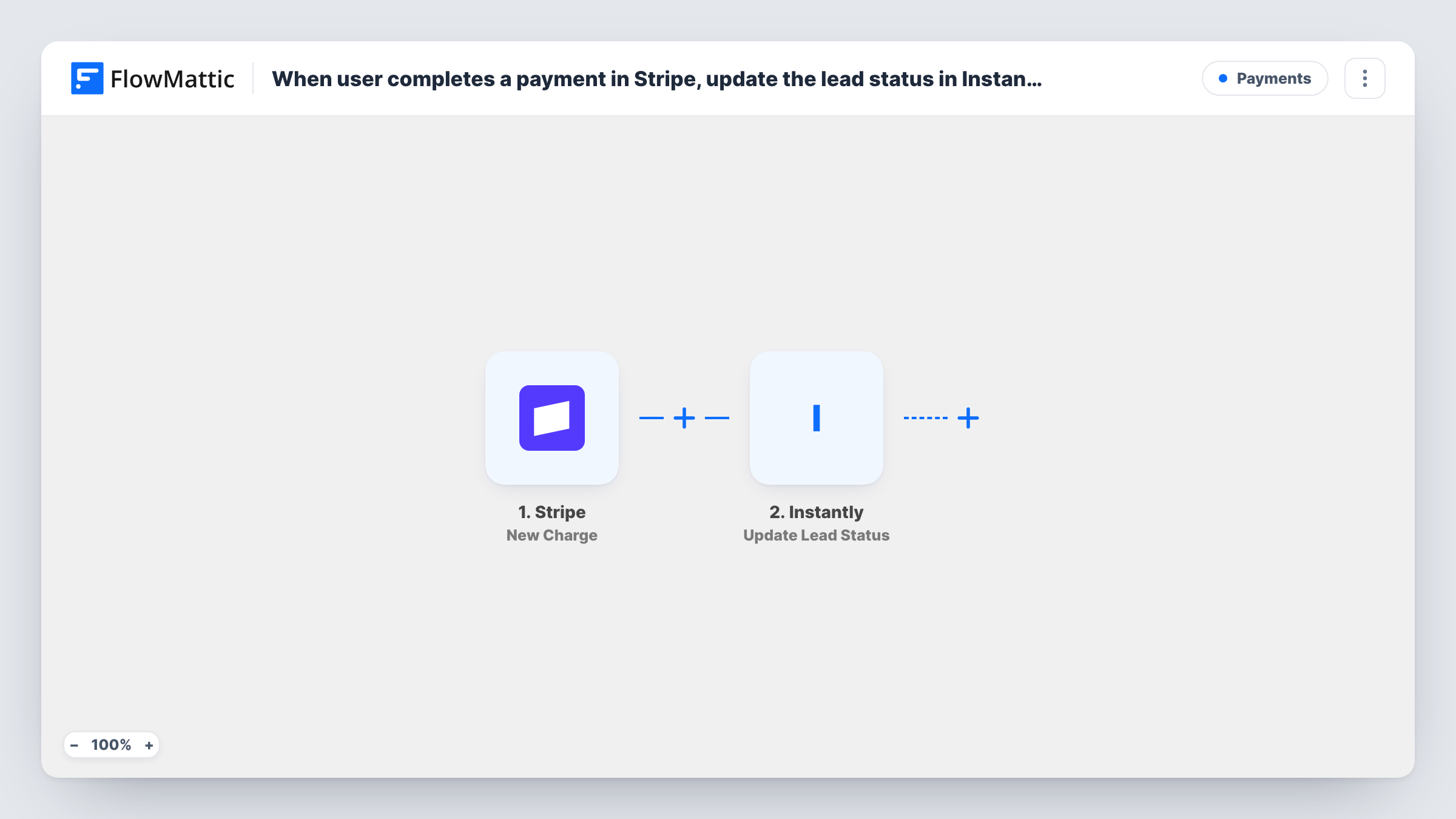
The Stripe trigger, New Charge, fires whenever a new charge is created and is successful. FlowMattic receives the charge details, which can include the payer's email in the billing details. The Instantly step runs Update Lead Status, and you map the details that identify the lead and set the status it should get.
The step only changes leads Instantly already has. A payer who was never in your Instantly campaigns has no lead to update; Task History shows what Instantly returned for that run. Stripe charges don't always carry an email either, so check a test charge and confirm the value you map is filled in.
Agency closing deals from cold email
Prospects from your Instantly campaigns pay the first invoice through Stripe. Their lead status changes, so your team sees in Instantly who has become a client.
SaaS founder running outbound
Trial users who came from your outreach pay by card. Their Instantly lead status changes without anyone on your team editing it by hand.
Consultant selling a paid audit
You email local businesses offering an audit and take payment with a Stripe link. A paid audit updates the lead's status once the Stripe charge succeeds.
How this workflow runs
What happens at each step once the workflow is on, and what you need before you import it.
 Stripe New Charge
Fires whenever a new charge is created and succeeds in your Stripe account. Make a test payment so FlowMattic captures the charge fields, including any billing email.
- Instantly Update Lead Status
Updates the status of the matching lead in Instantly. Connect your Instantly account, map the payer's email from the charge to identify the lead, and test with a lead you know is there.
What you need
- FlowMatticCore
- Stripe AccountAccount
- Instantly AccountAccount
After importing, map your own data. To keep the template universal, not every step is pre-filled. Open each step in the builder and connect your accounts and fields (channels, lists, sheets, recipients) before you switch the workflow on.
Make it yours
Changes worth making after you import it.
- Add a Filter after the trigger that continues only when the charge's billing email is not empty, so charges without an email don't reach Instantly.
- Use Instantly's Delete Lead action instead if you would rather remove paying customers from your outreach lists than mark them.
- If the billing email is often missing, look at a test run for another field that carries the customer's email, such as a receipt address, and map that one.
Questions about this workflow
What happens when a Stripe payer isn't a lead in Instantly?
Instantly has no lead to change for that person, so the step can't update anything. Task History shows Instantly's response for the run. The Stripe payment itself is unaffected.
Does a failed Stripe payment change the Instantly lead status?
No. The New Charge trigger only fires for charges that succeed, so declined or failed payments don't start a run.
How does the Instantly step know which lead paid?
From the details you map, usually the payer's email from the Stripe charge. Stripe doesn't always include an email, so confirm it with a test charge.
Will paying customers keep getting Instantly campaign emails?
This workflow only changes the lead status. Whether that stops further emails depends on how your Instantly campaigns treat that status, so check your campaign settings.
More Payments workflows
Other ready-to-import templates from the same category.







Import this workflow into your WordPress site
Download the JSON, import it from the Workflows screen and connect your accounts. Every run stays on your server, with no per-task fees.
30-day money-back guarantee Unlimited workflows and runs Self-hosted