

Send a Twilio SMS receipt when a BPC payment succeeds
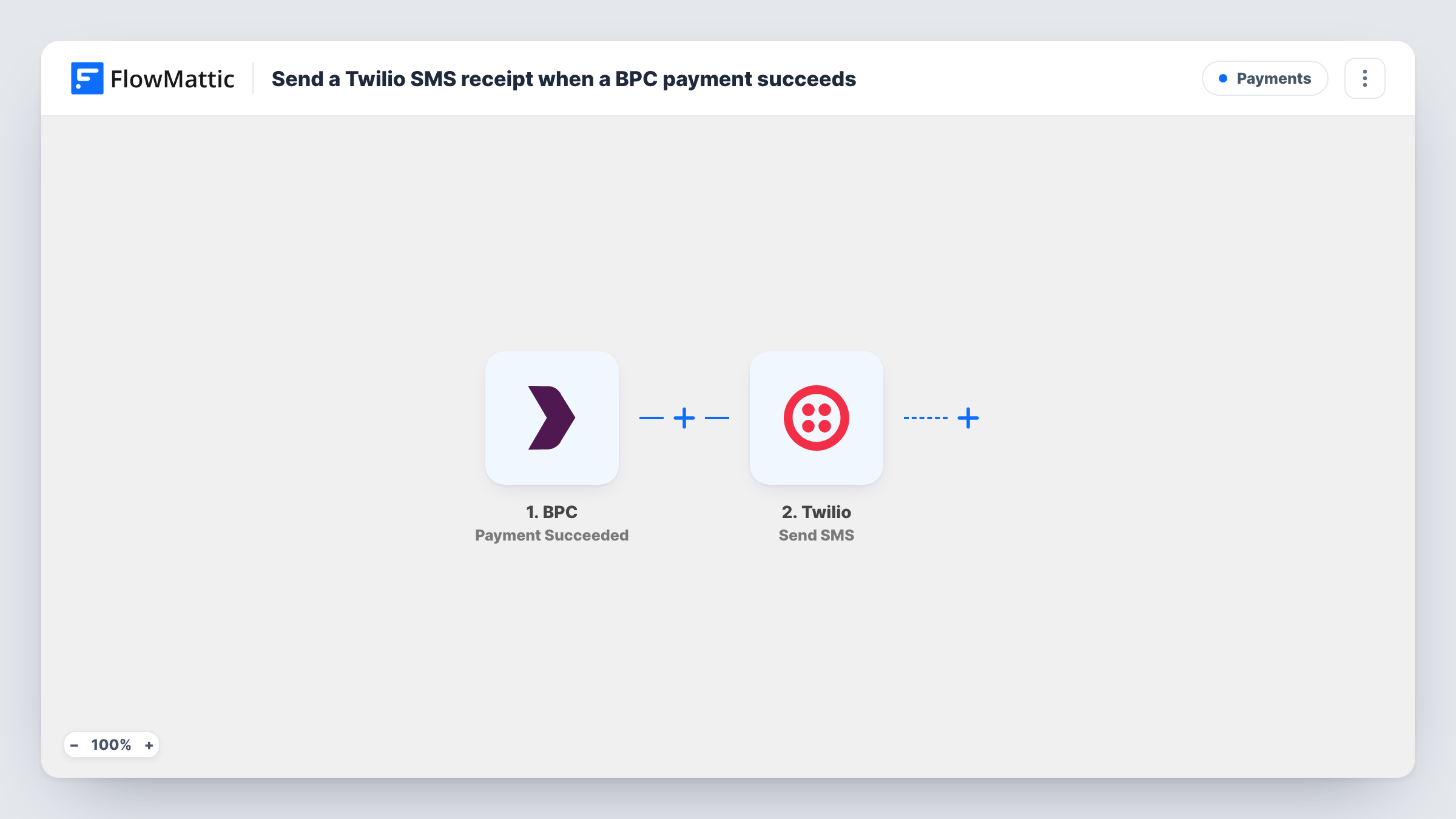
When a BPC payment succeeds, this workflow sends the customer a text message through Twilio, so they get a short receipt on their phone confirming the payment went through.
 BPC
BPC
 Twilio
2 steps Setup ~5 min Used on 2.9k sites Free to import
What this workflow does
Customers paying on a phone often want a quick confirmation they can see straight away, not only an email that may land in another folder. This workflow texts them a receipt each time a payment clears in BPC.
The BPC trigger fires when a payment is successful. FlowMattic receives that payment's details and hands them to the next step. The Twilio step sends an SMS to a number using your Twilio account. You map the customer's phone number as the recipient and write the receipt text, adding payment details such as the amount where it helps.
The text can only reach the customer if the BPC payment data includes a phone number you can map. Run a test payment after import and check the trigger data in FlowMattic before you switch the workflow on. Every successful payment sends one message, and Task History shows the Twilio response for each run, which is where a rejected number would appear.
Receipts for in-person card payments
A customer pays at a market stall or pop-up through BPC and gets a text confirming the amount before they walk away.
Deposit confirmations for bookings
Clients paying a deposit for a service receive an SMS that the deposit cleared, which they can show if they are asked about it later.
Customers who don't read email
For a customer base that rarely checks email, a short Twilio text gives a payment confirmation they are more likely to see.
How this workflow runs
What happens at each step once the workflow is on, and what you need before you import it.
 BPC Payment Succeeded
Fires when a payment in BPC is successful. The payment details BPC sends, such as the amount and any customer information, are passed on for mapping.
- Twilio Send SMS
Texts the customer through your connected Twilio account. Map the customer's phone number from the BPC data as the recipient and write the receipt text with the payment fields you want to include.
What you need
- FlowMatticCore
- BPC AccountAccount
- Twilio AccountAccount
After importing, map your own data. To keep the template universal, not every step is pre-filled. Open each step in the builder and connect your accounts and fields (channels, lists, sheets, recipients) before you switch the workflow on.
Make it yours
Changes worth making after you import it.
- Write the receipt text with the amount and a reference from the BPC payment, so the customer can match the message to their bank statement.
- Add a Filter after the trigger that continues only when the phone field is not empty, so runs without a number stop before Twilio instead of failing there.
- Store each receipt sent in a Google Sheets row by adding a step after Twilio, which gives you a log of who was texted and when.
Questions about this workflow
Where does the phone number for the Twilio SMS come from?
From the BPC payment data. Run a test payment and check which customer fields BPC sends. If no phone number is included, the SMS step has nothing to send to, so confirm this before relying on the workflow.
Do I need a Twilio account to send these receipts?
Yes. The SMS goes out through your own Twilio account and sending number, which you connect when you import the workflow.
Does every successful BPC payment trigger a text?
Yes. There is no Filter in the template, so each successful payment sends one SMS. Add a Filter if some payments, such as internal tests, should not.
Is this an official tax receipt?
No. It is a text message whose wording you write. If you need a formal receipt or invoice, keep sending it the way you do now and treat the SMS as a quick confirmation.
More Payments workflows
Other ready-to-import templates from the same category.






Import this workflow into your WordPress site
Download the JSON, import it from the Workflows screen and connect your accounts. Every run stays on your server, with no per-task fees.
30-day money-back guarantee Unlimited workflows and runs Self-hosted