

Create a Zoho Sheet row from each new WPForms submission
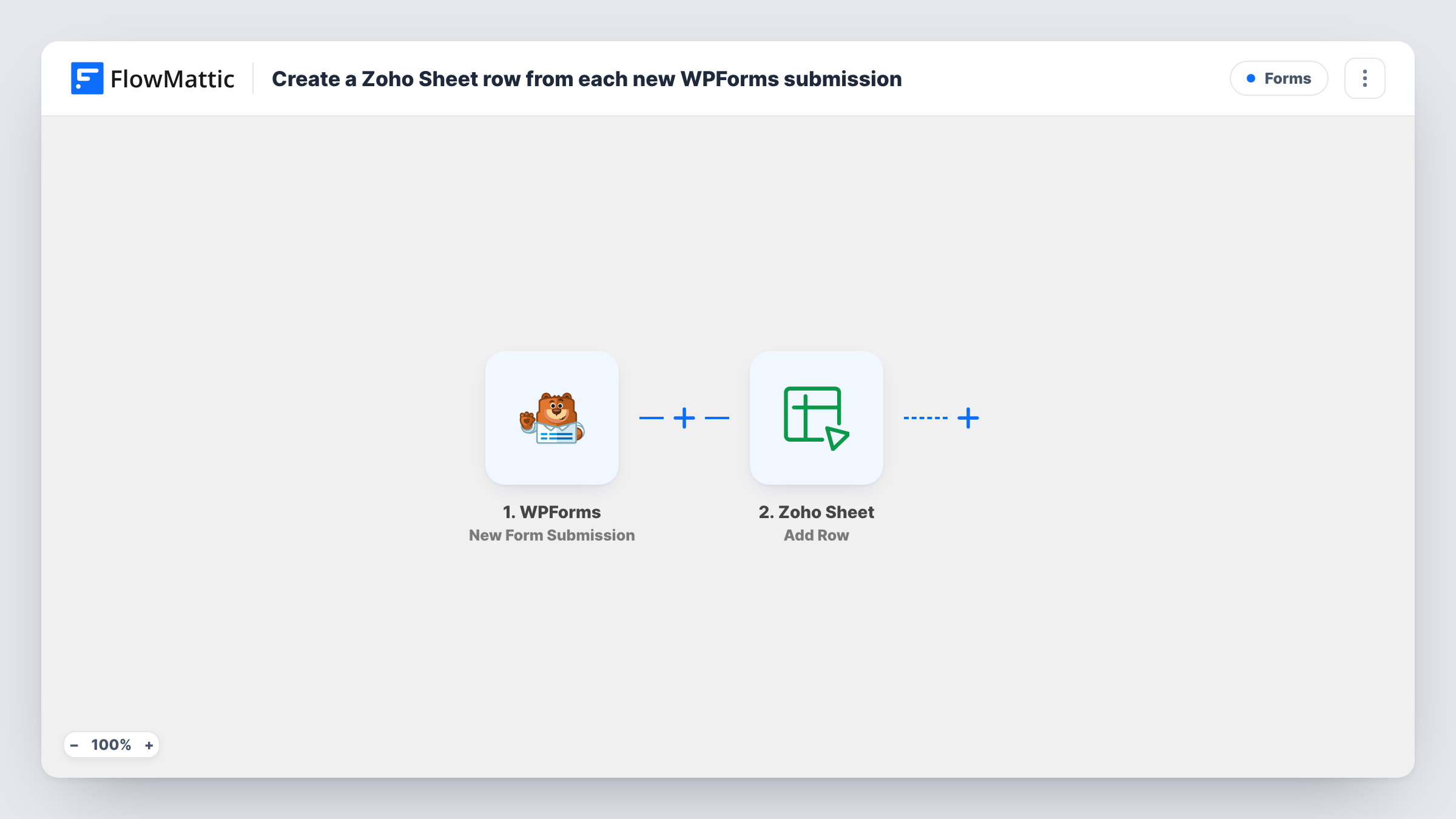
When someone submits a WPForms form on your WordPress site, this workflow appends the answers as a new row in the Zoho Sheet worksheet you pick, so entries are kept in a spreadsheet your team can open.
 WPForms
 Zoho Sheet
2 steps Setup ~5 min Used on 663 sites Free to import
What this workflow does
WPForms entries are handy in the WordPress dashboard, but teams that work in Zoho often want them in a spreadsheet. Exporting entries by hand gets out of date quickly. This workflow adds each new submission to Zoho Sheet as it arrives.
The WPForms trigger runs when a visitor submits your form. FlowMattic sends the answers to Zoho Sheet, where Add Row appends them to a worksheet. You decide which answer goes in which column.
Each submission adds its own row, so a person who submits twice appears twice. Nothing is filtered as imported, which makes the sheet a complete record of entries made after you turn the workflow on. Task History lists each run and the response from Zoho Sheet.
Contact enquiries for a sales team
Enquiries from your WPForms contact form land in a Zoho Sheet that the sales team already uses to assign and track follow-ups.
Event registrations
A registration form fills a Zoho Sheet attendee list, which the organiser shares with venue staff who don't use WordPress.
Job applications
Each application submitted through WPForms becomes a row the hiring manager can sort and comment on in Zoho Sheet.
How this workflow runs
What happens at each step once the workflow is on, and what you need before you import it.
 WPForms New Form Submission
Starts when someone sends a WPForms form on your WordPress site. Every answer becomes available to map into the Zoho Sheet columns.
- Zoho Sheet Add Row
Appends a row to the Zoho Sheet worksheet you choose. Map each WPForms field to a column and connect your Zoho account.
What you need
- FlowMatticCore
- WPForms PluginPlugin
- Zoho Sheet AccountAccount
After importing, map your own data. To keep the template universal, not every step is pre-filled. Open each step in the builder and connect your accounts and fields (channels, lists, sheets, recipients) before you switch the workflow on.
Make it yours
Changes worth making after you import it.
- Submit a test entry after import so FlowMattic captures the WPForms fields, then map them to your Zoho Sheet columns.
- Add a Filter after the trigger if only some submissions belong in the sheet, for example those that chose a particular service.
- Add a Slack or email step after Zoho Sheet to tell your team a new entry arrived, with a short summary of the answers.
Questions about this workflow
Does WPForms still store the entry?
The workflow doesn't change how WPForms saves or emails entries. It runs after submission and only adds a copy to Zoho Sheet.
What if the same person submits the WPForms form twice?
Two rows are added. Add Row appends every time and does not look for an earlier row with the same details.
Are older WPForms entries copied to Zoho Sheet?
No. Zoho Sheet receives only the WPForms entries submitted once the workflow is active.
Do I need the column headers set up in Zoho Sheet first?
It helps. Create the worksheet and its header row before mapping, so you can match each WPForms field to the right column.
More Forms workflows
Other ready-to-import templates from the same category.







Import this workflow into your WordPress site
Download the JSON, import it from the Workflows screen and connect your accounts. Every run stays on your server, with no per-task fees.
30-day money-back guarantee Unlimited workflows and runs Self-hosted