

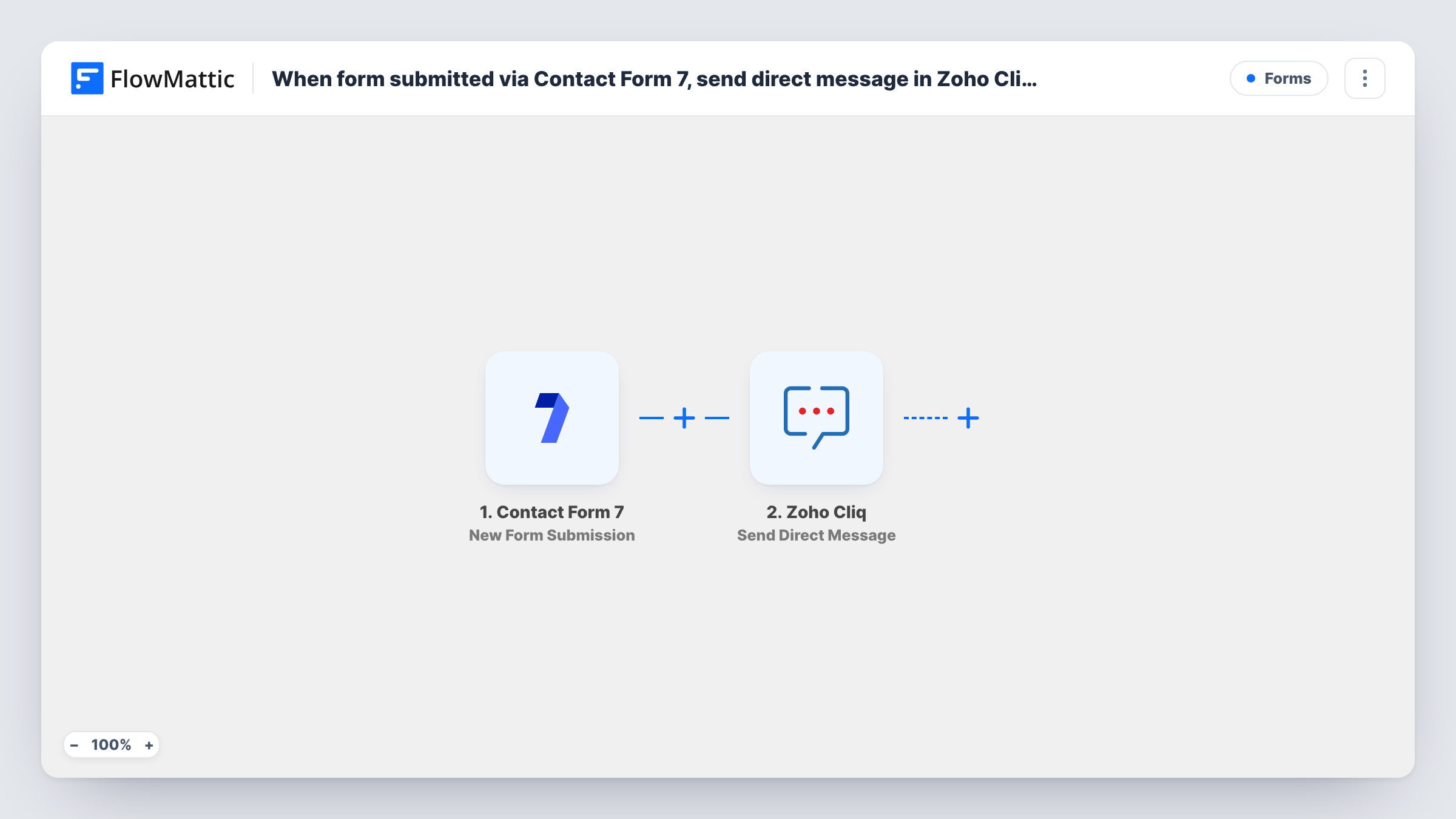
When form submitted via Contact Form 7, send direct message in Zoho Cliq to assigned team member
Every Contact Form 7 submission is sent as a direct message in Zoho Cliq to the team member you assign in the workflow, so the person responsible for those enquiries sees each one in their chat.
 Contact Form 7
 Zoho Cliq
2 steps Setup ~5 min Used on 1.8k sites Free to import
What this workflow does
Contact Form 7 emails each submission to an inbox, and in a busy inbox a new enquiry can sit unread. If one person on your team owns these requests, a chat message puts it where they already talk with the team. This workflow sends each submission to that person as a Zoho Cliq direct message.
The Contact Form 7 trigger fires when someone submits a form on your WordPress site, and every field they filled in reaches FlowMattic. The Zoho Cliq step uses Send Direct Message, which sends a direct (buddy) message to a user. You set the recipient and write the message, placing form answers such as name, email and message wherever you want them.
The template sends every submission to the one person you set. It doesn't choose an owner based on the form's content. If different enquiries belong to different people, the tips explain how to add a Router. Contact Form 7 keeps sending its usual email as well.
Sales lead owner
Your website's quote form goes to the sales rep who handles inbound leads. They get a Cliq message with the visitor's name, company and request as soon as it's sent.
Support request on a client site
An agency keeps a support form on each client's site. The account manager for that client receives each request in Zoho Cliq.
Booking enquiries for a venue
The events coordinator gets a direct message with the date and guest count from every booking enquiry form, without watching a shared inbox.
How this workflow runs
What happens at each step once the workflow is on, and what you need before you import it.
 Contact Form 7 New Form Submission
Starts a run whenever a Contact Form 7 form on your WordPress site is sent. All submitted fields are passed on for use in the Zoho Cliq message.
- Zoho Cliq Send Direct Message
Sends a direct message in Zoho Cliq to the user you choose. Write the message and map the form fields into it, then connect your Zoho account. A test run shows how it reads.
What you need
- FlowMatticCore
- Contact Form 7 PluginPlugin
- Zoho Cliq AccountAccount
After importing, map your own data. To keep the template universal, not every step is pre-filled. Open each step in the builder and connect your accounts and fields (channels, lists, sheets, recipients) before you switch the workflow on.
Make it yours
Changes worth making after you import it.
- To send enquiries to different people, add a Router after the trigger with a route per value of a dropdown such as Department, each with its own Zoho Cliq step and recipient.
- If your site has several Contact Form 7 forms, check whether all of them start this workflow, and add a Filter on a field unique to this form if needed.
- Prefer a shared view? Zoho Cliq also has Send Channel Message, so you could post to a team channel instead of messaging one person.
Questions about this workflow
Who receives the Zoho Cliq message?
The user you set in the Send Direct Message step. As imported, every Contact Form 7 submission goes to that one person.
Does Contact Form 7 still send its notification email?
Yes. This workflow only listens for submissions and doesn't change your form's mail settings.
Can the Zoho Cliq message include every form field?
Yes. Each field from the submission can be mapped into the message text. Submit a test entry so the fields appear for mapping.
Does the person who filled in the Contact Form 7 form see the Zoho Cliq message?
No. The message goes only to the Zoho Cliq user you set. To reply to the visitor, your team member uses the contact details in the message, if your form collects them.
More Forms workflows
Other ready-to-import templates from the same category.






Import this workflow into your WordPress site
Download the JSON, import it from the Workflows screen and connect your accounts. Every run stays on your server, with no per-task fees.
30-day money-back guarantee Unlimited workflows and runs Self-hosted