

Log every newly added Crowdin source string to a Google Sheets spreadsheet
Whenever a source string is added in Crowdin, this workflow writes a row to Google Sheets with the string details you map, so your team has a running list of new text waiting to be translated.
 Crowdin
 Google Sheets
2 steps Setup ~5 min Used on 2.6k sites Free to import
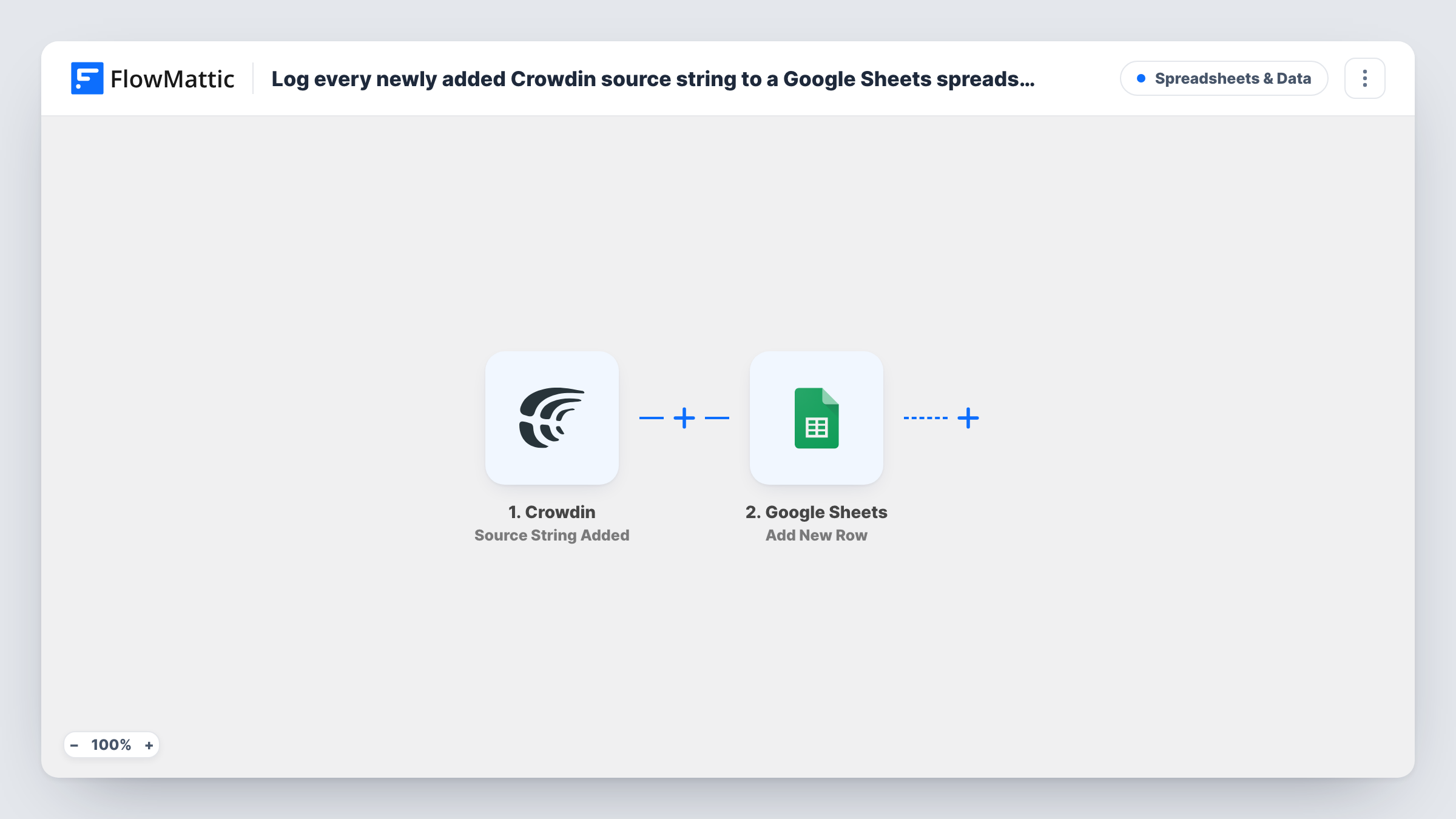
What this workflow does
New source strings arrive in Crowdin as developers ship features or writers update copy. Translators and project leads often want one place to see what came in and when, without opening each project. A spreadsheet that grows on its own does that job, and it is easy to share with people who don't use Crowdin.
The Crowdin trigger runs when a source string is added to your project. FlowMattic collects the data Crowdin sends about that string. The Google Sheets step then writes it as a new row in the spreadsheet and sheet you pick, with each column filled from the Crowdin value you map to it.
One string means one row. If a large file upload adds many strings at once, expect many rows. The sheet is a log, not a live mirror: later edits or translations of a string in Crowdin don't change its row. Task History shows every run with the data received from Crowdin.
Weekly review of new UI text
A localization lead opens the sheet each Monday to see which strings were added during the week and plans translator work from that list.
Copy check before translation starts
A content editor scans the new strings in the sheet for typos or unclear wording, so problems are fixed in the source before translators pick them up.
Tracking volume across releases
Product managers count rows by date in Google Sheets to see how much new text each release added to Crowdin.
How this workflow runs
What happens at each step once the workflow is on, and what you need before you import it.
 Crowdin Source String Added
Runs when a source string is added in Crowdin. The details Crowdin sends about the new string are passed on so you can map them into spreadsheet columns.
- Google Sheets Add New Row
Writes one row per new Crowdin source string to the Google Sheets sheet you choose. Connect your Google account and map the string values to your columns.
What you need
- FlowMatticCore
- Crowdin AccountAccount
- Google Sheets AccountAccount
After importing, map your own data. To keep the template universal, not every step is pre-filled. Open each step in the builder and connect your accounts and fields (channels, lists, sheets, recipients) before you switch the workflow on.
Make it yours
Changes worth making after you import it.
- Share the spreadsheet with translators as view-only, so they can plan from the log without changing the rows the workflow adds.
- Add a test source string in Crowdin after import so FlowMattic captures the payload, then map the fields you care about before turning the workflow on.
- Want the team pinged as well? Add a Slack or Discord step after Google Sheets that posts the new string to a localization channel.
Questions about this workflow
Will uploading a whole Crowdin file add a row for each string?
Each source string Crowdin reports as added starts its own run, so a file with many new strings can add many rows. Watch Task History after your first big upload.
Does the sheet change when a Crowdin string is translated?
No. The workflow only adds a row when a string is added. Crowdin has other FlowMattic triggers, such as file and project translation events, if you want to log progress too.
Are strings already in my Crowdin project copied?
No. Only strings added after the workflow is on start a run. Existing strings are not sent to the sheet.
Which Crowdin values can I put in the spreadsheet?
Whatever Crowdin includes with the source string event. Add a test string, then check the captured data in the Google Sheets step to see what is available.
More Spreadsheets & Data workflows
Other ready-to-import templates from the same category.



Import this workflow into your WordPress site
Download the JSON, import it from the Workflows screen and connect your accounts. Every run stays on your server, with no per-task fees.
30-day money-back guarantee Unlimited workflows and runs Self-hosted