

Send messages to a Discord channel when a new tawk.to chat begins
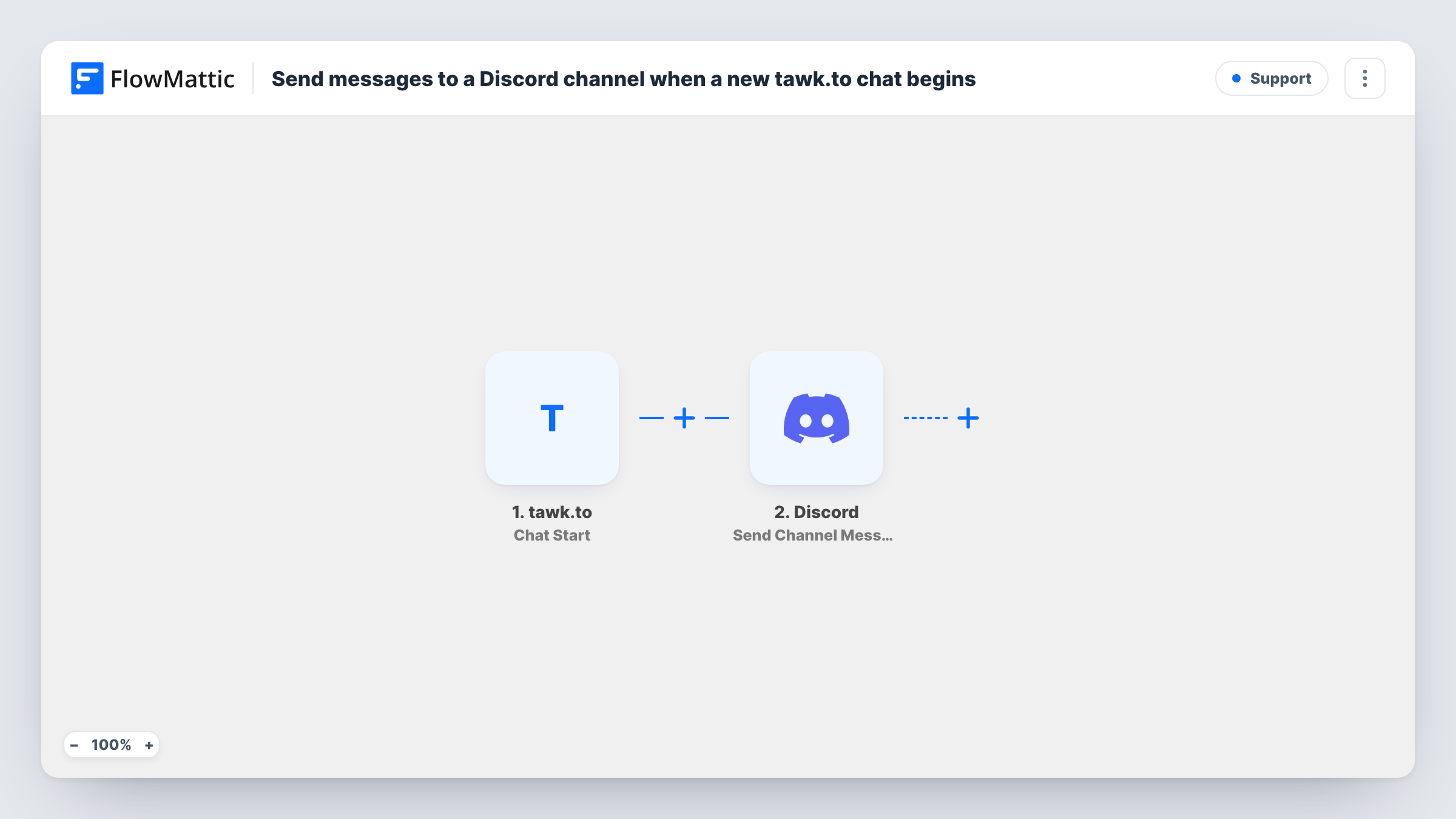
When a new tawk.to chat starts, this workflow posts a message to the Discord channel you choose with the chat details you map, so whoever is online can jump into the conversation.
 tawk.to
 Discord
2 steps Setup ~5 min Used on 2.8k sites Free to import
What this workflow does
tawk.to notifies agents who have its dashboard or app open. Teams that spend their day in Discord can miss a chat that arrives while they are elsewhere. This workflow posts to a Discord channel at the start of each chat, so the alert lands where your team already looks.
The tawk.to Chat Start trigger fires when the first message in a chat is sent, by either the visitor or an agent. FlowMattic receives the chat data and passes it to Discord. The Send Channel Message step posts to the channel you pick, using text you write with chat values inserted, such as the visitor's name or first message.
Because an agent's first message also counts as a chat start, chats your team opens themselves post too. Each chat posts once, at the start; replies later in the chat don't. Task History records every run with the tawk.to data and Discord's response.
Support team that works in Discord
Your helpers coordinate in a Discord server. Each new tawk.to chat posts to a support channel, and someone replies that they are taking it.
Sales questions on a pricing page
Visitors open tawk.to chats from your pricing page. The Discord post shows their first message, so a salesperson can see whether it needs them.
Evening cover for a small shop
The owner keeps Discord on their phone after hours. A post for each new chat means a late visitor can still get an answer.
How this workflow runs
What happens at each step once the workflow is on, and what you need before you import it.
 tawk.to Chat Start
Runs when the first message of a tawk.to chat is sent, by the visitor or an agent. The chat's data is passed on for use in the Discord message.
- Discord Send Channel Message
Puts one notice per new chat into a Discord channel of your choosing. Connect your Discord account, pick the channel and write the text with tawk.to chat values inserted.
What you need
- FlowMatticCore
- Tawk.to AccountAccount
- Discord AccountAccount
After importing, map your own data. To keep the template universal, not every step is pre-filled. Open each step in the builder and connect your accounts and fields (channels, lists, sheets, recipients) before you switch the workflow on.
Make it yours
Changes worth making after you import it.
- Start a test chat on your site after import so FlowMattic captures the tawk.to data, then map the visitor name and message into the Discord text.
- Add a second workflow on the tawk.to Ticket Created trigger posting to the same Discord channel, so offline tickets get the same visibility as live chats.
- If you run tawk.to on several sites, include a value that identifies the site or property in the Discord message so the team knows where the chat came from.
Questions about this workflow
Does a Discord message post for every reply in the tawk.to chat?
No. Chat Start fires once, when the first message in a chat is sent. Later messages in that chat don't post again.
Will chats started by my own agents post to Discord?
Yes. tawk.to counts the first message as a chat start whether the visitor or an agent sends it. Add a Filter on the chat data if you want to leave agent-started chats out.
Can I answer the tawk.to visitor from Discord?
No. The workflow only posts a notice to Discord. You reply to the visitor in tawk.to as usual.
What Discord access does this tawk.to workflow need?
A Discord account connected to FlowMattic that can post in the channel you pick. You set this up when you import the workflow.
More Support workflows
Other ready-to-import templates from the same category.




Import this workflow into your WordPress site
Download the JSON, import it from the Workflows screen and connect your accounts. Every run stays on your server, with no per-task fees.
30-day money-back guarantee Unlimited workflows and runs Self-hosted