

Notify the localization lead via Telegram when a Crowdin project is fully reviewed
When translations in all files of a Crowdin project are approved for a target language, this workflow sends your localization lead a Telegram message so they know that language is ready for sign-off.
 Crowdin
 Telegram
2 steps Setup ~5 min Used on 2.7k sites Free to import
What this workflow does
Localization leads often wait on reviewers before they can sign off a release, and checking Crowdin's progress bars by hand is easy to forget. This workflow messages the lead on Telegram as soon as Crowdin reports that a language has been fully reviewed.
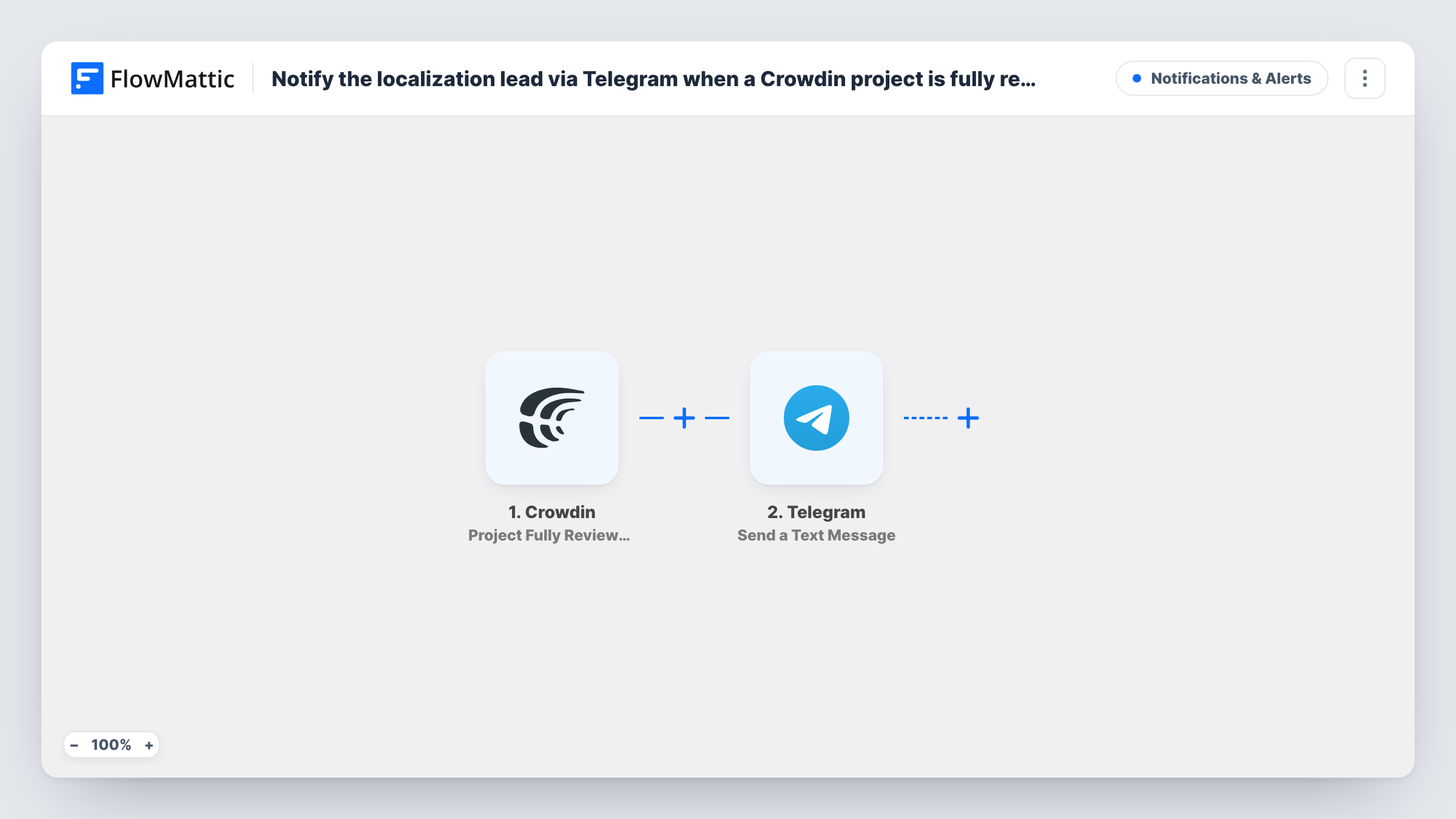
The Crowdin trigger, Project Fully Reviewed, fires when translations in all files are approved for one of the project's target languages. That means a project with five target languages can fire it five times, once per language as each one finishes review. The event data, such as the project and language, is passed on.
The second step runs Send a Text Message in Telegram, which supports markup in the text. You set the chat that receives it, usually the lead's chat or a localization group, and write the message with the project and language mapped in. Task History lists every message sent.
App releases waiting on translations
Your mobile app ships in several languages. The lead gets a Telegram message as each language is fully reviewed and can tick it off the release checklist.
Documentation localized by volunteers
Community reviewers approve translations at their own pace. The maintainer hears on Telegram when a language reaches full approval instead of checking Crowdin daily.
Agency managing client translations
Post the alert to a Telegram group shared with the project manager, so both know a client's language is approved and ready to deliver.
How this workflow runs
What happens at each step once the workflow is on, and what you need before you import it.
 Crowdin Project Fully Reviewed
Fires when every file in a Crowdin project has approved translations for one target language. It runs once per language that reaches full approval, and the project and language details become available to map.
- Telegram Send a Text Message
Sends a Telegram text message to the chat you set, such as the localization lead or a team group. Map the project and language from Crowdin into the message so it says what is ready.
What you need
- FlowMatticCore
- Crowdin AccountAccount
- Telegram AccountAccount
After importing, map your own data. To keep the template universal, not every step is pre-filled. Open each step in the builder and connect your accounts and fields (channels, lists, sheets, recipients) before you switch the workflow on.
Make it yours
Changes worth making after you import it.
- Add a Filter after the trigger that continues only for the languages the lead signs off, if other languages are handled by someone else.
- Use Telegram markup to bold the language name, making the message easy to scan when several languages finish close together.
- Add a second action, such as a Slack message or a task in your project tool, if the release team also needs to know the language is approved.
Questions about this workflow
Does Crowdin's Project Fully Reviewed fire once per project or per language?
Per language. Crowdin fires it when all files are approved for one of the target languages, so a project with several languages sends one Telegram message for each.
Who receives the Telegram message?
The chat you set in the Send a Text Message step, which can be a person or a group. Connect your Telegram bot and choose the chat during setup.
Which Crowdin projects does this Telegram workflow watch?
The project events come from the Crowdin account you connect to the trigger. Connect an account that can see the project, then use a test review or a Filter on the project name to confirm which projects send messages.
Can the Telegram alert include a link to the Crowdin project?
If the Crowdin event data includes project details you can use to build a link, map them into the message. Run a test to see which fields are available.
More Notifications & Alerts workflows
Other ready-to-import templates from the same category.






Import this workflow into your WordPress site
Download the JSON, import it from the Workflows screen and connect your accounts. Every run stays on your server, with no per-task fees.
30-day money-back guarantee Unlimited workflows and runs Self-hosted