

When a new message is created in FaceUp, send a notification via WhatsApp Cloud API
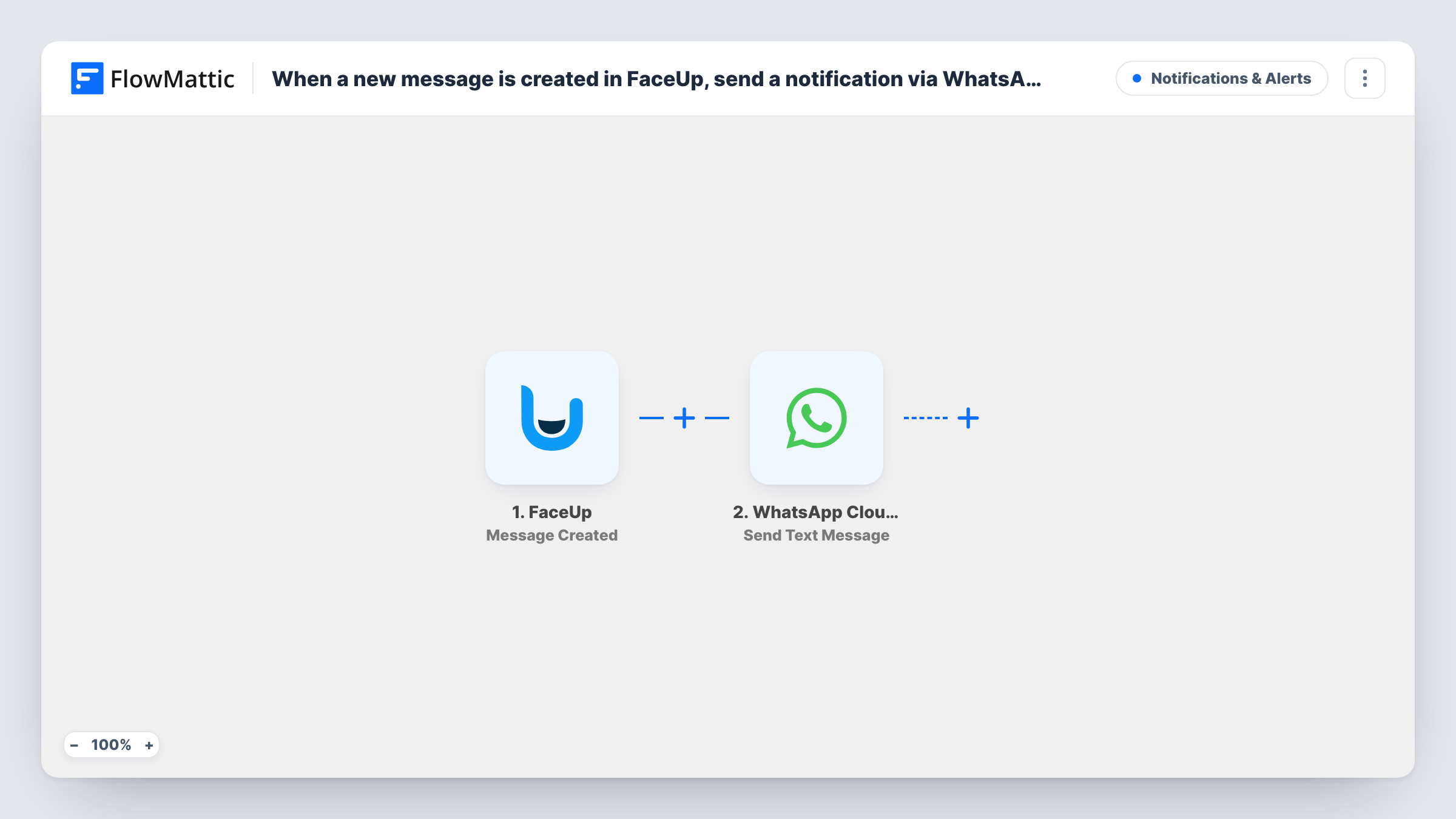
When a sender posts a new message in FaceUp, this workflow sends a WhatsApp text through the WhatsApp Cloud API to the number you choose, so a case handler hears about it without opening FaceUp.
 FaceUp
 WhatsApp Cloud API
2 steps Setup ~5 min Used on 1.4k sites Free to import
What this workflow does
Someone who writes in FaceUp is waiting for a reply, yet case handlers rarely sit in the FaceUp dashboard all day. This workflow sends a WhatsApp alert to the number you set whenever a sender adds a message.
The FaceUp trigger, Message Created, fires when a new message from a sender is created. FlowMattic passes that event to the WhatsApp Cloud API step, which runs Send Text Message from your business number to the recipient you map. You write the alert text yourself and decide which event details go into it.
One limit matters here. A free-form WhatsApp text is delivered only when its recipient has sent your business number a message in the past 24 hours. If your case handler has not written to that number recently, the alert usually won't arrive. For dependable alerts, switch the step to Send Template Message with a template approved in your WhatsApp account. Task History shows each run and the response from WhatsApp.
Whistleblowing case handler on the move
A compliance officer who is often away from a desk gets a WhatsApp alert when a reporter replies, and opens FaceUp to answer.
HR team covering a reporting line
A small HR team sends alerts to the person on duty that week, so new messages from employees get a prompt look.
School or club safeguarding lead
The safeguarding lead is told when someone adds a message to an anonymous report, without having to keep the FaceUp tab open.
How this workflow runs
What happens at each step once the workflow is on, and what you need before you import it.
 FaceUp Message Created
Fires when a new message from a sender is created in FaceUp. The event data becomes available to map into the WhatsApp alert.
- WhatsApp Cloud API Send Text Message
Sends a free-form WhatsApp text from your business number to the recipient you set. Delivery needs the recipient to have messaged that number in the last 24 hours. Connect your WhatsApp Cloud API account and write the alert.
What you need
- FlowMatticCore
- FaceUp AccountAccount
- WhatsApp Cloud API AccountAccount
After importing, map your own data. To keep the template universal, not every step is pre-filled. Open each step in the builder and connect your accounts and fields (channels, lists, sheets, recipients) before you switch the workflow on.
Make it yours
Changes worth making after you import it.
- Swap this step's action to Send Template Message and pick a template WhatsApp has approved. Templates are not bound by the 24-hour window, so alerts reach the handler whenever a message arrives.
- Keep the alert short and leave the reporter's message text out of it. The handler can read the content inside FaceUp, which keeps sensitive details off phones.
- To alert two handlers, add a second WhatsApp step with the other number so both get the same notice.
Questions about this workflow
Why didn't the WhatsApp alert arrive?
Free-form text only reaches a person who messaged your business number within the last 24 hours. Outside that window WhatsApp won't deliver it. Task History shows WhatsApp's response, and switching to an approved template message avoids the problem.
Does this send anything to the FaceUp reporter?
No. The WhatsApp message goes to the number you set in the step, such as your case handler. The reporter stays inside FaceUp.
Which WhatsApp number do the FaceUp alerts come from?
Your WhatsApp business number on the Cloud API, which you connect when you import the workflow. Handlers see the alert as a message from that number.
Will new FaceUp reports also send an alert?
Not with this trigger, which fires on new messages. FaceUp also has a Report Created trigger in FlowMattic; use it in a second workflow to get alerts for new reports.
More Notifications & Alerts workflows
Other ready-to-import templates from the same category.




Import this workflow into your WordPress site
Download the JSON, import it from the Workflows screen and connect your accounts. Every run stays on your server, with no per-task fees.
30-day money-back guarantee Unlimited workflows and runs Self-hosted