

Send Hotmart order data to Google Sheets for approved purchases
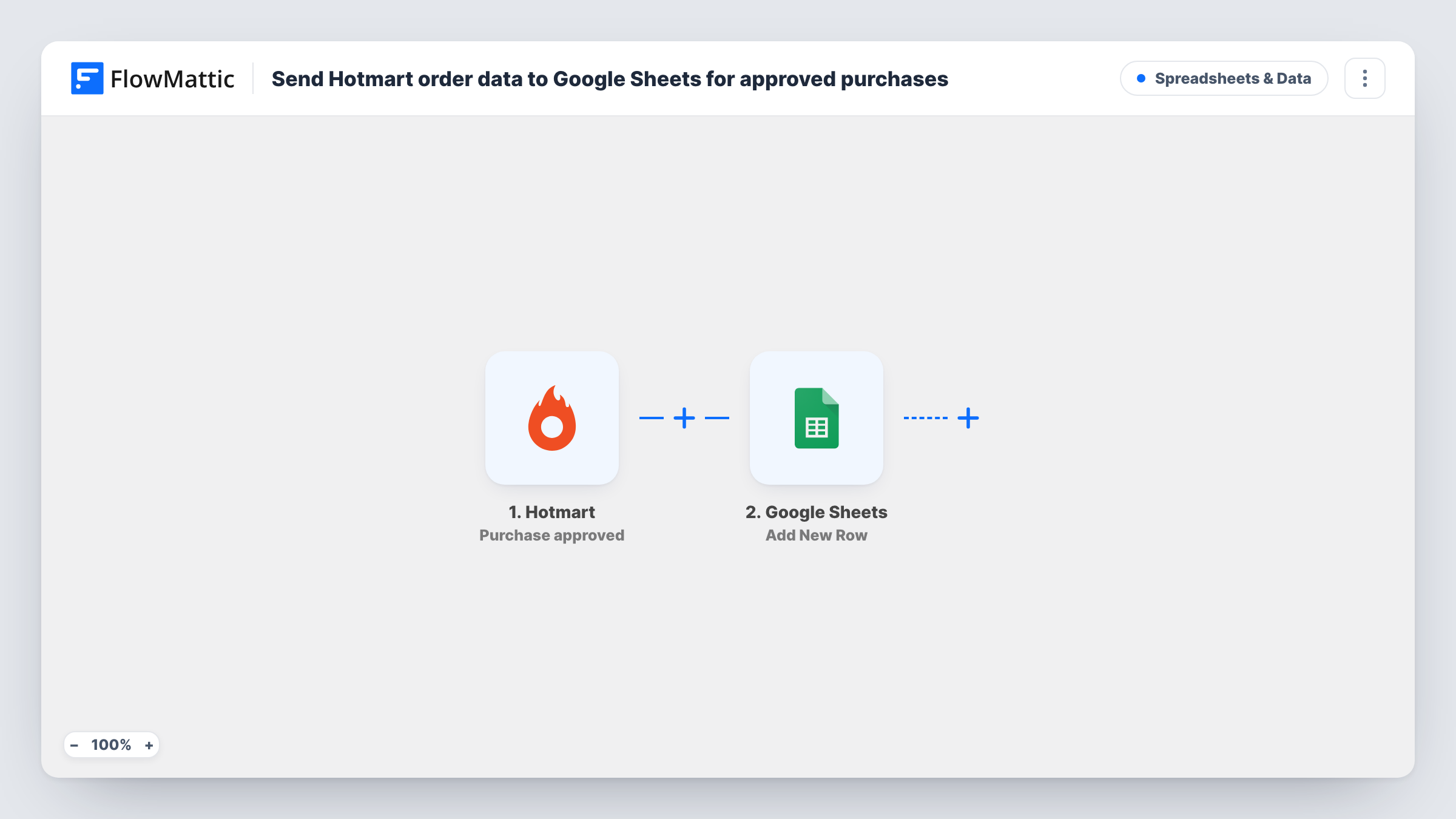
Each time Hotmart approves a purchase, this workflow adds the order data to a new Google Sheets row, so you have a running list of approved sales for your digital products.
 Hotmart
 Google Sheets
2 steps Setup ~5 min Used on 609 sites Free to import
What this workflow does
Hotmart reports on your sales, but many producers and affiliates want their own copy: to share with a partner, to join with ad spend, or to build reports Hotmart doesn't show. This workflow keeps that copy in Google Sheets, one row per approved purchase.
The Hotmart trigger fires when a purchase is approved. Purchases still waiting for payment, or ones that never complete, don't start a run. FlowMattic receives the purchase data Hotmart sends, and the Google Sheets step adds it as a new row in the file and tab you pick. You map which values go in each column, for example the buyer, product, price and transaction code.
Each row records the sale at the moment of approval. A later refund or chargeback in Hotmart doesn't change it. Task History lists every run with the Hotmart data and the row that was written.
Revenue split with a co-producer
You and a co-producer share one Google Sheet of approved Hotmart sales, so both of you can check totals before splitting income.
Matching sales to ad campaigns
A marketer adds a column for campaign source and compares approved purchases by day with ad spend in the same spreadsheet.
Student list for a course launch
Each approved purchase of your course adds the buyer to a sheet you use to plan onboarding calls or a welcome group.
How this workflow runs
What happens at each step once the workflow is on, and what you need before you import it.
 Hotmart Purchase approved
Runs when Hotmart approves a purchase of one of your products. The purchase data Hotmart sends is passed on for mapping into the spreadsheet.
- Google Sheets Add New Row
Adds one row per approved Hotmart purchase to the Google Sheets file and tab you choose. Connect your Google account and map buyer, product and price values to columns.
What you need
- FlowMatticCore
- Hotmart AccountAccount
- Google Sheets AccountAccount
After importing, map your own data. To keep the template universal, not every step is pre-filled. Open each step in the builder and connect your accounts and fields (channels, lists, sheets, recipients) before you switch the workflow on.
Make it yours
Changes worth making after you import it.
- Make a column for the Hotmart transaction code so each row has a unique reference you can look up in Hotmart later.
- Add a Filter on the product name or ID if you sell several products and want this sheet for one of them only.
- To track refunds too, build a second workflow on Hotmart's Purchase refunded trigger that writes to another tab of the same spreadsheet.
Questions about this workflow
Are pending Hotmart purchases logged in the sheet?
No. The trigger is Purchase approved, so only approved purchases start a run. Pending or abandoned ones don't.
What happens to the Google Sheets row if a Hotmart sale is refunded?
Nothing. The row is written once at approval and the workflow doesn't edit it. Refunds stay in Hotmart.
Can I log approved sales for several Hotmart products?
Yes. Every approved purchase on the account starts a run. Add a column for the product so you can tell them apart, or a Filter to keep one product.
Are past Hotmart sales copied over?
No. Only purchases approved after you turn the workflow on reach the sheet.
More Spreadsheets & Data workflows
Other ready-to-import templates from the same category.



Import this workflow into your WordPress site
Download the JSON, import it from the Workflows screen and connect your accounts. Every run stays on your server, with no per-task fees.
30-day money-back guarantee Unlimited workflows and runs Self-hosted