

Send a Slack notification to finance when a Sage Intacct employee record changes
When an employee record is created or updated in Sage Intacct, this workflow posts a message in the Slack channel your finance team reads, with the employee details you choose to include.
 Sage Intacct
 Slack
2 steps Setup ~5 min Used on 2.3k sites Free to import
What this workflow does
Changes to employee records in Sage Intacct often matter to finance: a new hire to add to payroll, a changed department or a new pay detail. If the person making the change forgets to mention it, finance finds out at the next run. This workflow tells them in Slack each time a record is created or edited.
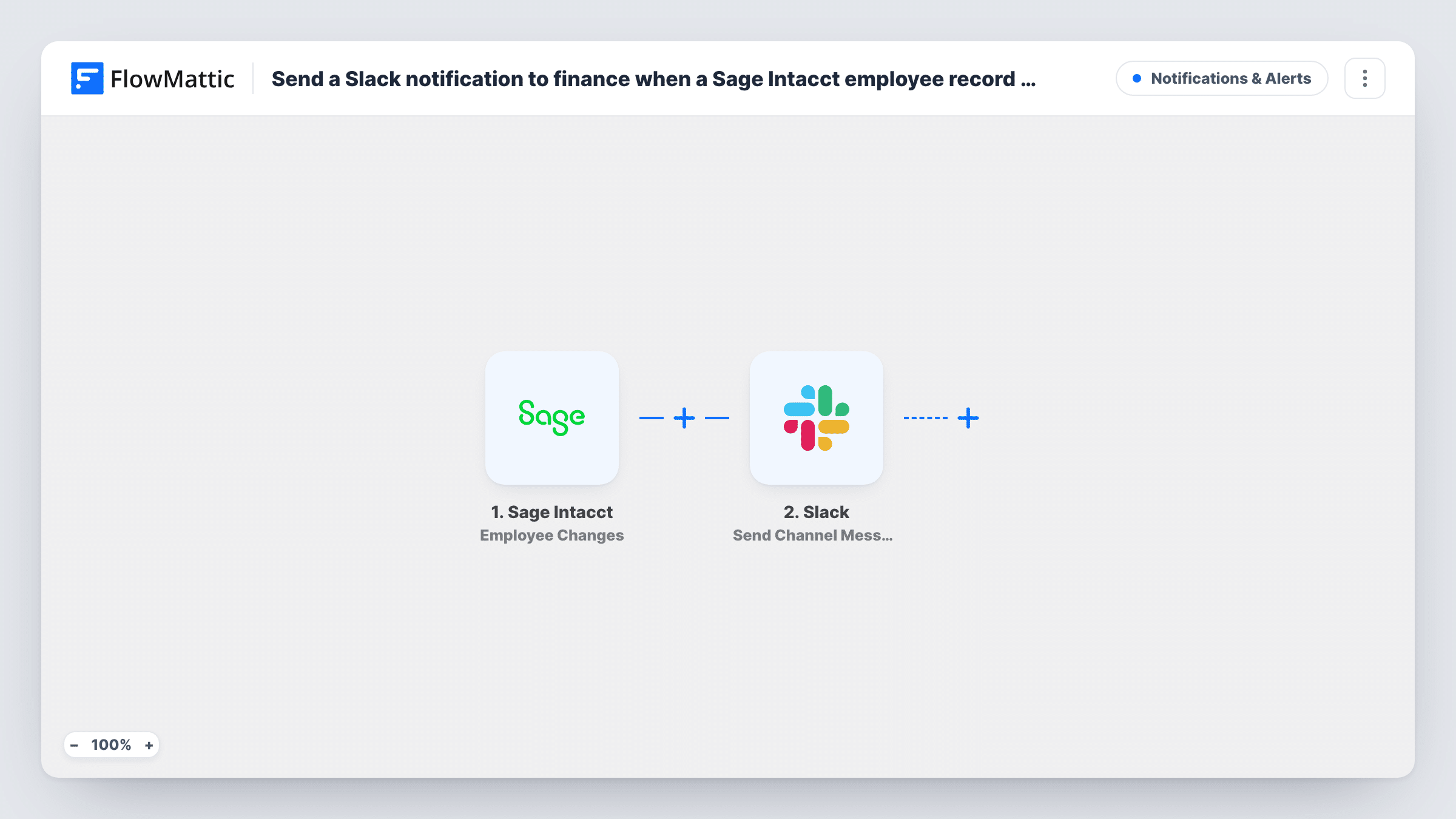
The Sage Intacct trigger is Employee Changes, which fires when an employee is created or updated. The employee data that comes with it can be mapped. FlowMattic then posts in your Slack channel with Send Channel Message, using wording you write and the fields you place in it, for example the employee's name and ID.
The trigger covers both new and updated records, and there is no Filter, so every change posts. Keep in mind that a Slack channel is visible to all its members. Include only the details that are fine for everyone there to read.
Payroll preparation
Payroll staff see each new or edited employee record in Slack during the month, so they are not surprised by changes when they run payroll.
HR and finance in separate tools
HR updates employee records in Sage Intacct, and finance, working in Slack, gets a message for each change without being copied on emails.
Audit trail for small finance teams
The channel becomes an informal record of when employee details were added or edited, which the controller can scroll back through.
How this workflow runs
What happens at each step once the workflow is on, and what you need before you import it.
 Sage Intacct Employee Changes
Fires when an employee is created or updated in Sage Intacct. The employee's record data becomes available to place in the Slack message.
- Slack Send Channel Message
Posts a message in the Slack channel you pick for each employee change. Write the text and map in Sage Intacct fields such as the employee name and ID.
What you need
- FlowMatticCore
- Sage Intacct AccountAccount
- Slack AccountAccount
After importing, map your own data. To keep the template universal, not every step is pre-filled. Open each step in the builder and connect your accounts and fields (channels, lists, sheets, recipients) before you switch the workflow on.
Make it yours
Changes worth making after you import it.
- Use Slack's Send Private Channel Message action instead if the finance channel is private and should stay closed to the wider team.
- Add a Filter on a field such as department so only changes for the teams finance handles are posted.
- Edit a test employee in Sage Intacct after import and check Task History to see which fields arrive before you write the message.
Questions about this workflow
Does the Slack message say which Sage Intacct field changed?
It shows the employee fields you map in. Whether the event says which field changed depends on what Sage Intacct sends, so check a test run in Task History.
Are new Sage Intacct employees posted as well as edits?
Yes. Employee Changes fires when an employee is created or updated, so both post a message.
Can I keep salary data out of the finance Slack channel?
Yes. Only the fields you map into the message are posted. Leave out anything sensitive and keep the alert to names and IDs.
More Notifications & Alerts workflows
Other ready-to-import templates from the same category.



Import this workflow into your WordPress site
Download the JSON, import it from the Workflows screen and connect your accounts. Every run stays on your server, with no per-task fees.
30-day money-back guarantee Unlimited workflows and runs Self-hosted