

Send a Telegram message for each new Flipsnack order
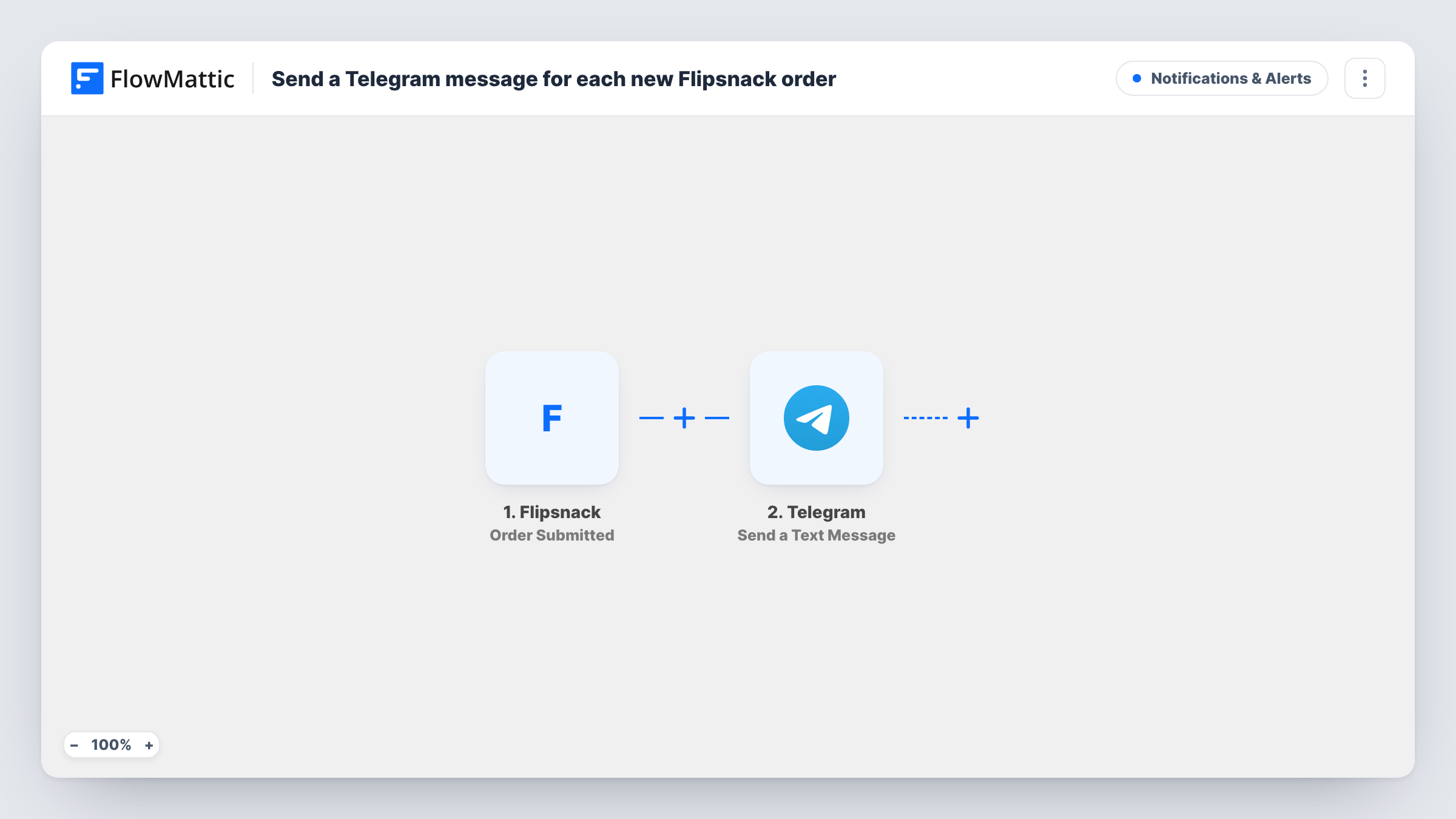
When a customer submits an order form in one of your Flipsnack interactive catalogs, this workflow sends a Telegram text message with the order details to the chat you choose.
 Flipsnack
 Telegram
2 steps Setup ~5 min Used on 823 sites Free to import
What this workflow does
Flipsnack catalogs can include an order form, so buyers browsing your flipbook can place an order straight from the page. Those orders are only useful if someone sees them quickly. This workflow sends a Telegram message for each one.
The Flipsnack trigger fires when a customer submits an order form in a Flipsnack interactive catalog. The order's details come into FlowMattic. The Telegram step then sends a text message, written from those details, to the chat you choose. The action supports markup, so you can bold the total or the customer's name.
Every order form submission sends one message, with no conditions as imported. The workflow doesn't process payment or change the order. Task History lists each order received and the response from Telegram.
Wholesale catalog for retailers
A supplier shares a Flipsnack catalog with shop buyers. Each order lands in the sales team's Telegram group so someone confirms stock the same day.
Seasonal menu or product brochure
A bakery publishes a holiday catalog with an order form, and the owner gets each order on Telegram while working in the kitchen.
Trade show follow-up
After a fair, visitors order from the digital brochure. The rep on the road sees each one on their phone in Telegram.
How this workflow runs
What happens at each step once the workflow is on, and what you need before you import it.
 Flipsnack Order Submitted
Starts a run when a customer submits an order form in one of your Flipsnack interactive catalogs. The order details are passed on for the message.
- Telegram Send a Text Message
Sends a Telegram text message to the chat you choose, written from the Flipsnack order data. Markup is supported for formatting. Connect Telegram after import.
What you need
- FlowMatticCore
- Flipsnack AccountAccount
- Telegram AccountAccount
After importing, map your own data. To keep the template universal, not every step is pre-filled. Open each step in the builder and connect your accounts and fields (channels, lists, sheets, recipients) before you switch the workflow on.
Make it yours
Changes worth making after you import it.
- Use markup to bold the customer's name and order total, so the important parts stand out in a busy chat.
- Send the message to a group that includes everyone who handles orders, rather than one person, so orders are covered when someone is away.
- Submit a test order from your catalog after import, then check Task History to see which Flipsnack fields arrived and map them into the message.
Questions about this workflow
Which Flipsnack catalogs send Telegram messages?
Orders submitted through the order form in your Flipsnack interactive catalogs. Catalogs without an order form don't start runs.
Can the Flipsnack order go to a Telegram group?
Yes. Choose a group chat in the Telegram step after import, as long as the connection you use can post there.
Does the workflow take payment for Flipsnack orders?
No. It only sends a Telegram message about the order. Payment and fulfilment are handled outside this workflow.
More Notifications & Alerts workflows
Other ready-to-import templates from the same category.






Import this workflow into your WordPress site
Download the JSON, import it from the Workflows screen and connect your accounts. Every run stays on your server, with no per-task fees.
30-day money-back guarantee Unlimited workflows and runs Self-hosted