

Log every new Poper lead in a Google Sheets spreadsheet
Each lead captured by a Poper popup is written to a new row in Google Sheets, so you keep a running, shareable list of everyone who filled in your popups.
 Poper
 Google Sheets
2 steps Setup ~5 min Used on 3.0k sites Free to import
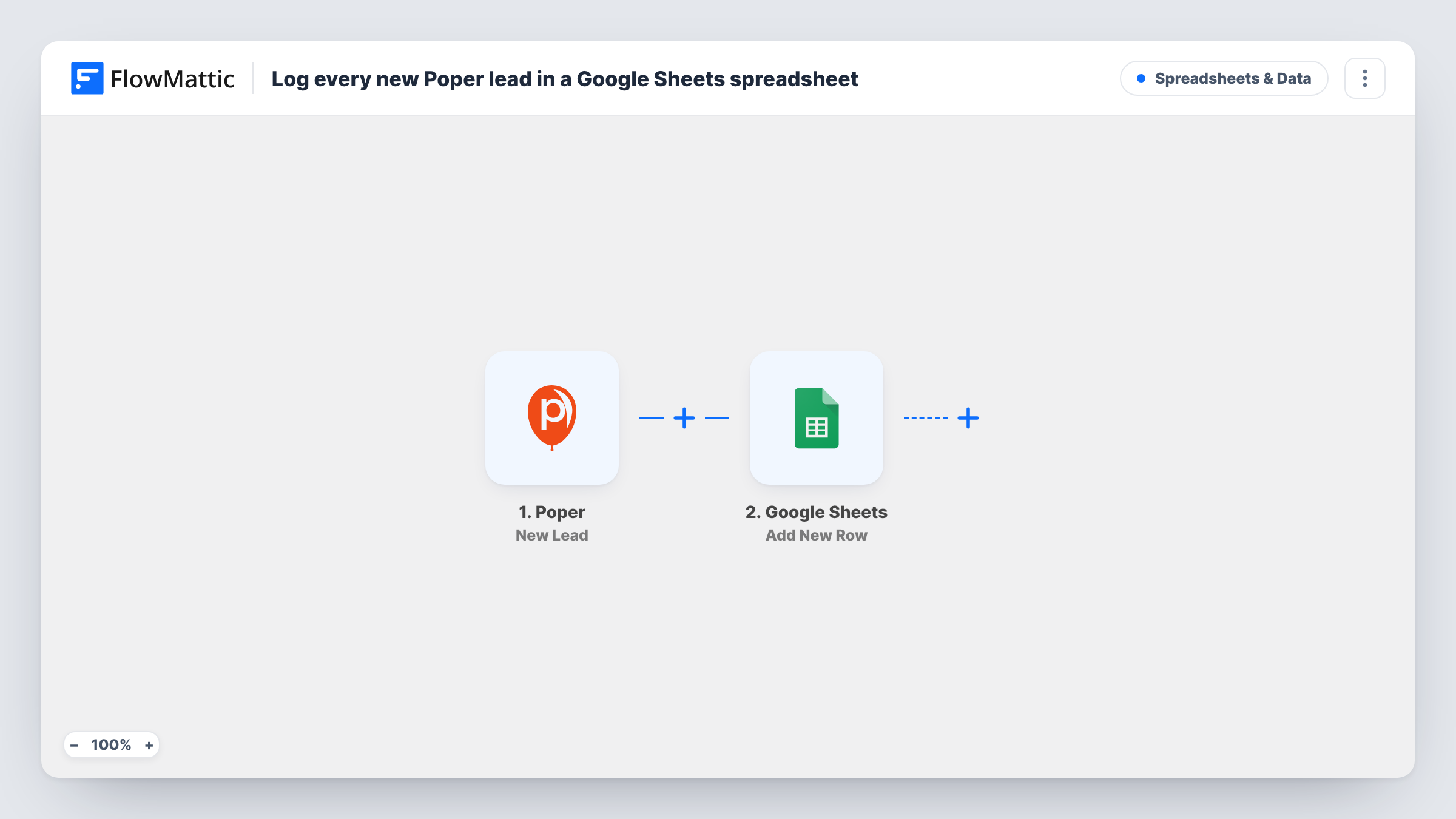
What this workflow does
Poper popups catch visitors before they leave, but the leads they collect are only useful once someone acts on them. A spreadsheet is the simplest place for a team to read, sort and hand those leads on. This workflow writes each one to Google Sheets the moment Poper reports it.
The Poper trigger fires for each new lead from a popup. FlowMattic receives the lead's details, such as the fields the visitor typed in, and passes them along. The Google Sheets step then appends a row to the spreadsheet you select, putting each mapped value in its own column.
Because the template has no conditions, a lead from any popup on your account becomes a row. That gives you a single record across campaigns, which you can filter in the sheet later. Each run appears in Task History with the data it sent.
Exit-intent discount popup
An online shop offers a discount code in a Poper exit popup. Every email address it collects lands in the sheet your marketing assistant checks each morning.
Comparing popup campaigns
Add a column for the popup name and you can count, in the sheet, how many leads each Poper campaign brought in during a month.
Handing leads to a partner
A consultant shares the lead sheet with a client who has no Poper login, so the client sees new popup sign-ups without extra exports.
How this workflow runs
What happens at each step once the workflow is on, and what you need before you import it.
 Poper New Lead
Fires for every new lead a Poper popup captures. The lead's details are passed to the Google Sheets step so you can choose where each value goes.
- Google Sheets Add New Row
Appends a row for the Poper lead to the spreadsheet and sheet you select. Link your Google account on import and map each column to a value from the lead.
What you need
- FlowMatticCore
- Poper AccountAccount
- Google Sheets AccountAccount
After importing, map your own data. To keep the template universal, not every step is pre-filled. Open each step in the builder and connect your accounts and fields (channels, lists, sheets, recipients) before you switch the workflow on.
Make it yours
Changes worth making after you import it.
- Create the column headers in your sheet first, for example Email, Name and Popup, so the mapping screen lists clear targets.
- If you only want leads from one popup in this sheet, add a Filter after the trigger that checks the popup in the lead data. Use a test lead to see which field holds it.
- Fill in one of your popups yourself after import so FlowMattic has a sample lead to map from.
Questions about this workflow
Are leads from all my Poper popups added?
Yes, as imported. The trigger fires for new leads from popups and nothing in the template narrows that down. Add a Filter if you want to limit it.
Will Poper leads collected before import show up in the sheet?
No. Poper leads from before you switch the workflow on stay out of the sheet, since only new leads trigger it.
Does the same person appear twice if they sign up twice?
Yes. The Google Sheets step adds a row for every lead it receives and does not check for an existing row with the same email.
Can I also add the Poper lead to an email list?
Yes. Add another action after the Google Sheets step, such as your email marketing app's add-subscriber action, and map the same lead fields.
More Spreadsheets & Data workflows
Other ready-to-import templates from the same category.




Import this workflow into your WordPress site
Download the JSON, import it from the Workflows screen and connect your accounts. Every run stays on your server, with no per-task fees.
30-day money-back guarantee Unlimited workflows and runs Self-hosted