

Log every finished Hireflix interview in a Google Sheets spreadsheet
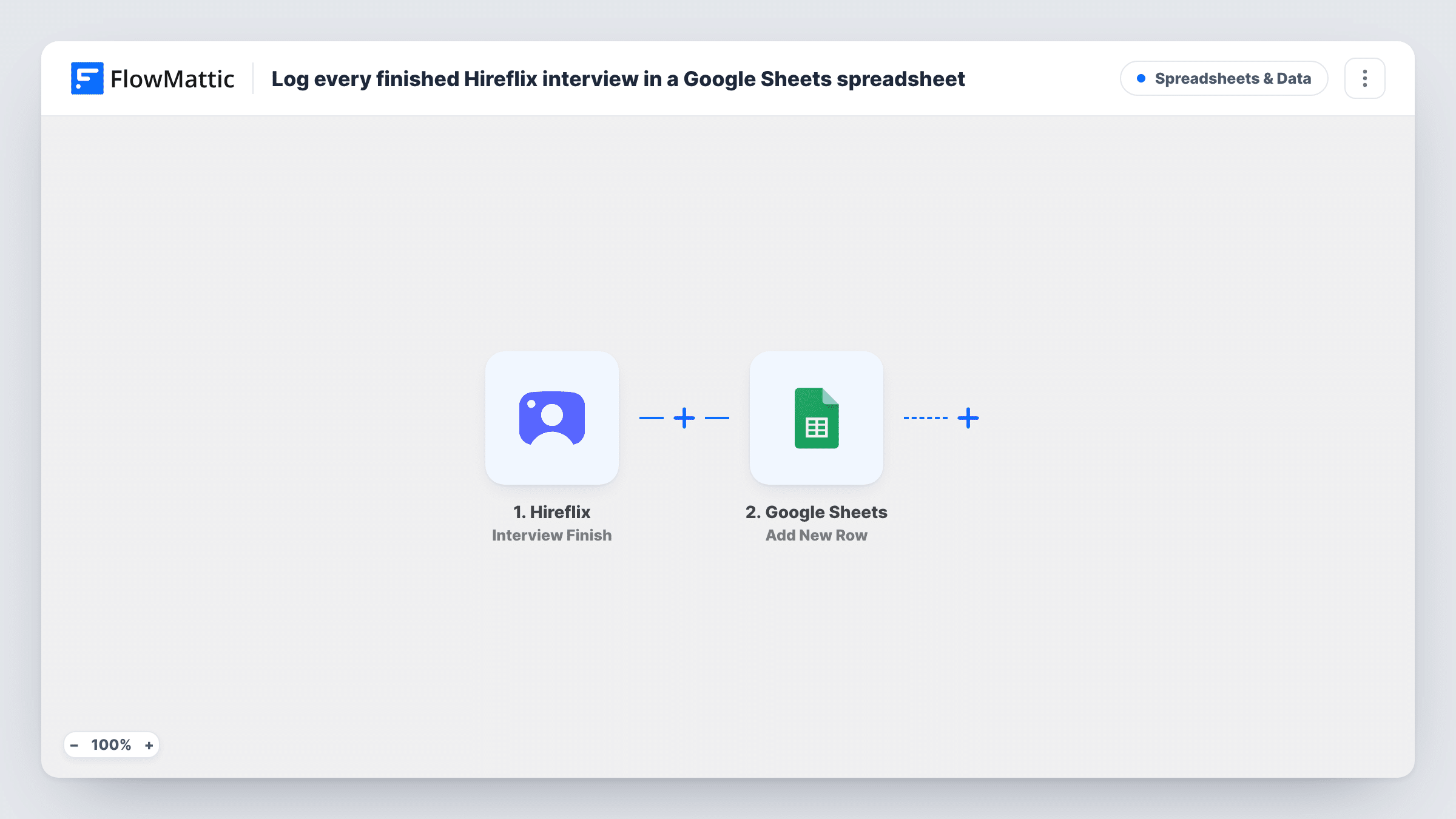
Every time a candidate finishes a Hireflix video interview, this workflow adds a row to your Google Sheets spreadsheet, giving your hiring team a running log of completed interviews.
 Hireflix
 Google Sheets
2 steps Setup ~5 min Used on 1.9k sites Free to import
What this workflow does
One-way video interviews come back at all hours. Hiring managers who don't live in Hireflix lose track of who has finished, and someone ends up keeping a list by hand. Here the spreadsheet grows by itself, one row per finished interview.
The Hireflix trigger is Interview Finish, which fires when an interview is finished. FlowMattic receives the interview data from Hireflix and passes it to Google Sheets. The Add New Row action writes one row per interview, and you decide which value lands in each column, such as the candidate's name, the position or a link to the interview.
Rows are only added, never changed. A later change of status or score in Hireflix doesn't update the sheet. Task History shows what each finished interview sent, which helps when you set up the columns.
Hiring managers outside Hireflix
Department heads check a shared sheet each morning to see which candidates finished their interview overnight, without needing a Hireflix login.
High-volume seasonal hiring
When dozens of candidates interview for retail or support roles, the sheet gives you one sortable list to split among reviewers.
Agency reporting to clients
A recruitment agency shares the sheet with a client so they can follow progress on their roles as each interview is completed.
How this workflow runs
What happens at each step once the workflow is on, and what you need before you import it.
 Hireflix Interview Finish
Runs when a candidate finishes an interview in your Hireflix account. The interview's data is passed to the Google Sheets step for mapping.
- Google Sheets Add New Row
Adds one row to the spreadsheet you choose for each finished interview. Connect Google, pick the sheet, and map Hireflix values such as the candidate and position to its columns.
What you need
- FlowMatticCore
- Hireflix AccountAccount
- Google Sheets AccountAccount
After importing, map your own data. To keep the template universal, not every step is pre-filled. Open each step in the builder and connect your accounts and fields (channels, lists, sheets, recipients) before you switch the workflow on.
Make it yours
Changes worth making after you import it.
- Add a header row to the sheet before the first run, so the Google Sheets step shows named columns to map against.
- Add a Slack or email step after the row is written if reviewers should also be told each time an interview is ready.
- To split roles into separate tabs, put a Router before the sheet step and give each route its own Add New Row step, one per position, if a test run shows the position name.
Questions about this workflow
Does a Hireflix score change update the row?
No. The workflow only adds a row when an interview finishes. Hireflix has a separate Interview Score Updated trigger you could use in a second workflow.
Are interviews finished before I import this added to the sheet?
No. Only interviews finished after you turn the workflow on create rows.
What Hireflix data can I put in the spreadsheet?
Whatever the Interview Finish event sends. Let one candidate finish a test interview, then look at the captured fields before you map columns.
More Spreadsheets & Data workflows
Other ready-to-import templates from the same category.



Import this workflow into your WordPress site
Download the JSON, import it from the Workflows screen and connect your accounts. Every run stays on your server, with no per-task fees.
30-day money-back guarantee Unlimited workflows and runs Self-hosted