

When a new Gradeazy user is created, add them to a Google Sheets roster and send a Gmail welcome email
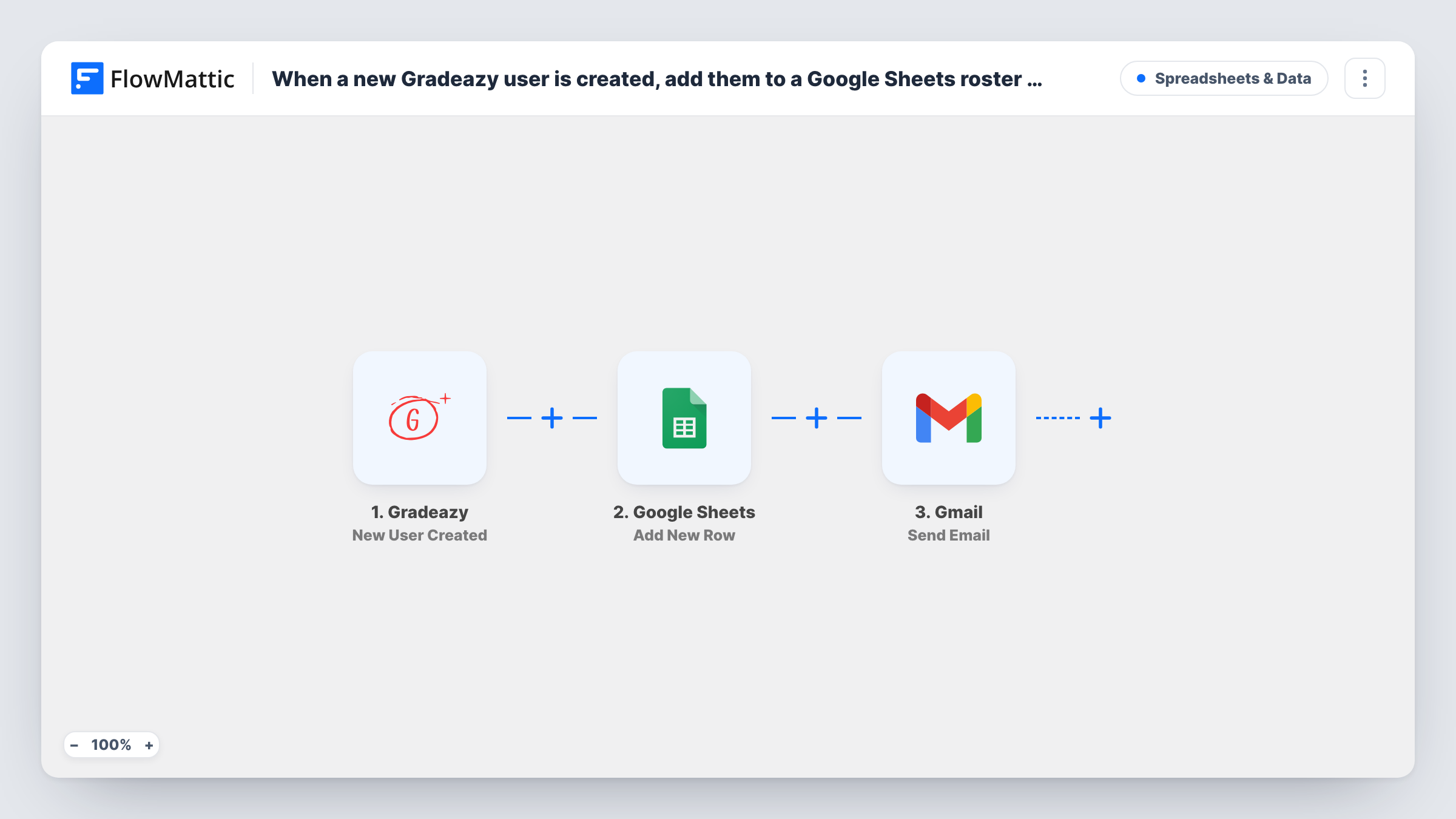
When a new user is created in Gradeazy, this workflow adds them to a roster in Google Sheets and then sends them a welcome email from your Gmail account.
 Gradeazy
 Google Sheets
 Gmail
Gmail3 steps Setup ~5 min Used on 637 sites Free to import
What this workflow does
Each new Gradeazy user needs two things: a place on your records and a word of welcome. Doing both by hand for every sign-up adds up, and the welcome is often the part that gets forgotten. This workflow handles both each time a user is created.
The Gradeazy trigger fires when a new user is created or signs up for your account. FlowMattic receives the user's details and makes them available for mapping. The second step adds a row to your roster in Google Sheets, with the values you map, such as the name, email and sign-up date. The third step sends an email through Gmail to the user's address, with a subject and message you write.
Every new user runs all three steps, in that order. The welcome email is the same text for everyone, apart from the values you insert, such as their name. Create a test user after import to see what Gradeazy sends, and check Task History for each run.
Teacher onboarding students to a class
Students who sign up on Gradeazy appear on your class roster sheet and get an email explaining when the first test opens.
School adding new staff accounts
Each new teacher account is recorded in the staff sheet, and the teacher receives a welcome email with the name of the person to contact for help.
Tutoring centre tracking sign-ups
The roster sheet shows who joined and when, while each new learner gets a short note from the centre's Gmail address.
How this workflow runs
What happens at each step once the workflow is on, and what you need before you import it.
 Gradeazy New User Created
Runs when a new user is created or signs up in your Gradeazy account. Their details are passed on for the roster row and the email.
- Google Sheets Add New Row
Adds the new user to your Google Sheets roster as a new row. Map the Gradeazy values you want to columns and connect your Google account.
- Gmail Send Email
Sends a welcome email from the Gmail account you connect. Map the user's email address as the recipient, then write the subject and message, inserting their name if Gradeazy provides it.
What you need
- FlowMatticCore
- Gradeazy AccountAccount
- Google Sheets AccountAccount
- Gmail AccountAccount
After importing, map your own data. To keep the template universal, not every step is pre-filled. Open each step in the builder and connect your accounts and fields (channels, lists, sheets, recipients) before you switch the workflow on.
Make it yours
Changes worth making after you import it.
- Create a test user in Gradeazy after import, so FlowMattic captures real user data before you map the sheet and the email.
- Add a Delay before the Gmail step if you would rather the welcome arrive a little after sign-up instead of straight away.
- If Gradeazy sends the user's role, put a Router between the Google Sheets step and the Gmail step, with one route per role and its own Gmail step. Everyone still lands on the roster, and each group gets its own email. Use role values that can't both match.
Questions about this workflow
Do I need to set up the Google Sheets roster columns first?
Yes, give the sheet a header row before you map. The Add New Row step ships unmapped, so after import you pick the spreadsheet and sheet, then match each Gradeazy value, such as name and email, to a column.
Can the welcome email be personalised for each Gradeazy user?
You can insert any value Gradeazy sends, such as the user's name, into the subject and body. The rest of the text is the same for everyone.
Which Gmail address do new users see the welcome from?
The one connected in the Gmail step. Use a shared school or team account if you want replies to reach more than one person.
Are existing Gradeazy users added to the roster?
No. Only users created after the workflow is turned on are added and emailed.
More Spreadsheets & Data workflows
Other ready-to-import templates from the same category.



Import this workflow into your WordPress site
Download the JSON, import it from the Workflows screen and connect your accounts. Every run stays on your server, with no per-task fees.
30-day money-back guarantee Unlimited workflows and runs Self-hosted