

When new meeting notes are available in Read AI, add a new row in Google Sheets
Once Read AI has notes ready for a new meeting, such as its summary and action items, FlowMattic adds a row to your Google Sheets spreadsheet holding the details you map, building one running log of your meetings.
 Read AI
 Google Sheets
2 steps Setup ~5 min Used on 2.4k sites Free to import
What this workflow does
Meeting notes are easy to lose once the call is over. They end up spread across inboxes and apps, and finding what was agreed last month means hunting. A spreadsheet gives you one list you can sort, search and share. This workflow adds to that list each time Read AI finishes notes for a meeting.
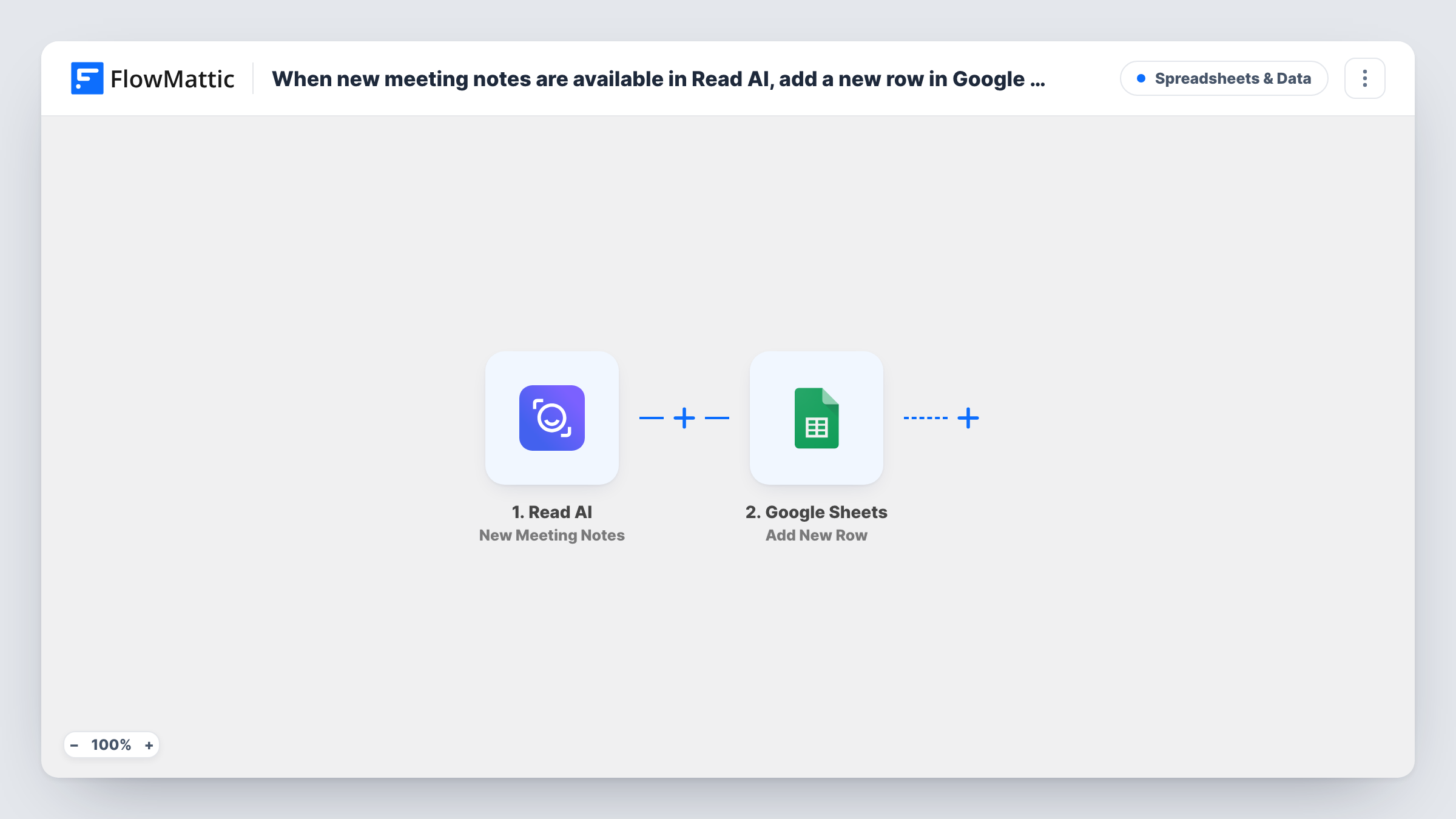
The Read AI trigger fires when notes, such as the summary and action items, are available for a new meeting. FlowMattic takes that data and passes it to Google Sheets. The Add New Row action writes one row to the sheet you pick, with each column filled from the Read AI field you map to it.
Each meeting adds one row, and earlier rows are never changed. Turn on text wrapping in the summary column so long notes stay readable. Task History shows each run, which is useful when checking which Read AI fields arrive for your meetings.
A client meeting log for an agency
Each client call adds a row with its summary and action items, so account managers can scroll back through what was discussed before the next call.
Tracking action items from team meetings
Map the action items into their own column. A team lead filters the sheet each week to check what was promised in each meeting.
Sharing notes with people outside Read AI
Colleagues who do not use Read AI can still read the notes in a shared Google Sheet, without anyone forwarding summaries by hand.
How this workflow runs
What happens at each step once the workflow is on, and what you need before you import it.
 Read AI New Meeting Notes
Fires when Read AI has notes, such as a summary and action items, ready for a new meeting. Those details are passed on for mapping into the sheet.
- Google Sheets Add New Row
Adds one row to the Google Sheets spreadsheet you choose. Connect your Google account, pick the sheet, and map Read AI fields to its columns.
What you need
- FlowMatticCore
- Read AI AccountAccount
- Google Sheets AccountAccount
After importing, map your own data. To keep the template universal, not every step is pre-filled. Open each step in the builder and connect your accounts and fields (channels, lists, sheets, recipients) before you switch the workflow on.
Make it yours
Changes worth making after you import it.
- Add header names to your sheet before import, such as date, title, summary and action items, so mapping in the Add New Row step is quick and clear.
- Add a Filter after the trigger if you only want some meetings logged, for example ones whose title contains a client name.
- Use a Router to send notes to different sheets by meeting type, giving each route its own Google Sheets step and a condition that cannot overlap with the others.
Questions about this workflow
Which Read AI meetings are added to Google Sheets?
Every new meeting the trigger reports once its notes are ready. Add a Filter after the trigger to leave some meetings out.
Will past Read AI meetings be copied into the sheet?
No. The trigger works on new meeting notes, so only meetings whose notes are ready after you turn the workflow on are added.
Can I choose which parts of the Read AI notes go into the sheet?
Yes. You decide which fields to map to which columns in the Add New Row step. Run a test meeting first to see the fields Read AI sends.
More Spreadsheets & Data workflows
Other ready-to-import templates from the same category.



Import this workflow into your WordPress site
Download the JSON, import it from the Workflows screen and connect your accounts. Every run stays on your server, with no per-task fees.
30-day money-back guarantee Unlimited workflows and runs Self-hosted