

Send a Telegram message whenever NeetoCal booking notes are updated
Whenever the notes on a NeetoCal booking are updated, FlowMattic sends a Telegram message through your bot, so you see the latest notes before the meeting without opening NeetoCal.
 NeetoCal
 Telegram
2 steps Setup ~5 min Used on 3.0k sites Free to import
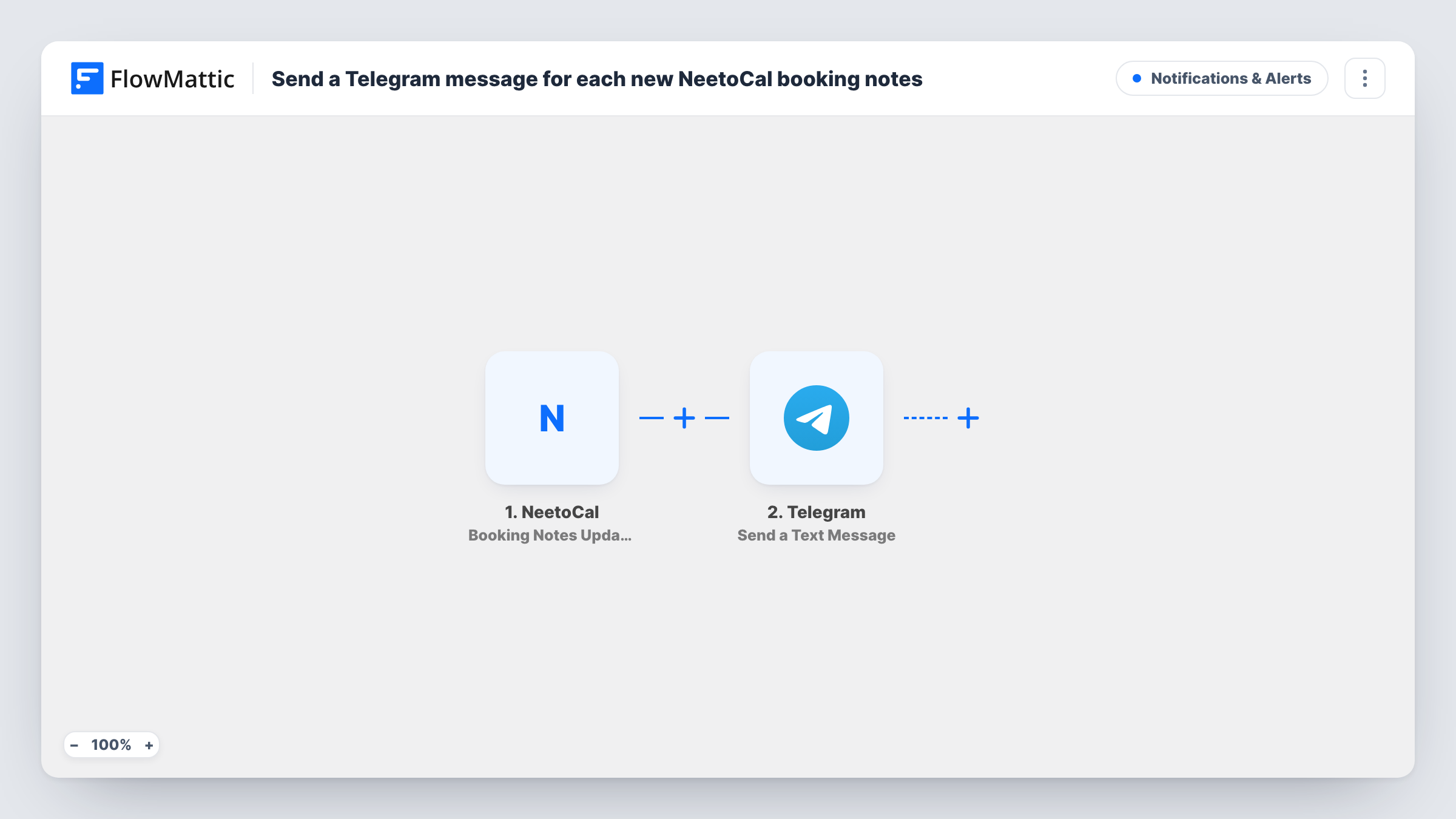
What this workflow does
Booking notes are where context ends up: an agenda the guest added, a change of topic, a reminder from a colleague. When those notes change close to a meeting, it is easy to walk in without having read them. This workflow forwards each update to Telegram, where you or your team will see it.
The NeetoCal Booking Notes Updated trigger fires when the notes on a booking are updated. FlowMattic passes the booking data to the next step. New bookings, reschedules and cancellations are separate NeetoCal triggers, so they don't start this workflow.
The Telegram Send a Text Message step then posts a message from your bot, with support for markup. The step ships unmapped: after import you connect your bot, set the chat that should receive the message and write the text, mapping NeetoCal values such as the notes and the meeting time into it.
Each notes update sends its own message, so several edits to the same booking produce several messages. Edit the notes on a test booking and check Task History to see which values NeetoCal sends.
Sales call prep on the phone
A sales rep gets a Telegram message whenever a prospect adds questions to a NeetoCal booking's notes, and reads them on the way to the call.
Team chat for shared meetings
A support team routes notes updates for customer calls into a Telegram group, so whoever joins the call has seen the latest context.
Coaching session updates
A coach sees in Telegram when a client changes the focus of an upcoming session in the booking notes, and adjusts the plan beforehand.
How this workflow runs
What happens at each step once the workflow is on, and what you need before you import it.
 NeetoCal Booking Notes Updated
Fires when the notes on a NeetoCal booking are updated. The booking's details, including the updated notes, are passed to the Telegram step.
- Telegram Send a Text Message
Posts a text message from your Telegram bot, with markup support. It ships unmapped, so connect the bot, set the receiving chat and write the message with the NeetoCal values you want.
What you need
- FlowMatticCore
- NeetoCal AccountAccount
- Telegram AccountAccount
After importing, map your own data. To keep the template universal, not every step is pre-filled. Open each step in the builder and connect your accounts and fields (channels, lists, sheets, recipients) before you switch the workflow on.
Make it yours
Changes worth making after you import it.
- Put the guest's name and the meeting time in the first line of the message, so you can tell which booking changed from the notification preview.
- Use Telegram markup to set the notes apart from the rest of the message, for example in bold or as a quote.
- To get a message for new bookings too, copy this workflow and switch its trigger to NeetoCal's Booking Created event.
Questions about this workflow
Does a new NeetoCal booking send a Telegram message?
Not with this workflow. It only runs when booking notes are updated. NeetoCal also has Booking Created and Booking Rescheduled triggers you can use in another workflow.
Can NeetoCal notes updates go to a Telegram group?
Yes. Add your bot to the group and set that group's chat as the destination in the Send a Text Message step.
What if the notes on one booking are edited several times?
Every notes update starts its own run, so you get one Telegram message per update. The latest message holds the newest notes.
More Notifications & Alerts workflows
Other ready-to-import templates from the same category.




Import this workflow into your WordPress site
Download the JSON, import it from the Workflows screen and connect your accounts. Every run stays on your server, with no per-task fees.
30-day money-back guarantee Unlimited workflows and runs Self-hosted