

Create an Airtable record for every new Northpass learner course
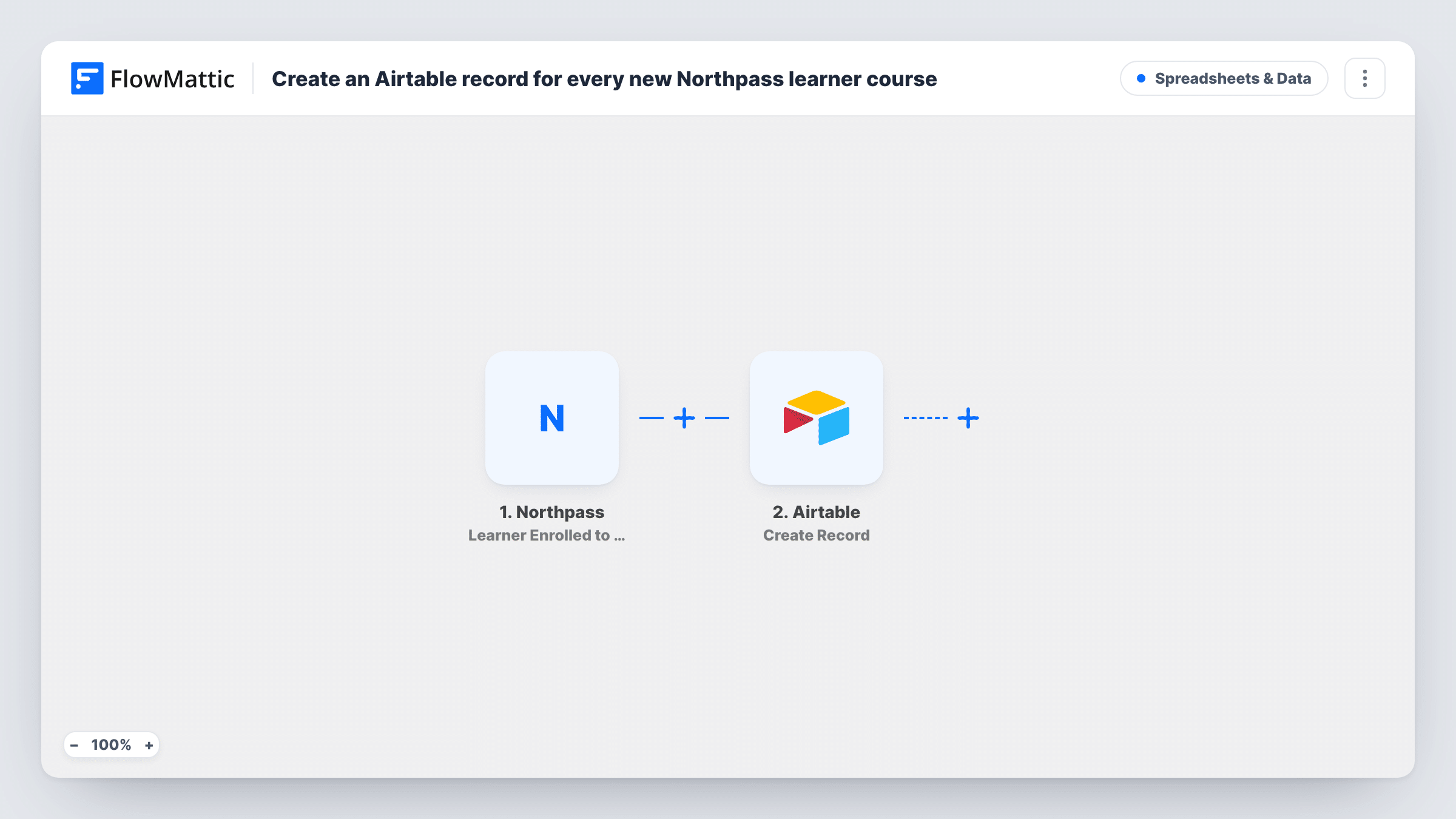
Whenever a learner is enrolled in a Northpass course, this workflow creates a new Airtable record from the enrollment, so you keep a base of learners and courses you can sort, filter and report on.
 Northpass
 Airtable
2 steps Setup ~5 min Used on 3.4k sites Free to import
What this workflow does
Northpass shows enrollments inside the academy, but reporting across courses, customers or teams is easier in a base you control. Airtable lets you group enrollments by course, link them to accounts and build views for different people. This workflow feeds that base with one record per enrollment.
When a learner is enrolled in a course, the Northpass trigger starts a run and captures the learner and course details. The Airtable step then creates a record in the base and table you pick, with the Northpass values mapped into your fields, such as the learner's email, their name and the course they joined.
The template only adds records. It does not check whether that learner already has a record, so a person enrolled in four courses gets four records, one per enrollment. Completions and progress are separate events in Northpass and do not reach this table. Task History in FlowMattic lists every run, so you can confirm each enrollment was written.
Enrollment reporting by customer account
A training team links each Airtable record to a customer account and builds a view that shows how many people from each customer have joined courses.
Course demand at a glance
Grouping the table by course name shows which Northpass courses are drawing the most enrollments this month.
Feeding a certification tracker
Enrollments land in Airtable, where a team member adds the exam date and outcome by hand as each learner moves toward certification.
How this workflow runs
What happens at each step once the workflow is on, and what you need before you import it.
 Northpass Learner Enrolled to Course
Starts the workflow when a learner is enrolled in a course in your Northpass academy, passing the learner and course details to the Airtable step.
- Airtable Create Record
Adds a record to the Airtable table you choose for this enrollment. Map the Northpass values into your fields and connect your Airtable account, then enroll a test learner to check the result.
What you need
- FlowMatticCore
- Northpass AccountAccount
- Airtable AccountAccount
After importing, map your own data. To keep the template universal, not every step is pre-filled. Open each step in the builder and connect your accounts and fields (channels, lists, sheets, recipients) before you switch the workflow on.
Make it yours
Changes worth making after you import it.
- Create the Airtable fields you need, such as learner email and course name, before mapping, so each Northpass value has a matching field.
- Add a Filter after the Northpass trigger that continues only for courses whose name contains a word you choose, if the base should cover one programme.
- Pair it with a workflow on Northpass's Learner Completed Course trigger that writes to a second Airtable table, so enrollments and completions sit side by side.
Questions about this workflow
Will Airtable get a duplicate record for a learner on several Northpass courses?
It gets one record per enrollment. A learner on three courses has three records, each with its own course. The step never merges them or looks up an existing record.
Are earlier Northpass enrollments added to Airtable?
No. The trigger reacts to enrollments made after the workflow is switched on. Add past enrollments to the table yourself if you need them.
Does this track Northpass course completion in Airtable?
No. It records enrollment only. Use a separate workflow on a Northpass completion trigger for that.
More Spreadsheets & Data workflows
Other ready-to-import templates from the same category.



Import this workflow into your WordPress site
Download the JSON, import it from the Workflows screen and connect your accounts. Every run stays on your server, with no per-task fees.
30-day money-back guarantee Unlimited workflows and runs Self-hosted