

Add new Formium entries to Airtable as records
Every new Formium form submission is added to Airtable as a new record, with answers mapped to your table’s fields, so responses can be sorted, filtered and worked on in a shared base.
 Formium
 Airtable
2 steps Setup ~5 min Used on 578 sites Free to import
What this workflow does
Formium is good at collecting responses, but teams often want to work on them in Airtable: assign a status, add notes, group by answer, or link to other tables. Moving entries over by export means stale data between imports. This workflow puts each entry into Airtable as it is submitted.
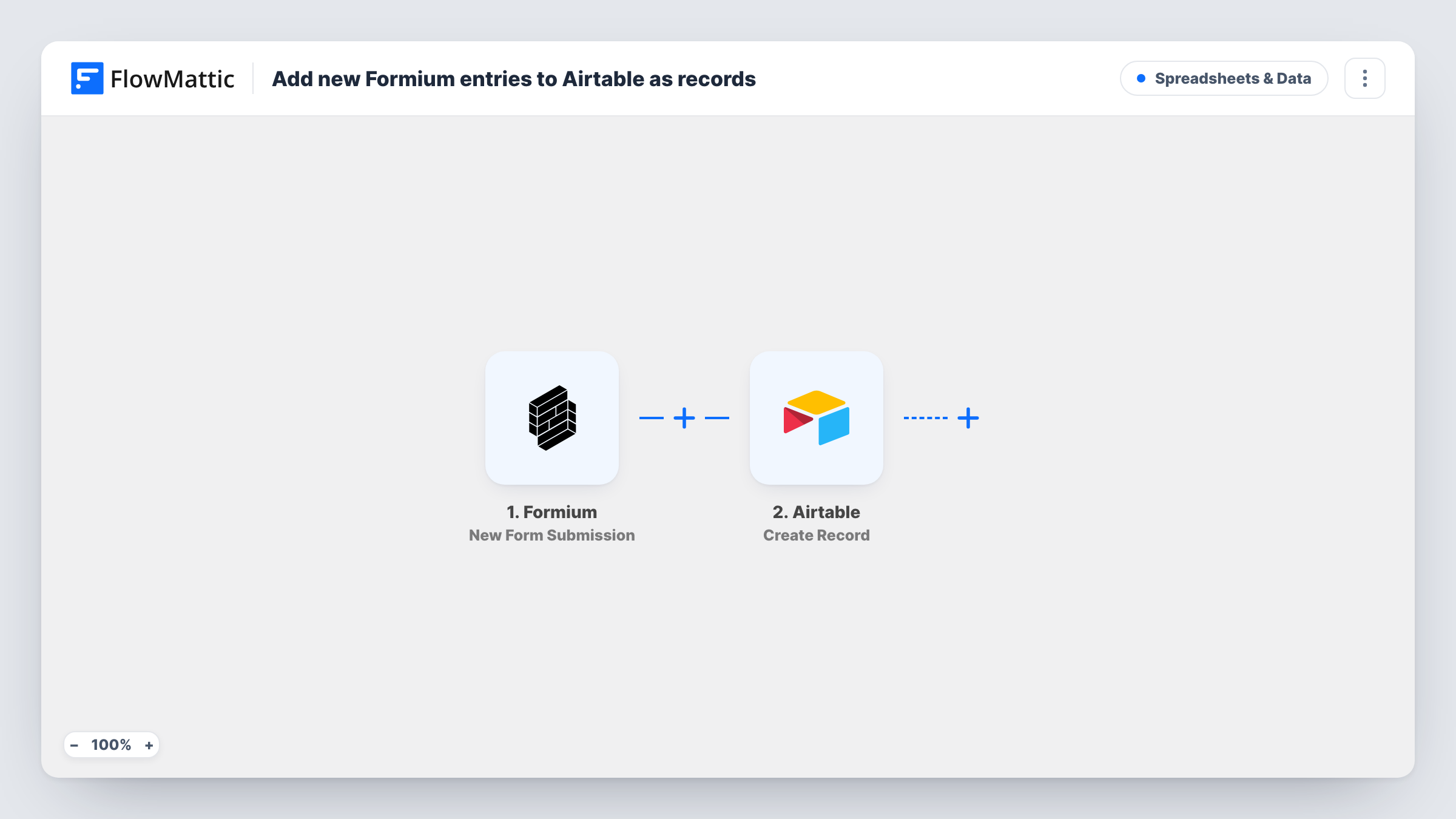
The Formium trigger fires when a new form submission is received. FlowMattic passes the answers to the Create Record action in Airtable. You select the base and table and map each answer to a field.
Every submission adds a record, with no check for an existing one, so the table holds one record per entry. Add extra fields in Airtable for your team's own use, such as a status or an owner, and leave them unmapped so people can fill them in. Task History shows the data sent in each run, which helps when a field doesn't fill as expected.
Applications reviewed by a panel
Grant or job applications from Formium land in Airtable, where reviewers add scores and comments in their own fields.
Product feedback triage
Feedback form entries become Airtable records that the product team tags by theme and links to roadmap items.
Volunteer sign-ups
A volunteer form feeds an Airtable table that the coordinator groups by availability to plan shifts.
How this workflow runs
What happens at each step once the workflow is on, and what you need before you import it.
 Formium New Form Submission
Fires when a new submission is received on your Formium form. The answers become available to map into the Airtable record.
- Airtable Create Record
Adds the Formium entry to the Airtable base and table you select as a new record. Map each answer to a matching field, and check a test record to confirm the values land correctly.
What you need
- FlowMatticCore
- Formium AccountAccount
- Airtable AccountAccount
After importing, map your own data. To keep the template universal, not every step is pre-filled. Open each step in the builder and connect your accounts and fields (channels, lists, sheets, recipients) before you switch the workflow on.
Make it yours
Changes worth making after you import it.
- Build the Airtable table before mapping, with a field for each Formium question, so every answer has a place to go.
- Send one test submission after import so FlowMattic captures the Formium answers you can map.
- Add a Slack or Gmail step after Airtable if someone should hear about each new entry as well as see it in the base.
Questions about this workflow
Does the Formium to Airtable flow update records it created before?
No. Create Record adds a new record per submission. A person who submits twice appears twice in the table.
Do Airtable field types matter for Formium answers?
Yes. Airtable expects values that fit each field, such as a number in a number field. Use simple text fields if you aren't sure what an answer will contain.
Are earlier Formium submissions copied to Airtable?
No. Only submissions received after you switch the workflow on are added.
More Spreadsheets & Data workflows
Other ready-to-import templates from the same category.




Import this workflow into your WordPress site
Download the JSON, import it from the Workflows screen and connect your accounts. Every run stays on your server, with no per-task fees.
30-day money-back guarantee Unlimited workflows and runs Self-hosted