

Send a Telegram message for each new BugBug test
Every time a BugBug test run finishes, this workflow sends a Telegram message to the chat you choose with details from the run, so you hear about results without watching the BugBug dashboard.
 BugBug
 Telegram
2 steps Setup ~5 min Used on 1.3k sites Free to import
What this workflow does
Automated browser tests are only useful if someone looks at the results. When BugBug runs on a schedule or after a deploy, nobody wants to sit on the dashboard waiting. A message on your phone tells you a run is done and how it went. This workflow sends one for every finished test.
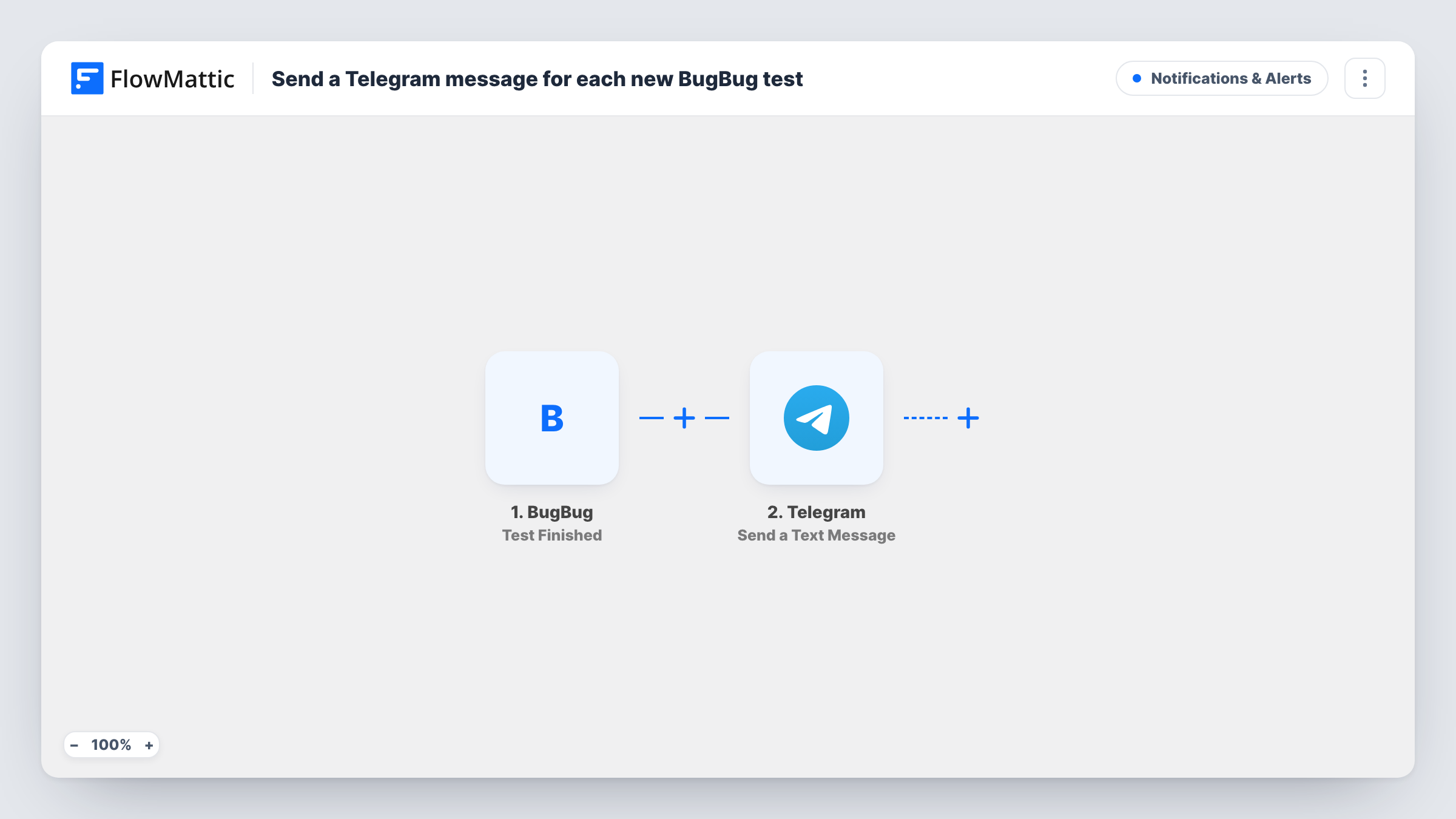
The BugBug trigger fires when a test run finishes. FlowMattic receives the run data BugBug sends and passes it to Telegram, where Send a Text Message posts to the chat you set. You write the message yourself and drop in values from the run, such as the test name and its result, if BugBug includes them.
Each finished run sends one message, whether it passed or failed, because the template has no conditions. If you only want to hear about failures, add a Filter between the steps. Task History lists each run and what Telegram returned.
Release checks after a deploy
A developer kicks off BugBug tests after shipping and gets a Telegram message as each test finishes, without keeping a browser tab open.
Overnight scheduled runs
Tests scheduled to run at night report to a Telegram group, so the team sees results first thing in the morning.
Freelancer monitoring client sites
A freelancer who runs BugBug tests against client sites receives each result in Telegram and can react before the client notices a broken page.
How this workflow runs
What happens at each step once the workflow is on, and what you need before you import it.
 BugBug Test Finished
Runs when a test run finishes in BugBug. The data BugBug sends about the finished run is available for the Telegram message.
- Telegram Send a Text Message
Posts a text message to the Telegram chat you set, with markup support. Connect your Telegram bot, then write the message using values from the BugBug run.
What you need
- FlowMatticCore
- BugBug AccountAccount
- Telegram AccountAccount
After importing, map your own data. To keep the template universal, not every step is pre-filled. Open each step in the builder and connect your accounts and fields (channels, lists, sheets, recipients) before you switch the workflow on.
Make it yours
Changes worth making after you import it.
- Add a Filter between BugBug and Telegram that continues only when the run's status shows a failure, so passing runs don't send messages. Check a test run to see which status value BugBug uses.
- Run one test in BugBug after import so FlowMattic captures real run data before you write the Telegram message.
- Send results to a Telegram group rather than a private chat if several people need to see them, and add your bot to that group first.
Questions about this workflow
Does the BugBug workflow message me for passing tests too?
Yes, as imported. Every finished test run sends a message. Add a Filter on the run's status if you only want failures.
Is this triggered by creating a new test in BugBug?
No. The Test Finished trigger fires when a test run ends, so each run of a test sends a message, including repeat runs of the same test.
What do I need on the Telegram side?
A Telegram bot connected to FlowMattic and the chat where it should post. The bot must be a member of a group before it can post there.
Can the Telegram message include a link to the BugBug run?
If BugBug sends a link or ID for the run, you can map it into the message. Check the data from a test run to see what is available.
More Notifications & Alerts workflows
Other ready-to-import templates from the same category.






Import this workflow into your WordPress site
Download the JSON, import it from the Workflows screen and connect your accounts. Every run stays on your server, with no per-task fees.
30-day money-back guarantee Unlimited workflows and runs Self-hosted