

Log new OptiMonk subscriber and campaign data in Google Sheets
Each time OptiMonk records new subscriber or campaign data, this workflow writes it to a new Google Sheets row, so you have one spreadsheet of popup sign-ups and the campaigns that collected them.
 OptiMonk
 Google Sheets
2 steps Setup ~5 min Used on 3.3k sites Free to import
What this workflow does
OptiMonk keeps its leads inside its own account. That suits campaign tweaking, but less so when you want to compare popups, count sign-ups by week, or pass leads to someone who doesn't use OptiMonk. A spreadsheet of every entry covers all three. This workflow builds that sheet as visitors sign up.
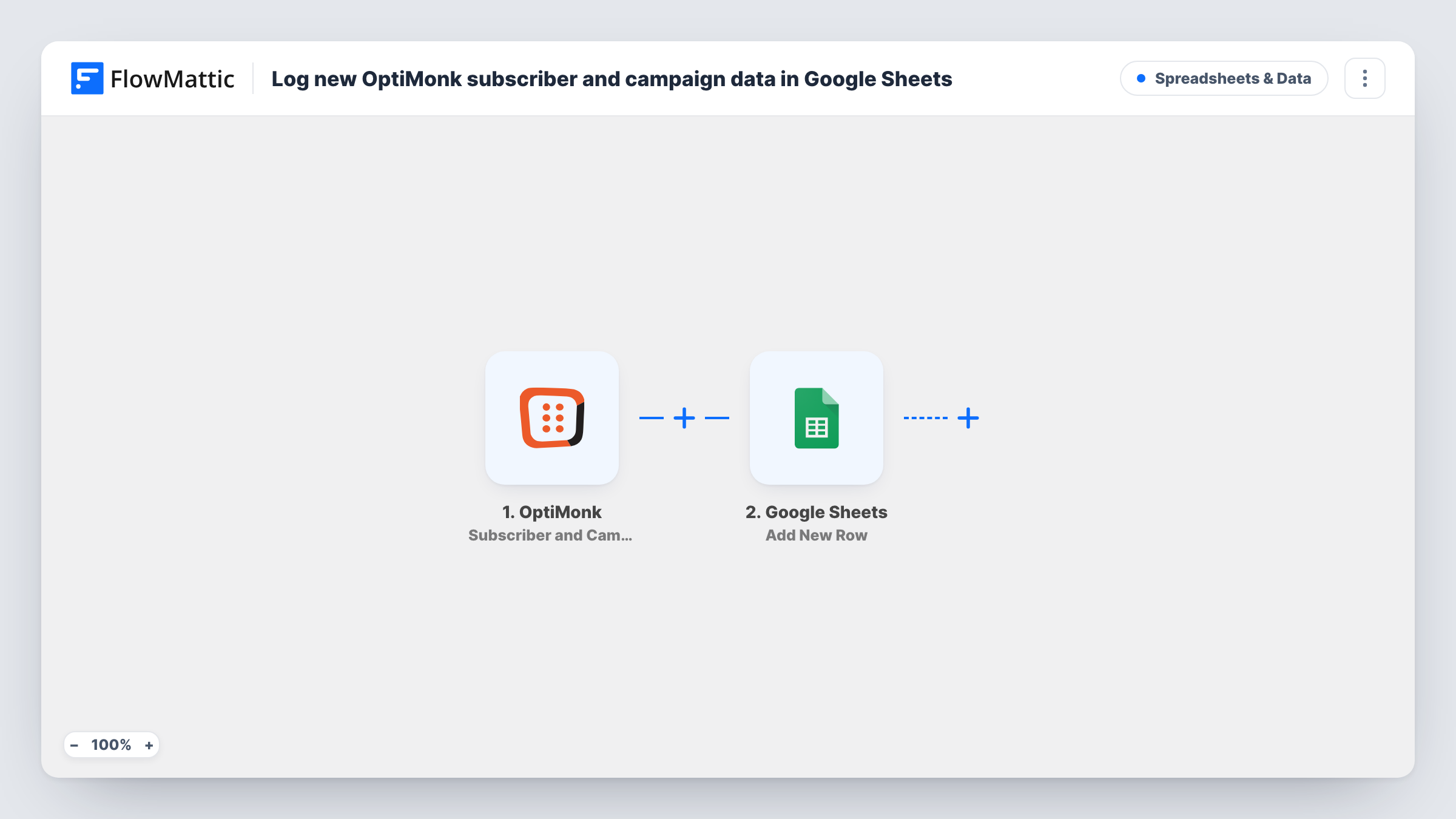
The OptiMonk trigger fires when new subscriber or campaign data is added, carrying what the visitor entered along with details of the campaign. FlowMattic hands that to Google Sheets, where Add New Row writes it to the spreadsheet and tab you pick. You map each value to a column, for example the email in one and a campaign detail in the next.
Each entry becomes its own row and earlier rows are never changed, so someone who signs up through two popups appears twice. Task History shows what OptiMonk sent on every run.
Comparing popup campaigns
A marketer logs every sign-up with its campaign name, then uses a pivot table to see which OptiMonk popup collects the most leads each month.
Leads for a sales assistant
A sales assistant without an OptiMonk login works through the shared sheet and follows up with visitors who asked for a quote in a popup.
Backup of your lead list
Keep a copy of every OptiMonk sign-up in Google Sheets in case you change email tools and need the full history in one file.
How this workflow runs
What happens at each step once the workflow is on, and what you need before you import it.
 OptiMonk Subscriber and Campaign Data
Runs when OptiMonk records new subscriber or campaign data, such as a visitor completing a popup. The entry and campaign details are passed to Google Sheets.
- Google Sheets Add New Row
Appends the OptiMonk entry as a new row in the spreadsheet and tab you choose. Connect your Google account and map each value from OptiMonk to a column.
What you need
- FlowMatticCore
- OptiMonk AccountAccount
- Google Sheets AccountAccount
After importing, map your own data. To keep the template universal, not every step is pre-filled. Open each step in the builder and connect your accounts and fields (channels, lists, sheets, recipients) before you switch the workflow on.
Make it yours
Changes worth making after you import it.
- Add a header row to your sheet before mapping, with a column for the campaign alongside the visitor's details, so you can sort sign-ups by popup later.
- Fill in one of your OptiMonk popups yourself after import so FlowMattic captures sample data, then map the columns from it.
- Want new sign-ups in your email tool too? Add a Mailchimp Add New Member step after the sheet row, mapping the email from OptiMonk.
Questions about this workflow
Which OptiMonk details are stored in Google Sheets?
The values you map. OptiMonk sends the entry along with campaign details, and you choose which of them go into which column. A test sign-up shows what is included.
Does a repeat OptiMonk sign-up update the existing row?
No. Add New Row adds a fresh row on each run, so a visitor who signs up twice appears on two rows.
Are older OptiMonk leads added to the sheet?
No. Only entries that come in while the workflow is active start a run. Older leads need to be added to the sheet another way.
Can I send each OptiMonk campaign to its own tab?
Yes. Replace the single Sheets step with a Router, give each route a condition on the campaign value, and add an Add New Row step for each tab.
More Spreadsheets & Data workflows
Other ready-to-import templates from the same category.




Import this workflow into your WordPress site
Download the JSON, import it from the Workflows screen and connect your accounts. Every run stays on your server, with no per-task fees.
30-day money-back guarantee Unlimited workflows and runs Self-hosted