

When a new survey response is received in Webask, add record to Google Sheet
Each response WebAsk sends to FlowMattic is added as a new row in Google Sheets, giving you one spreadsheet of survey answers you can sort, chart and share with your team.
 WebAsk
 Google Sheets
2 steps Setup ~5 min Used on 1.1k sites Free to import
What this workflow does
WebAsk collects your survey answers, but analysis often happens somewhere else. Teams want the raw responses in a spreadsheet where they can build a pivot table, add notes or share a link with someone who has no WebAsk login. This workflow appends every response to Google Sheets as it comes in.
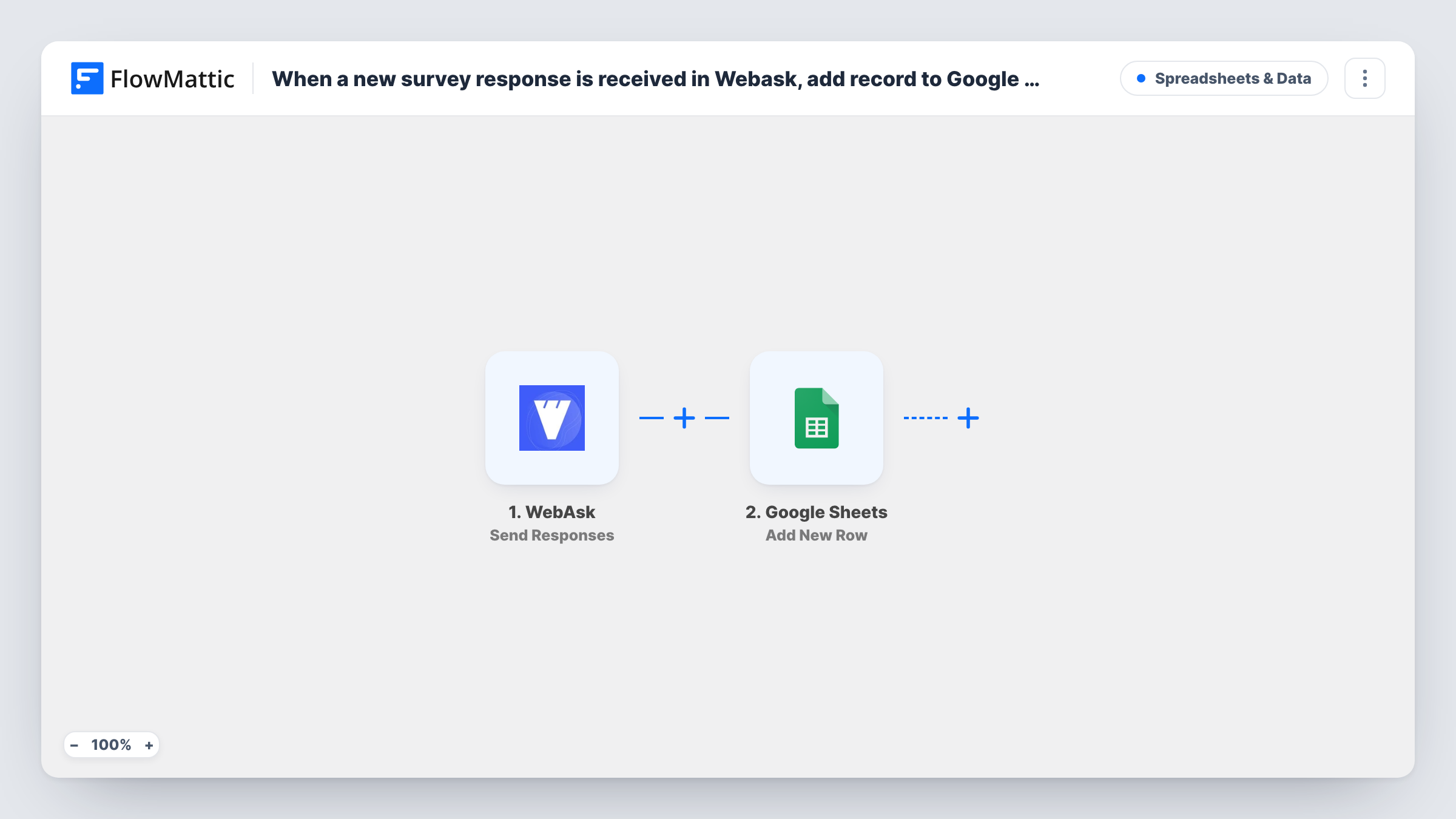
The WebAsk trigger, Send Responses, fires when WebAsk sends survey responses out to FlowMattic. Each response's answers become data you can map. The Google Sheets step then runs Add New Row, placing those answers in the columns you choose.
There is no Filter, so every response WebAsk sends becomes a row, including partial or test responses if WebAsk sends those. Each answer goes into its own column, so set up a header row that matches your survey questions before you map. If you change the survey later, add matching columns and update the mapping, or new questions won't appear in the sheet.
Customer satisfaction scores
A post-purchase WebAsk survey asks for a rating and a comment. Each response lands in the sheet, where a chart tracks the average score week by week.
Event feedback for speakers
After a conference, attendees rate sessions in WebAsk. The organiser shares the Google Sheet with speakers so they can read the comments for their talk.
Employee pulse survey
HR runs a short anonymous WebAsk survey each month. The answers build up in one Google Sheet, making month-to-month comparison simple.
How this workflow runs
What happens at each step once the workflow is on, and what you need before you import it.
 WebAsk Send Responses
Fires when WebAsk sends a survey response to FlowMattic. The answers to each question are passed on so you can place them in spreadsheet columns.
- Google Sheets Add New Row
Writes the response to a new row at the bottom of your chosen Google Sheets tab. Map each survey answer to its column, and add a column for the response date if WebAsk sends one.
What you need
- FlowMatticCore
- WebAsk AccountAccount
- Google Sheets AccountAccount
After importing, map your own data. To keep the template universal, not every step is pre-filled. Open each step in the builder and connect your accounts and fields (channels, lists, sheets, recipients) before you switch the workflow on.
Make it yours
Changes worth making after you import it.
- Run one test response through your WebAsk survey after import so FlowMattic captures every question, then map each answer to the matching Google Sheets column.
- Add a Filter after the trigger on a key question, such as a rating, if you want only certain responses in this sheet, for example scores below 3 for follow-up. A blank rating counts as 0 and passes that check.
- Add a Slack or email step after Google Sheets to tell your team when a response arrives, and include the main answer in the message.
Questions about this workflow
Will WebAsk responses collected before import appear in the sheet?
No. Only responses WebAsk sends after the workflow is active trigger it. Export earlier answers from WebAsk if you need them in the same spreadsheet.
What if I add a new question to my WebAsk survey?
The new answer isn't written anywhere until you add a column for it and map it in the Google Sheets step. Send a test response so the new field shows up for mapping.
Can several WebAsk surveys feed one Google Sheet?
They can, but each survey has different questions, so the columns won't line up. A separate tab or workflow per survey keeps the data easier to read.
Does the workflow change anything in WebAsk?
No. It only reads the responses WebAsk sends and writes them to Google Sheets. Your survey and its results in WebAsk stay as they are.
More Spreadsheets & Data workflows
Other ready-to-import templates from the same category.





Import this workflow into your WordPress site
Download the JSON, import it from the Workflows screen and connect your accounts. Every run stays on your server, with no per-task fees.
30-day money-back guarantee Unlimited workflows and runs Self-hosted