

When a new lead is identified in Happierleads, add a new row in Google Sheets
Each time Happierleads identifies a new lead from your website visitors, this workflow adds a row to Google Sheets with the lead details you map, building a list your sales team can work through.
 Happierleads
 Google Sheets
2 steps Setup ~5 min Used on 388 sites Free to import
What this workflow does
Happierleads tracks anonymous visitors to your website and identifies the leads among them. Those leads only help if someone follows up, and many sales teams prefer to work from a shared spreadsheet. This workflow writes each newly identified lead into Google Sheets.
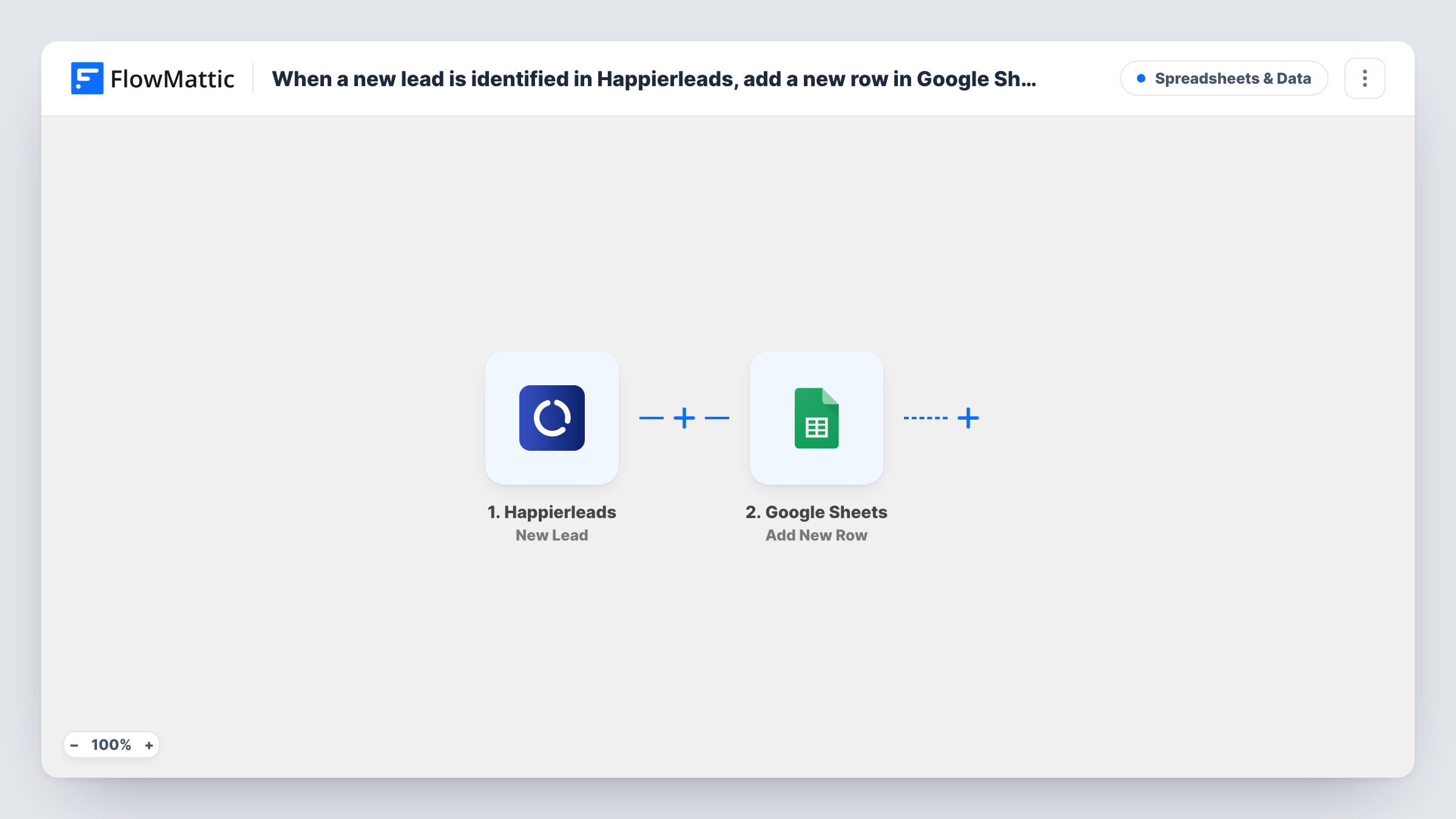
The Happierleads trigger is New Lead, which fires when a new lead is identified. FlowMattic passes the lead data to Google Sheets, where Add New Row adds it to the spreadsheet and sheet you choose. You decide which Happierleads details go in which column after a test lead shows what is sent.
Every identified lead gets one row. The sheet is a log, so later changes to a lead in Happierleads are not copied over. Task History lists each run with the values that were written.
Outbound prospect list
Sales reps take turns working down a sheet of companies Happierleads identified on your site, marking who they contacted.
Agency reporting
An agency shares a sheet of identified leads with a client to show which organisations visited their site.
Feeding other tools from one sheet
The sheet becomes the source for mail merges or imports into a CRM that has no direct link to Happierleads.
How this workflow runs
What happens at each step once the workflow is on, and what you need before you import it.
 Happierleads New Lead
Fires when Happierleads identifies a new lead among your website visitors. The lead data it sends becomes available to map into the sheet. Connect Happierleads on import.
- Google Sheets Add New Row
Adds a row for the identified lead to the Google Sheets spreadsheet you choose. Map each Happierleads detail to a column and connect your Google account.
What you need
- FlowMatticCore
- Happierleads AccountAccount
- Google Sheets AccountAccount
After importing, map your own data. To keep the template universal, not every step is pre-filled. Open each step in the builder and connect your accounts and fields (channels, lists, sheets, recipients) before you switch the workflow on.
Make it yours
Changes worth making after you import it.
- Add extra columns for your own notes, such as contacted or owner. Unmapped columns are left alone by each new Happierleads row.
- Add a Filter after the trigger if you only want leads that meet a condition you can see in the lead data, for example a particular country.
- Let one lead come through after import so FlowMattic captures the Happierleads fields, then map the columns before you rely on the sheet.
Questions about this workflow
Which Happierleads details end up in Google Sheets?
The ones you map from the lead data Happierleads sends. Check a test lead after import to see what is available.
Does the sheet update when a Happierleads lead changes?
No. The workflow runs once when a lead is first identified and adds a row. Later changes in Happierleads are not written.
Are Happierleads leads from before import added?
No. Only leads identified after the workflow is turned on reach the sheet.
Can Happierleads leads also go to my CRM?
Yes. Add a CRM step after the Google Sheets step, such as FluentCRM Create or Update Contact, and map the lead's email if the data includes one.
More Spreadsheets & Data workflows
Other ready-to-import templates from the same category.



Import this workflow into your WordPress site
Download the JSON, import it from the Workflows screen and connect your accounts. Every run stays on your server, with no per-task fees.
30-day money-back guarantee Unlimited workflows and runs Self-hosted