

Send a Slack alert for every Bokun product update
Every time a product is updated in Bokun, FlowMattic posts a message to the Slack channel you pick, so your team sees changes to tours and activities without checking Bokun.
 Bokun
 Slack
2 steps Setup ~5 min Used on 1.5k sites Free to import
What this workflow does
Tour and activity operators change product details in Bokun all the time: new prices, different start times, an updated meeting point. The people who answer customers or run the trips don't always hear about those edits. This workflow tells them in Slack whenever a product changes.
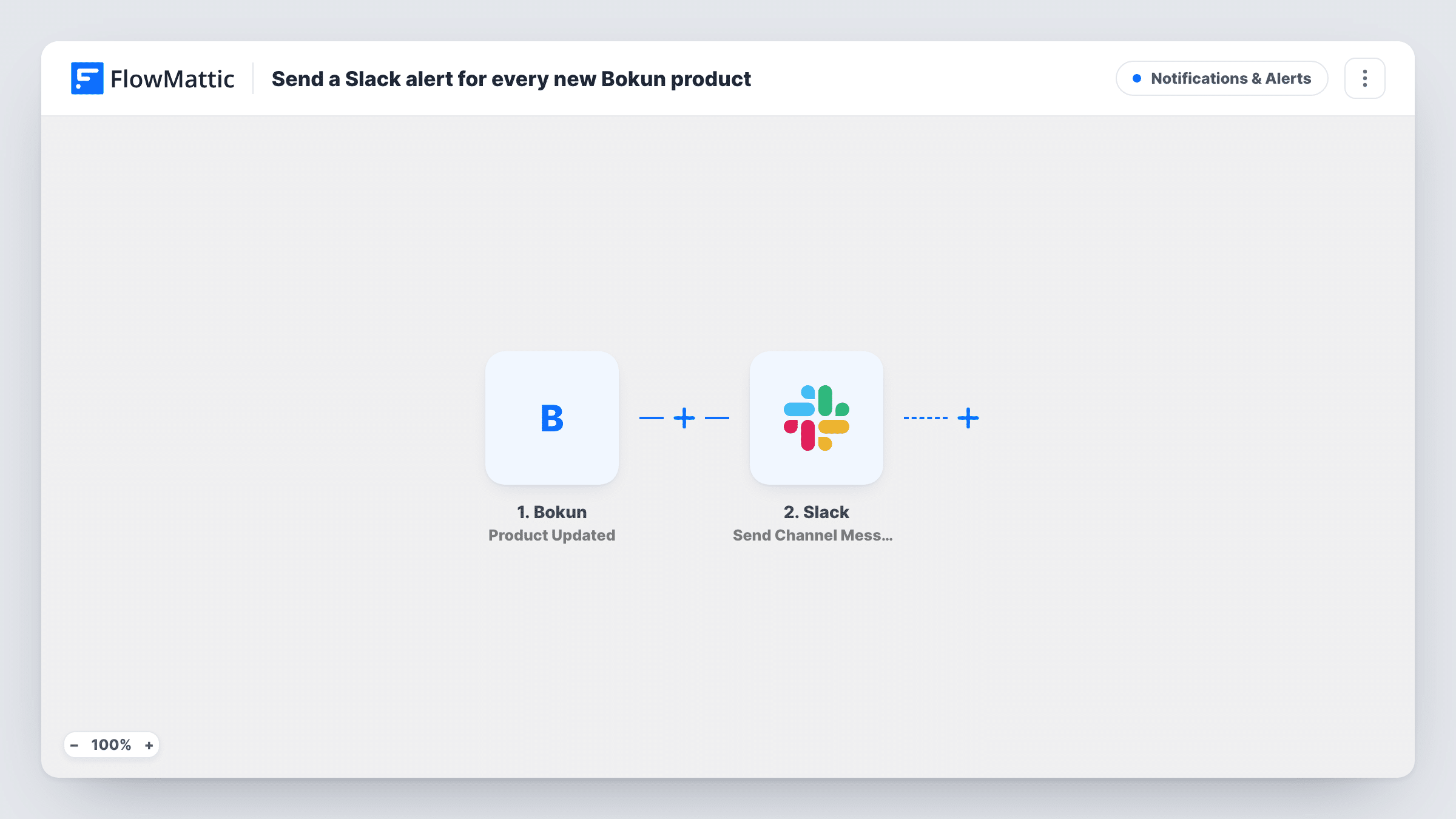
The Bokun trigger, Product Updated, fires when a product is updated in your Bokun account. FlowMattic receives the product data Bokun sends, such as the product's title and ID.
The Slack step follows and drops the alert into one of your workspace's channels. The template ships without a channel or message, so after import you connect Slack, choose the channel and write the text, mapping in the product details you want people to see. Send Channel Message is for regular channels; Slack has a separate Send Private Channel Message action if the alert belongs in a private one.
Each update starts one run and one message, so a busy editing day in Bokun means a busy channel. Save a small change to a test product, then look in Task History to see which Bokun fields arrived and what Slack returned.
Guides told about changed meeting points
A walking-tour company keeps its guides in a Slack channel, and each Bokun product edit posts there so nobody turns up at last month's meeting spot.
Support team aware of price edits
An activity operator's support staff see a Slack note whenever a product changes in Bokun, before customers start asking about the new details.
Change log for product managers
A travel business keeps a dedicated Slack channel as a running record of Bokun product updates the content team makes.
How this workflow runs
What happens at each step once the workflow is on, and what you need before you import it.
 Bokun Product Updated
Fires whenever a product is updated in Bokun. The updated product's data is passed to the Slack step so you can quote it in the message.
- Slack Send Channel Message
Sends the alert into a Slack channel of your choice. The template leaves the channel and text empty, so pick the channel, write the message and map in the Bokun product fields.
What you need
- FlowMatticCore
- Bokun AccountAccount
- Slack AccountAccount
After importing, map your own data. To keep the template universal, not every step is pre-filled. Open each step in the builder and connect your accounts and fields (channels, lists, sheets, recipients) before you switch the workflow on.
Make it yours
Changes worth making after you import it.
- Put the product title and ID near the start of the Slack message, so people can tell at a glance which Bokun product changed.
- If you only care about some products, put a Filter between the Bokun trigger and the Send Channel Message step that checks the product ID or title.
- Use a Slack channel just for these alerts rather than a general one, since every Bokun edit produces its own post.
Questions about this workflow
Does a brand-new Bokun product trigger this Slack alert?
The trigger is for product updates. Whether Bokun also reports a product's first save as an update isn't stated, so create a test product and check Task History.
Can the Bokun alert go to a private Slack channel?
Not with the action as shipped, which targets regular channels. Swap it for Slack's Send Private Channel Message action, or use Send Direct Message to alert one person.
Will I get one Slack message for several edits in a row?
No. Each update Bokun reports starts its own run, so several quick saves can mean several messages in the channel.
More Notifications & Alerts workflows
Other ready-to-import templates from the same category.





Import this workflow into your WordPress site
Download the JSON, import it from the Workflows screen and connect your accounts. Every run stays on your server, with no per-task fees.
30-day money-back guarantee Unlimited workflows and runs Self-hosted