

Send New Albacross leads to Telegram channel
When Albacross receives a new lead, this workflow sends a text message about it to your Telegram channel through your bot, so your sales team sees new website leads on their phones.
 Albacross
 Telegram
2 steps Setup ~5 min Used on 729 sites Free to import
What this workflow does
Albacross tells you which companies visited your website, but a lead is worth most while the visit is recent. If the team only checks Albacross now and then, that moment passes. This workflow posts each new lead to a Telegram channel the team already reads.
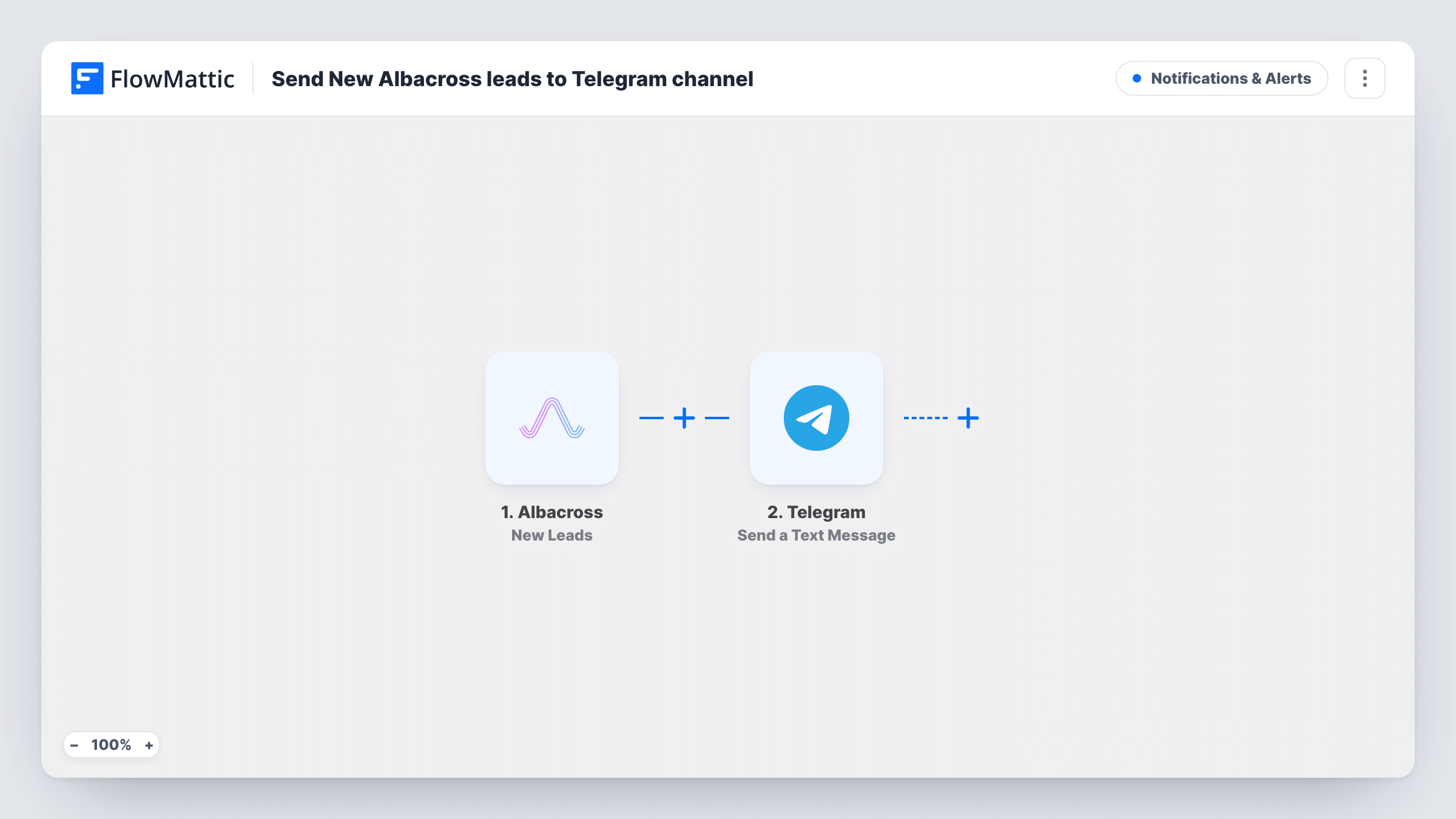
New Leads, the Albacross trigger in this template, starts a run each time Albacross receives a lead. FlowMattic then sends the lead's details to Telegram with Send a Text Message, which supports markup, so you can bold the company name or format the message in other ways. You choose the channel and write the message from the Albacross data.
Each new lead sends one message, because there is no Filter as imported. The message goes out through your Telegram bot, so the bot must be able to post in the channel you pick.
Sales team on the move
Account executives who travel between meetings get each Albacross lead in a Telegram channel and can follow up from their phone.
Founder keeping an eye on demand
A small company's founder watches which companies show up on the site without logging in to Albacross every day.
Regional team channels
Clone the workflow for each region, add a Filter on a location value Albacross sends, and point each copy at its own Telegram channel.
How this workflow runs
What happens at each step once the workflow is on, and what you need before you import it.
 Albacross New Leads
Runs as soon as Albacross receives a lead. Whatever lead details Albacross includes are passed on for the Telegram message.
- Telegram Send a Text Message
Posts a text message about the Albacross lead to your Telegram channel through your bot. Pick the channel, write the text and add lead details; markup is supported.
What you need
- FlowMatticCore
- Albacross AccountAccount
- Telegram AccountAccount
After importing, map your own data. To keep the template universal, not every step is pre-filled. Open each step in the builder and connect your accounts and fields (channels, lists, sheets, recipients) before you switch the workflow on.
Make it yours
Changes worth making after you import it.
- Put the company name in bold and the key details on separate lines, so the lead is easy to read on a phone screen.
- Add a Filter after the trigger so only leads that match your target market, using a field Albacross sends, reach the channel.
- Add your bot to the Telegram channel with permission to post before you test, or the message step will return an error.
Questions about this workflow
Do I need a Telegram bot for the Albacross alerts?
Yes. FlowMattic sends Telegram messages through a bot you connect, and that bot has to be a member of the channel with permission to post.
What Albacross details can go into the Telegram message?
The message can use any field Albacross attaches to the lead. Wait for the first lead after import, look at the captured data and map the fields you want.
Will the Telegram channel get older Albacross leads?
No. Messages are only sent for leads Albacross receives after the workflow is turned on.
More Notifications & Alerts workflows
Other ready-to-import templates from the same category.





Import this workflow into your WordPress site
Download the JSON, import it from the Workflows screen and connect your accounts. Every run stays on your server, with no per-task fees.
30-day money-back guarantee Unlimited workflows and runs Self-hosted