

Send a Slack alert when an Attentive subscriber sends an inbound SMS message
When a subscriber replies to one of your Attentive SMS messages, this workflow posts the reply to a Slack channel so your team can see what customers text back.
 Attentive
 Slack
Slack2 steps Setup ~5 min Used on 1.1k sites Free to import
What this workflow does
SMS marketing is mostly one-way, so replies are easy to overlook. A customer who texts back with a question, a complaint or an order problem expects someone to read it. This workflow brings each inbound text from Attentive into a Slack channel your team watches.
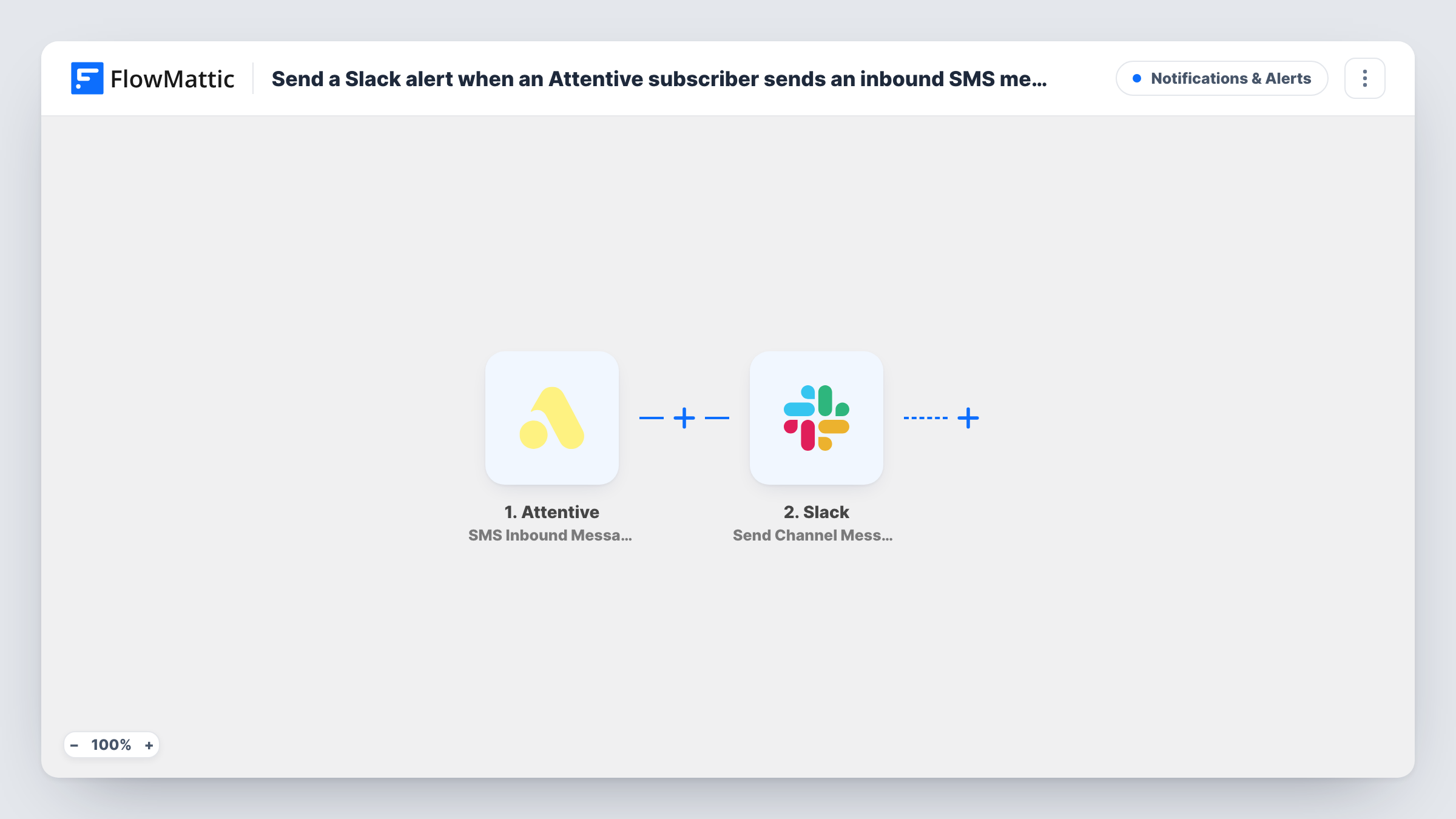
The Attentive trigger, SMS Inbound Message, fires when a subscriber replies to an SMS. FlowMattic receives the reply data and passes it to Slack, where Send Channel Message posts a message to a #channel. You decide what the message shows, for example the reply text and the subscriber details you see in a test run.
Every reply Attentive reports posts one message, short or long, because the template has no Filter. The workflow only reports the text; answering the subscriber still happens through your usual Attentive process. Anything you map into the message, such as a phone number, is visible to everyone in that channel, so choose who can see it.
Questions after a promotional text
A sale announcement prompts customers to reply asking about sizes or delivery. Each reply appears in #customer-care, where an agent picks it up.
Order problems reported by text
Customers sometimes answer a shipping SMS with a problem. Seeing those replies in Slack means support hears about them on the same day.
Reading reactions to a new campaign
The marketing team watches replies in a channel during the first hours of a campaign to see how subscribers respond to the wording.
How this workflow runs
What happens at each step once the workflow is on, and what you need before you import it.
 Attentive SMS Inbound Message
Fires when a subscriber replies to one of your Attentive SMS messages. The reply and the data that comes with it are passed to Slack for mapping.
- Slack Send Channel Message
Posts the subscriber's reply into a Slack #channel. Build the message from the Attentive data, such as the reply text, then check the format with a test reply.
What you need
- FlowMatticCore
- Attentive AccountAccount
- Slack AccountAccount
After importing, map your own data. To keep the template universal, not every step is pre-filled. Open each step in the builder and connect your accounts and fields (channels, lists, sheets, recipients) before you switch the workflow on.
Make it yours
Changes worth making after you import it.
- Add a Filter after the trigger that skips one-word replies you don't need to see, such as a plain yes, after checking the exact text in a test run.
- If the replies include personal details, post them with Slack's Send Private Channel Message action to a private channel only your support team can read.
- Add a Google Sheets Add New Row step after Slack to keep a log of every Attentive reply with the date and the subscriber details.
Questions about this workflow
Can my team reply to the Attentive subscriber from Slack?
No. The workflow only posts the incoming text to Slack. Replies to the subscriber still go out through Attentive.
Does every Attentive SMS reply reach Slack?
Yes, as imported. Each inbound reply the trigger receives posts a message. Add a Filter after the trigger if you want to leave some replies out.
Does this include replies to Attentive emails?
No. The SMS Inbound Message trigger covers replies to SMS messages only. Email activity uses Attentive's separate email triggers.
Which Slack channel do the Attentive replies go to?
The #channel you set in the Send Channel Message step after import. Use a private channel action instead if the channel is private.
More Notifications & Alerts workflows
Other ready-to-import templates from the same category.





Import this workflow into your WordPress site
Download the JSON, import it from the Workflows screen and connect your accounts. Every run stays on your server, with no per-task fees.
30-day money-back guarantee Unlimited workflows and runs Self-hosted