

Send a Slack notification for each new Basin form submission
Each time a Basin form receives a submission, this workflow posts a message to a Slack channel, so your team sees new leads, questions and requests without checking the Basin inbox.
 Basin
 Slack
2 steps Setup ~5 min Used on 2.3k sites Free to import
What this workflow does
Basin collects submissions from forms on static sites and site builders, and it can email you each one. Email notifications get buried, though, and only reach the person who set them up. A Slack message puts every submission in front of the whole team in the channel they already watch.
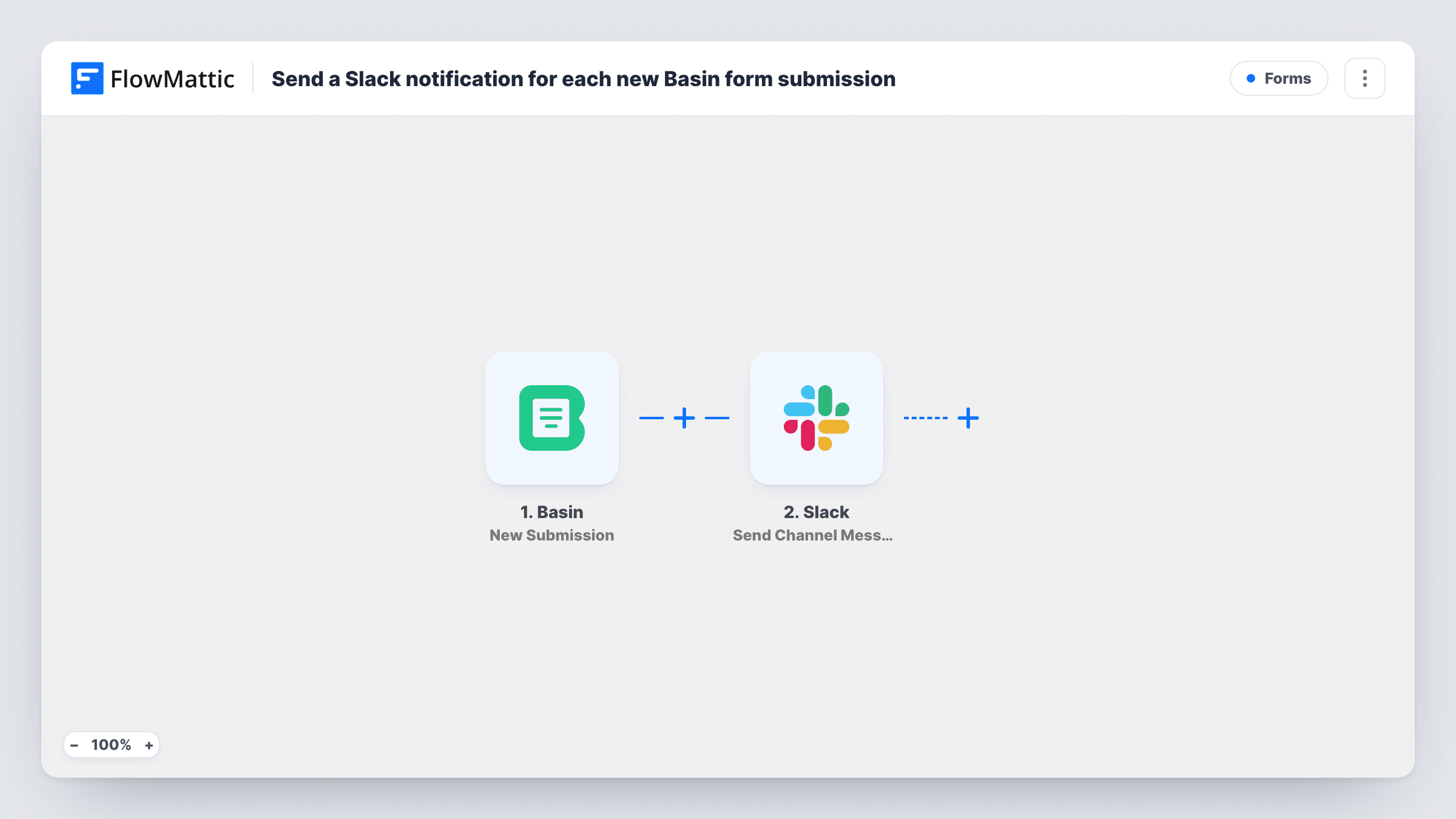
The Basin trigger is New Submission, which fires when a form receives a new submission. FlowMattic passes the submitted fields to Slack. The Send Channel Message step posts to the channel you choose, with a message you write from the form's fields, such as the name, email and message.
As imported, every submission produces a post. If the form gets spam or test entries, add a Filter before Slack. Task History lists each run with the data Basin sent and what was posted.
Leads from a static marketing site
A site built without WordPress sends its contact form through Basin, and the sales team sees each enquiry in #leads straight away.
Job applications on a careers page
Applications made through a Basin form are announced in a hiring channel, so the recruiter and hiring manager both know a new one arrived.
Client project request form
A freelancer's request form posts to a channel in their own Slack workspace, giving them one place to see new project enquiries.
How this workflow runs
What happens at each step once the workflow is on, and what you need before you import it.
 Basin New Submission
Runs when your Basin form receives a new submission. The submitted fields are passed to the Slack step for use in the message.
- Slack Send Channel Message
Posts the submission to the Slack channel you pick. Connect Slack, choose the channel and build the message from the Basin form fields.
What you need
- FlowMatticCore
- Basin AccountAccount
- Slack AccountAccount
After importing, map your own data. To keep the template universal, not every step is pre-filled. Open each step in the builder and connect your accounts and fields (channels, lists, sheets, recipients) before you switch the workflow on.
Make it yours
Changes worth making after you import it.
- Submit a test entry to your Basin form after import, so FlowMattic captures the field names before you write the Slack message.
- Add a Filter after the trigger that continues only when the email field is not empty, so blank or junk entries don't post.
- To post into a private channel, switch the step to Slack's Send Private Channel Message action.
Questions about this workflow
Does Basin still email me each submission?
Yes, if you have Basin notifications on. This workflow only reads new submissions and doesn't change your Basin form settings.
Can the Basin alert go to a private Slack channel?
Use Slack's Send Private Channel Message action for a private channel. Send Channel Message, as shipped, is for regular channels.
Which Basin fields can I show in the Slack message?
Any field your form submits. Send one test entry so FlowMattic has the fields to pick from while you write the message.
More Forms workflows
Other ready-to-import templates from the same category.








Import this workflow into your WordPress site
Download the JSON, import it from the Workflows screen and connect your accounts. Every run stays on your server, with no per-task fees.
30-day money-back guarantee Unlimited workflows and runs Self-hosted