

Add an Airtable record when a new PageProof proof is created for tracking
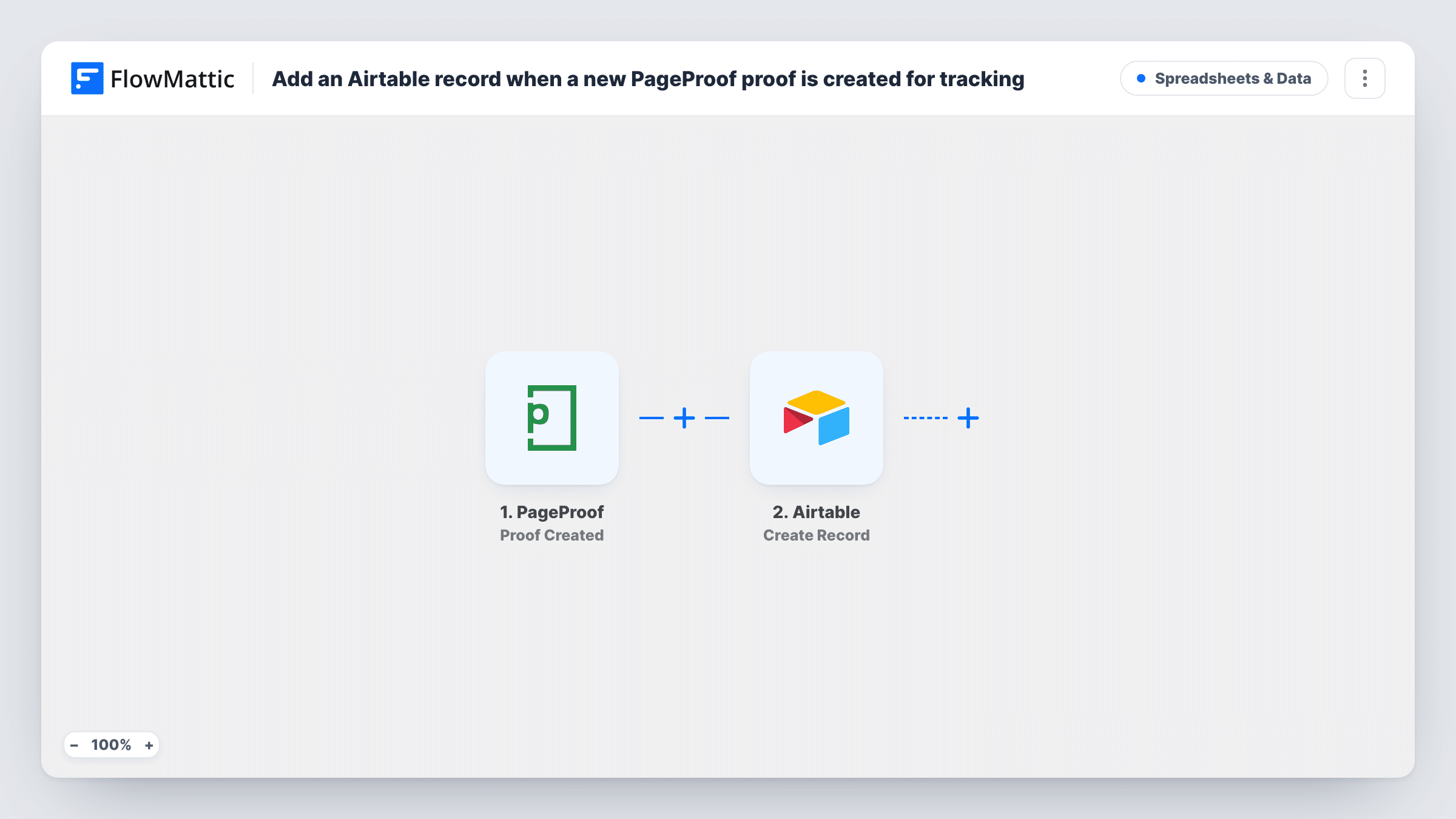
Each time a proof is created in PageProof, this workflow adds a record to your Airtable base, giving your team one table that lists every proof sent out for review.
 PageProof
 Airtable
2 steps Setup ~5 min Used on 2.2k sites Free to import
What this workflow does
Creative teams send proofs to clients and reviewers all week. Keeping track of what went out, for which client and when, usually means a spreadsheet someone forgets to update. This workflow fills an Airtable table for you whenever a proof is set up in PageProof.
The PageProof trigger fires when a proof is created. FlowMattic passes the proof's details from that event to Airtable, where the Create Record action adds a new record to the base and table you pick. You map proof details to the table's fields during setup.
Once proofs live in Airtable, you can group them by client, add your own status or due-date fields, and build views for each project. The workflow writes one record per new proof and does not change it afterwards, so later approvals or comments in PageProof stay in PageProof unless you add more steps. Task History shows every run and what was sent to Airtable.
Agency proof tracker
An account manager filters the Airtable table by client to see every proof sent to them this month, without opening PageProof project by project.
Print shop job board
Each new artwork proof becomes a row on the production board in Airtable, where staff add press dates and paper stock in their own fields.
Marketing team asset log
Campaign assets uploaded for review in PageProof appear in the team's Airtable content calendar, linked to the campaign they belong to.
How this workflow runs
What happens at each step once the workflow is on, and what you need before you import it.
 PageProof Proof Created
Runs when a proof is created in your PageProof account. The proof's details from that event are passed on for mapping in Airtable.
- Airtable Create Record
Writes one Airtable record per new proof into the base and table you select. Connect your Airtable account and map proof details from the trigger into the table's fields.
What you need
- FlowMatticCore
- PageProof AccountAccount
- Airtable AccountAccount
After importing, map your own data. To keep the template universal, not every step is pre-filled. Open each step in the builder and connect your accounts and fields (channels, lists, sheets, recipients) before you switch the workflow on.
Make it yours
Changes worth making after you import it.
- Create a test proof after import so FlowMattic captures the event data, then map it to your Airtable fields before you switch the workflow on.
- Add an Airtable field of your own for review status that your team fills in by hand. The workflow only sets the fields you map.
- To follow approvals too, build a second workflow on PageProof's Proof Status Changed trigger that adds a record to another Airtable table, or logs the new status for each proof.
Questions about this workflow
Does the Airtable record update when the proof is approved?
No. The template creates the record once, when the proof is created. Approvals and later changes in PageProof are not copied to Airtable as imported.
What PageProof details can I store in Airtable?
Whatever the Proof Created event carries. Create a test proof and check the run in Task History to see the available values before mapping fields.
Are proofs created before I turn this on added to Airtable?
No. Only proofs created while the workflow is active start a run, so older proofs need to be added by hand if you want them in the table.
More Spreadsheets & Data workflows
Other ready-to-import templates from the same category.



Import this workflow into your WordPress site
Download the JSON, import it from the Workflows screen and connect your accounts. Every run stays on your server, with no per-task fees.
30-day money-back guarantee Unlimited workflows and runs Self-hosted