

Post new Todoist task as Direct Message to user in Slack
When a new task is created in Todoist, this workflow sends a Slack direct message about it to the user you choose, so new tasks show up where that person already reads messages.
 Todoist
 Slack
2 steps Setup ~5 min Used on 2.8k sites Free to import
What this workflow does
A task list only helps if someone sees what lands on it. If you or a teammate live in Slack, a new Todoist task can sit unnoticed until the next time the app is opened. This workflow sends a Slack direct message for each new task.
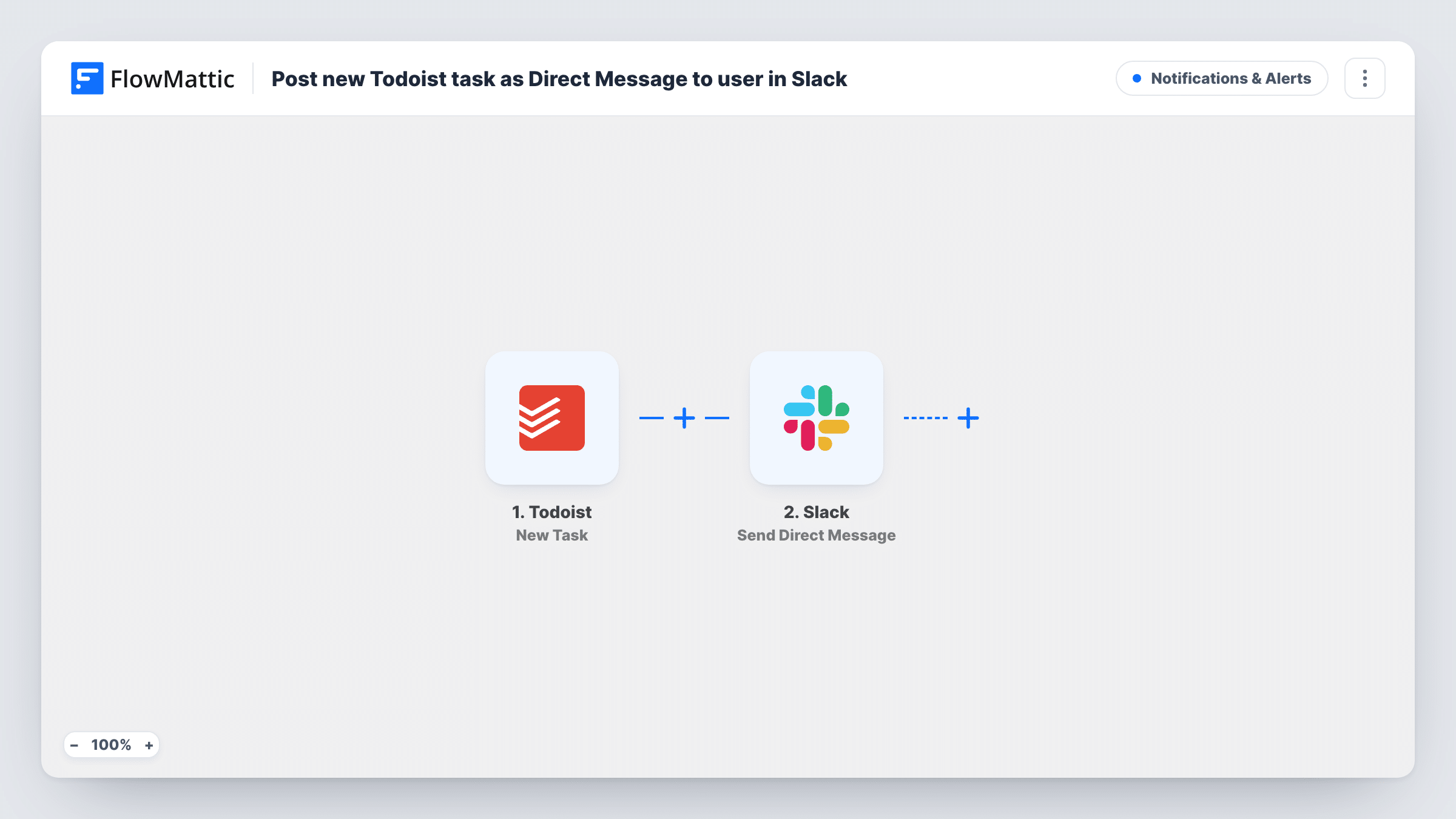
The Todoist trigger fires when a new task is created. FlowMattic passes the task details to Slack, where Send Direct Message sends a message from the Slackbot to a user, or to yourself. You write the message and map in task values such as the content and due date.
The recipient is the user you set in the Slack step, so every new task goes to that same person. The workflow does not look up who the task is assigned to. If different people should hear about different tasks, add a Filter or Router, described in the tips. Task History logs each message sent.
Personal task inbox in Slack
You add tasks to Todoist from your phone and email. Each one arrives as a Slack DM to yourself, so you see it at your desk.
Assistant adds tasks for a manager
An assistant creates tasks in a shared Todoist project, and the manager gets a Slack direct message for each new one.
Client requests logged as tasks
Requests captured as Todoist tasks reach the account lead in Slack as soon as they're added.
How this workflow runs
What happens at each step once the workflow is on, and what you need before you import it.
 Todoist New Task
Runs when a new task is created in Todoist. The task's details are passed on so you can map them into the Slack message.
- Slack Send Direct Message
Sends a direct message from the Slackbot to the user you choose. Write the text and map task values into it, then connect your Slack workspace.
What you need
- FlowMatticCore
- Todoist AccountAccount
- Slack AccountAccount
After importing, map your own data. To keep the template universal, not every step is pre-filled. Open each step in the builder and connect your accounts and fields (channels, lists, sheets, recipients) before you switch the workflow on.
Make it yours
Changes worth making after you import it.
- Add a Filter after the trigger so only tasks from one project, or with a certain label, send a Slack message.
- Use a Router with one route per Todoist project, each with its own Slack Send Direct Message step, to notify a different person for each project.
- Create a test task after import and check Task History to see which Todoist values you can put in the message.
Questions about this workflow
Does the Slack message go to the person the Todoist task is assigned to?
No. It goes to the user you pick in the Slack step. To notify different people, add a Router or separate workflows.
Will completed or edited Todoist tasks send a message?
No. The trigger fires when a new task is created, so edits and completions don't start a run.
Can I send the Todoist task to a Slack channel instead of a DM?
Yes. Swap the step for Slack's Send Channel Message action, or Send Private Channel Message for a private channel.
More Notifications & Alerts workflows
Other ready-to-import templates from the same category.



Import this workflow into your WordPress site
Download the JSON, import it from the Workflows screen and connect your accounts. Every run stays on your server, with no per-task fees.
30-day money-back guarantee Unlimited workflows and runs Self-hosted