

Send Slack direct messages for newly-scheduled Fluent Booking
When a booking is confirmed in Fluent Booking on your WordPress site, this workflow sends a Slack direct message with the booking details to you or a teammate, so new appointments show up where you already work.
 Fluent Booking
 Slack
Slack2 steps Setup ~5 min Used on 1.7k sites Free to import
What this workflow does
Fluent Booking puts new appointments on your calendar, but the person who takes the meeting may spend the day in Slack, not in WordPress. A direct message as soon as a booking is confirmed tells them who is coming and when, without a trip to the dashboard.
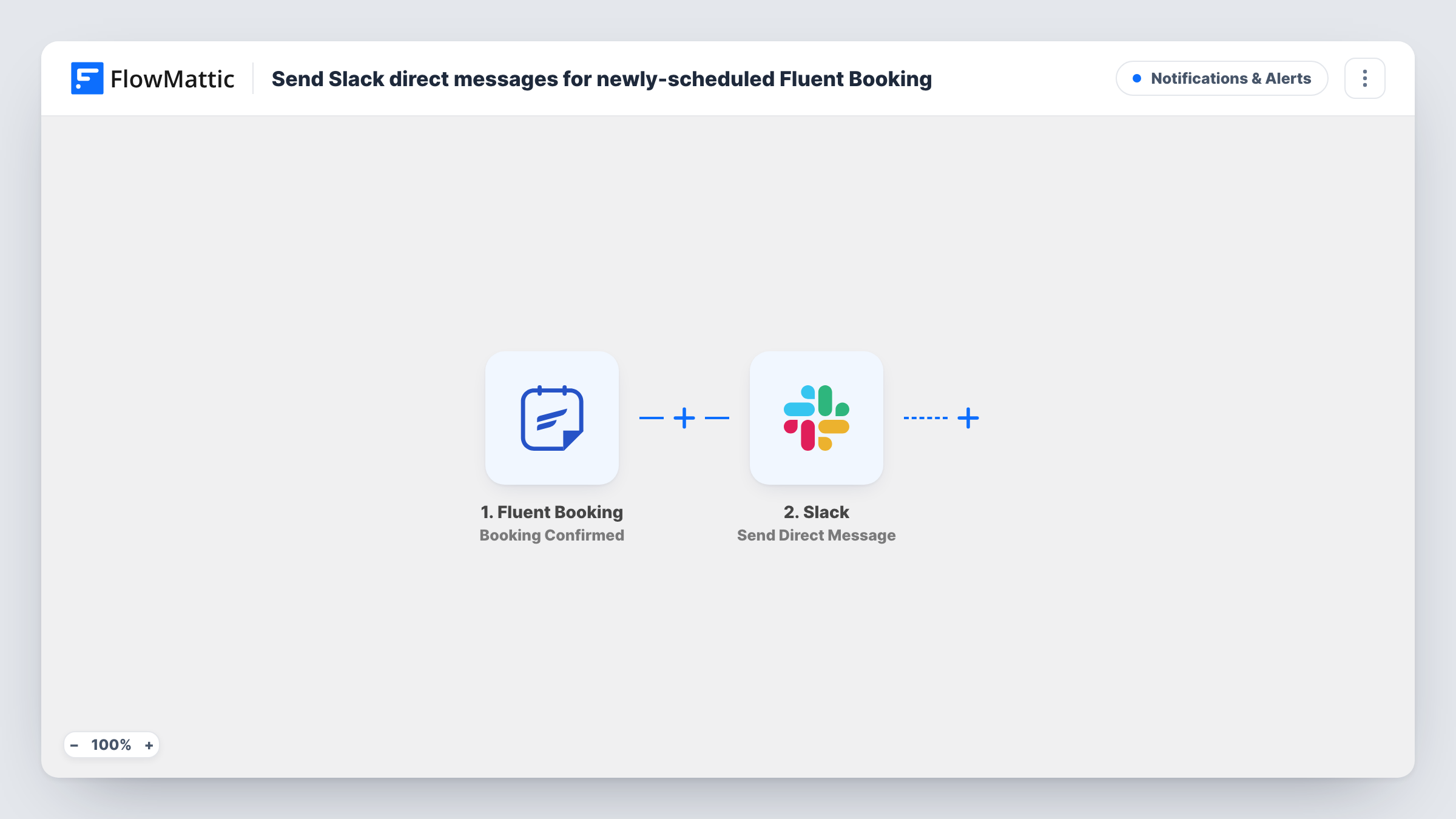
The Fluent Booking trigger fires when a booking is confirmed on the same site where FlowMattic runs. The booking data, such as the guest and the event, becomes available to map. The Slack step then sends a direct message from the Slackbot to a user you pick or to yourself, with text you build from those booking fields.
Each booking Fluent Booking marks as confirmed sends one message, and nothing else in the template filters them. Task History shows every run and what was posted to Slack.
Consultant who lives in Slack
A freelance consultant takes discovery calls through Fluent Booking. Each confirmed call arrives as a Slack DM with the guest's name and time slot.
Sales rep demo bookings
Demo bookings on the company site are confirmed in Fluent Booking, and the rep who runs demos gets a direct message for each one.
Clinic front desk
Reception staff get a Slack DM for each confirmed appointment so they can prepare the room or paperwork before the visitor arrives.
How this workflow runs
What happens at each step once the workflow is on, and what you need before you import it.
 Fluent Booking Booking Confirmed
Starts a run for each Fluent Booking appointment confirmed on your site. The booking and guest details are passed to the Slack step.
- Slack Send Direct Message
Sends a direct message from the Slackbot to a user or to yourself. Connect your Slack workspace, choose who receives it, and write the message using the booking data.
What you need
- FlowMatticCore
- Fluent Booking PluginPlugin
- Slack AccountAccount
After importing, map your own data. To keep the template universal, not every step is pre-filled. Open each step in the builder and connect your accounts and fields (channels, lists, sheets, recipients) before you switch the workflow on.
Make it yours
Changes worth making after you import it.
- Different hosts on different calendars? Add a Router with a route per event or host, each with its own Slack Send Direct Message step addressed to that person.
- Include the meeting time and the guest's email in the message so the recipient can reply or prepare without opening Fluent Booking.
- Make a test booking after import so FlowMattic captures the booking fields, then build the Slack message from those values.
Questions about this workflow
Which Fluent Booking event starts this workflow?
Booking Confirmed, which fires when a booking is confirmed on the current site. Other booking events, such as completed or rejected bookings, have their own triggers and don't start this workflow.
Do cancelled or rescheduled bookings send a message?
Not with this template. Fluent Booking has separate Booking Cancelled and Booking Rescheduled triggers in FlowMattic, which you can use in a second workflow.
Can this Slack alert cover bookings taken on another WordPress site?
Not with this trigger, which only fires for bookings on the current site. FlowMattic lists a separate Booking Confirmed (Remote) trigger for bookings received by webhook from another site.
Can the Slack message go to a channel instead of a DM?
Yes. Replace the Send Direct Message step with Slack's Send Channel Message action, then map the same booking fields into it.
More Notifications & Alerts workflows
Other ready-to-import templates from the same category.





Import this workflow into your WordPress site
Download the JSON, import it from the Workflows screen and connect your accounts. Every run stays on your server, with no per-task fees.
30-day money-back guarantee Unlimited workflows and runs Self-hosted