

Record AppDirect payment instrument notifications in an Airtable base
Every payment instrument notification AppDirect sends to FlowMattic is saved as a new record in the Airtable table you pick, giving you a log of billing method activity on your marketplace.
 AppDirect
 Airtable
2 steps Setup ~5 min Used on 3.3k sites Free to import
What this workflow does
When customers on an AppDirect marketplace add or change the card or other billing method on their account, finance and support teams sometimes need a record of when it happened and for which company. This workflow keeps that record in Airtable, one row per notification, where it is easy to filter, sort and share.
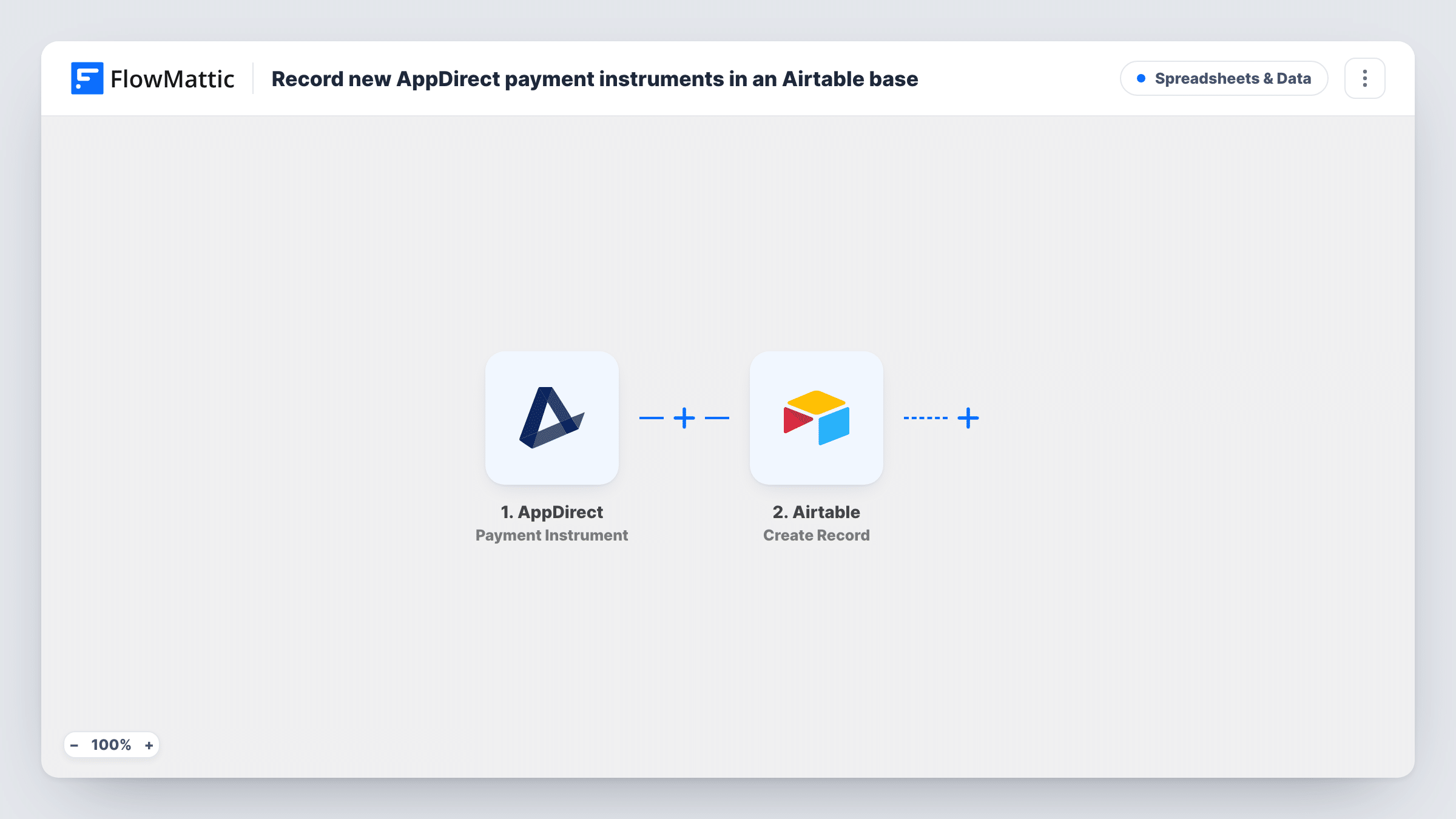
The AppDirect Payment Instrument trigger fires for notifications about payment instruments: the credit card and other information used for billing. Each notification starts one run and carries its details into the next step.
The Airtable Create Record step adds a new record for each notification. It ships unmapped, so after import you pick the base and table and choose which values go into which columns, such as the company, the user, the kind of change and the date. A new record is created every time, so the table becomes a running history rather than one row per customer.
Payment notifications can include billing details you shouldn't copy around. Map only what your team needs, leave any card data out of Airtable, and check a test notification in Task History to see exactly what AppDirect sends before choosing columns.
Billing change history for finance
A marketplace operator's finance team reviews an Airtable view of every payment method change when reconciling failed charges at month end.
Support context for billing tickets
Support agents look up a company in the Airtable base to see when its billing method last changed before answering a payment question.
Audit log outside AppDirect
A compliance lead keeps a separate, sortable record of payment instrument notifications in Airtable for internal reviews.
How this workflow runs
What happens at each step once the workflow is on, and what you need before you import it.
 AppDirect Payment Instrument
Fires for each payment instrument notification from AppDirect, covering the card and other billing information on an account. The notification's details are passed on to Airtable.
- Airtable Create Record
Creates a new Airtable record for every notification. The template maps nothing, so pick your base and table and map the AppDirect values you want to keep into its columns.
What you need
- FlowMatticCore
- AppDirect AccountAccount
- Airtable AccountAccount
After importing, map your own data. To keep the template universal, not every step is pre-filled. Open each step in the builder and connect your accounts and fields (channels, lists, sheets, recipients) before you switch the workflow on.
Make it yours
Changes worth making after you import it.
- Leave card numbers and other sensitive billing values out of the Airtable mapping, and store only identifiers such as the company, user and change type.
- Map the notification's date into a date column, so you can sort the table and group changes by month.
- Add a Slack Send Channel Message step after the Airtable step if your finance channel should also hear about each payment method change.
Questions about this workflow
Does each AppDirect notification create its own Airtable record?
Yes. Create Record adds a new record on every run, so repeated changes for the same company appear as separate rows in time order.
Is it safe to store AppDirect payment details in Airtable?
Only map what you need. The notification is about billing information, so keep card data out of your table and record identifiers and the type of change instead.
Which columns does the Airtable table need?
Whichever you plan to fill. Create them in Airtable first, run one test notification, then map the AppDirect values Task History shows into those columns.
More Spreadsheets & Data workflows
Other ready-to-import templates from the same category.




Import this workflow into your WordPress site
Download the JSON, import it from the Workflows screen and connect your accounts. Every run stays on your server, with no per-task fees.
30-day money-back guarantee Unlimited workflows and runs Self-hosted