

Send a Slack alert when a new Carrot quest message arrives
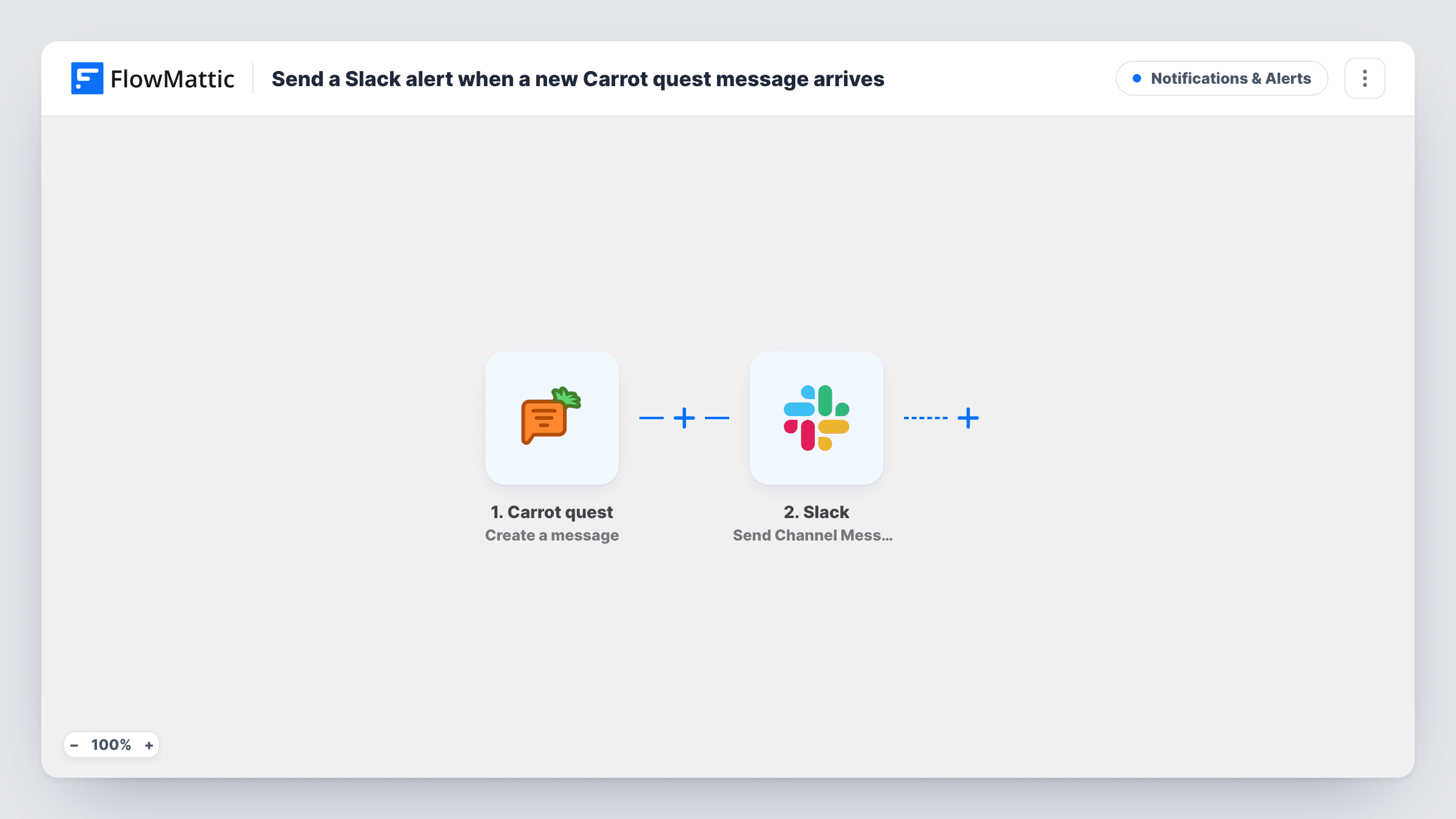
When a message is created in Carrot quest, this workflow posts a Slack channel message about it, so your team sees new Carrot quest messages without keeping the Carrot quest inbox open.
 Carrot quest
 Slack
2 steps Setup ~5 min Used on 3.1k sites Free to import
What this workflow does
Customer conversations in Carrot quest need someone to notice them. If your support or sales team spends the day in Slack, a post in a shared channel is often the first place a new message gets seen. This workflow sends one there each time Carrot quest reports a new message.
The Carrot quest trigger is Create a message. According to FlowMattic's description, it fires when a template or a message is created, so expect runs for new templates as well as messages. FlowMattic passes the data from each event to the Slack step, which posts to the #channel you pick with the text and values you map.
Nothing in the template separates messages from templates, or customer messages from replies your team writes. Look at a few runs in Task History after import to see what the trigger delivers, and add a Filter if you want only certain events in Slack.
Support channel alerts
New Carrot quest messages show up in #support, so whoever is on shift can open the conversation and answer it.
Sales team watching chat leads
Messages from website visitors in Carrot quest appear in a sales channel, where reps can claim a conversation before it goes cold.
Keeping an eye on template changes
Because the trigger also fires for new templates, a Slack post lets the team lead see when someone adds a template in Carrot quest.
How this workflow runs
What happens at each step once the workflow is on, and what you need before you import it.
 Carrot quest Create a message
Fires when a template or a message is created in Carrot quest. The event's data is passed to Slack so you can include it in the post.
- Slack Send Channel Message
Sends a post to the Slack #channel you set during import. Write the text and map Carrot quest values into it so the team can tell which conversation it is about.
What you need
- FlowMatticCore
- Carrot quest AccountAccount
- Slack AccountAccount
After importing, map your own data. To keep the template universal, not every step is pre-filled. Open each step in the builder and connect your accounts and fields (channels, lists, sheets, recipients) before you switch the workflow on.
Make it yours
Changes worth making after you import it.
- Add a Filter after the trigger once you know which value in the data marks a customer message, so templates and your own team's replies stay out of Slack.
- Alerts for a private Slack channel need the Send Private Channel Message action instead of this one.
- Create a test message in Carrot quest after import, then map the values FlowMattic captured into the Slack text before you switch the workflow on.
Questions about this workflow
Will creating a Carrot quest template also post to Slack?
Yes, as imported. The trigger fires when a template or a message is created, so add a Filter if you only want messages.
Does the Slack post include the text of the Carrot quest message?
Only if you map it. Check what the trigger delivers in a test run, then add the values you want to the Slack message.
Does Carrot quest have other triggers in FlowMattic?
Create a message is the only Carrot quest trigger FlowMattic lists, so it is the one this workflow uses.
More Notifications & Alerts workflows
Other ready-to-import templates from the same category.




Import this workflow into your WordPress site
Download the JSON, import it from the Workflows screen and connect your accounts. Every run stays on your server, with no per-task fees.
30-day money-back guarantee Unlimited workflows and runs Self-hosted