

Log new Form2chat form submissions in a Google Sheets spreadsheet
Each new Form2chat form submission is written to a new row in Google Sheets, so the answers people send through your Form2chat forms build up in one spreadsheet you can filter, share and keep.
 Form2chat
 Google Sheets
2 steps Setup ~5 min Used on 1.8k sites Free to import
What this workflow does
Form2chat collects answers through its forms and routes them on, but you may still want a plain, permanent record of everything that came in. A spreadsheet is the simplest place for that: anyone on the team can open it, sort it and add notes. This workflow writes each submission into Google Sheets as soon as Form2chat receives it.
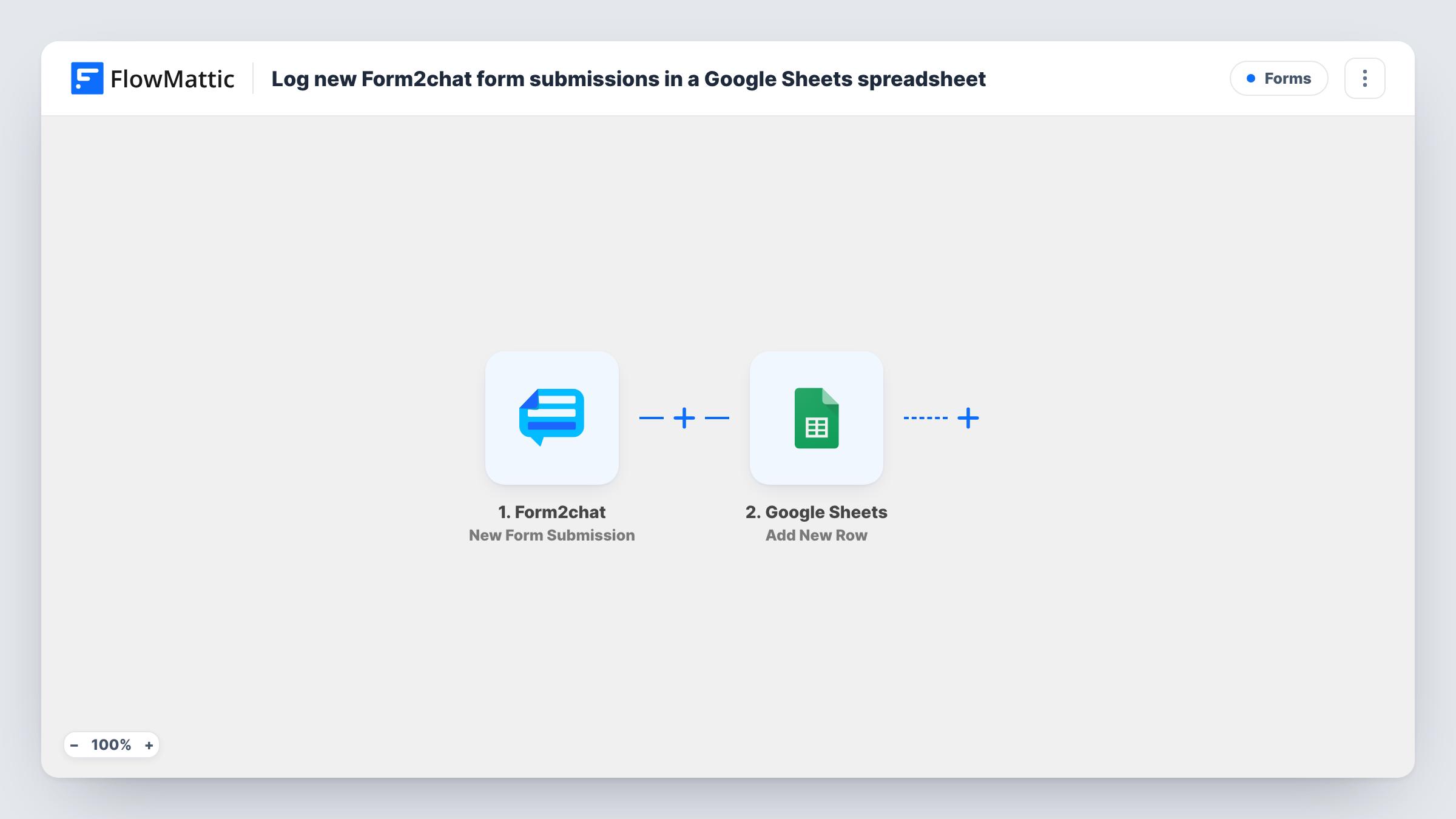
The Form2chat trigger fires when a new form submission is received. FlowMattic collects the answers and hands them to Google Sheets, whose Add New Row action writes them into the next empty row of the sheet you choose. Each column takes the Form2chat answer you mapped to it.
The flow has no conditions, so every submission produces exactly one row, test entries included. Rows already in the sheet are left untouched. If a value lands in the wrong column, Task History shows what Form2chat delivered for that run.
Order enquiries for a small shop
Customers ask about stock through a Form2chat form, and the shop owner keeps every enquiry in a sheet to spot which products people ask about most.
Appointment requests at a clinic
Patients request a slot via Form2chat, and reception works through the Google Sheet, adding the booked time beside each row.
Survey answers kept for analysis
Short Form2chat surveys feed a sheet where you build charts and pivot tables from the raw answers.
How this workflow runs
What happens at each step once the workflow is on, and what you need before you import it.
 Form2chat New Form Submission
Fires when Form2chat receives a new form submission. The answers from that submission are handed to the next step so you can place them in columns.
- Google Sheets Add New Row
Writes the Form2chat answers into a new row of your chosen spreadsheet. Connect your Google account and pair each column with the answer it should hold.
What you need
- FlowMatticCore
- Form2chat AccountAccount
- Google Sheets AccountAccount
After importing, map your own data. To keep the template universal, not every step is pre-filled. Open each step in the builder and connect your accounts and fields (channels, lists, sheets, recipients) before you switch the workflow on.
Make it yours
Changes worth making after you import it.
- Add a Telegram or Slack step after the sheet if you also want a quick alert each time a Form2chat submission is logged.
- Freeze the header row in Google Sheets and keep the column order fixed after mapping, so new rows always line up with the right headings.
- Send one test submission through your Form2chat form after import, finish the mapping, then delete the test row before sharing the sheet.
Questions about this workflow
Are Form2chat submissions from before the import logged?
No. The trigger reacts to new submissions only, so entries received earlier stay in Form2chat.
Does Form2chat keep routing submissions as before?
Yes. This workflow listens for new submissions and adds a row. It does not change how Form2chat itself handles the entry.
Can two Form2chat forms share one Google Sheet?
Yes, if both reach this trigger. Map a value that identifies the form into its own column so you can tell the rows apart, and check a test from each form.
More Forms workflows
Other ready-to-import templates from the same category.






Import this workflow into your WordPress site
Download the JSON, import it from the Workflows screen and connect your accounts. Every run stays on your server, with no per-task fees.
30-day money-back guarantee Unlimited workflows and runs Self-hosted