

When a lead is updated in ArtiBot.ai, update the corresponding entry in Airtable
When a lead changes in ArtiBot.ai, FlowMattic searches your Airtable table for that lead’s record and updates it, so the base you work from keeps the latest details the chatbot collected.
 ArtiBot.ai
 Airtable
3 steps Setup ~5 min Used on 2.9k sites Free to import
What this workflow does
ArtiBot.ai's chatbot often learns more about a lead after the first conversation: a phone number, a booked appointment, an answer to a qualifying question. If you track leads in Airtable, those later details only reach the base when someone copies them across. This workflow brings each lead update into the matching Airtable record.
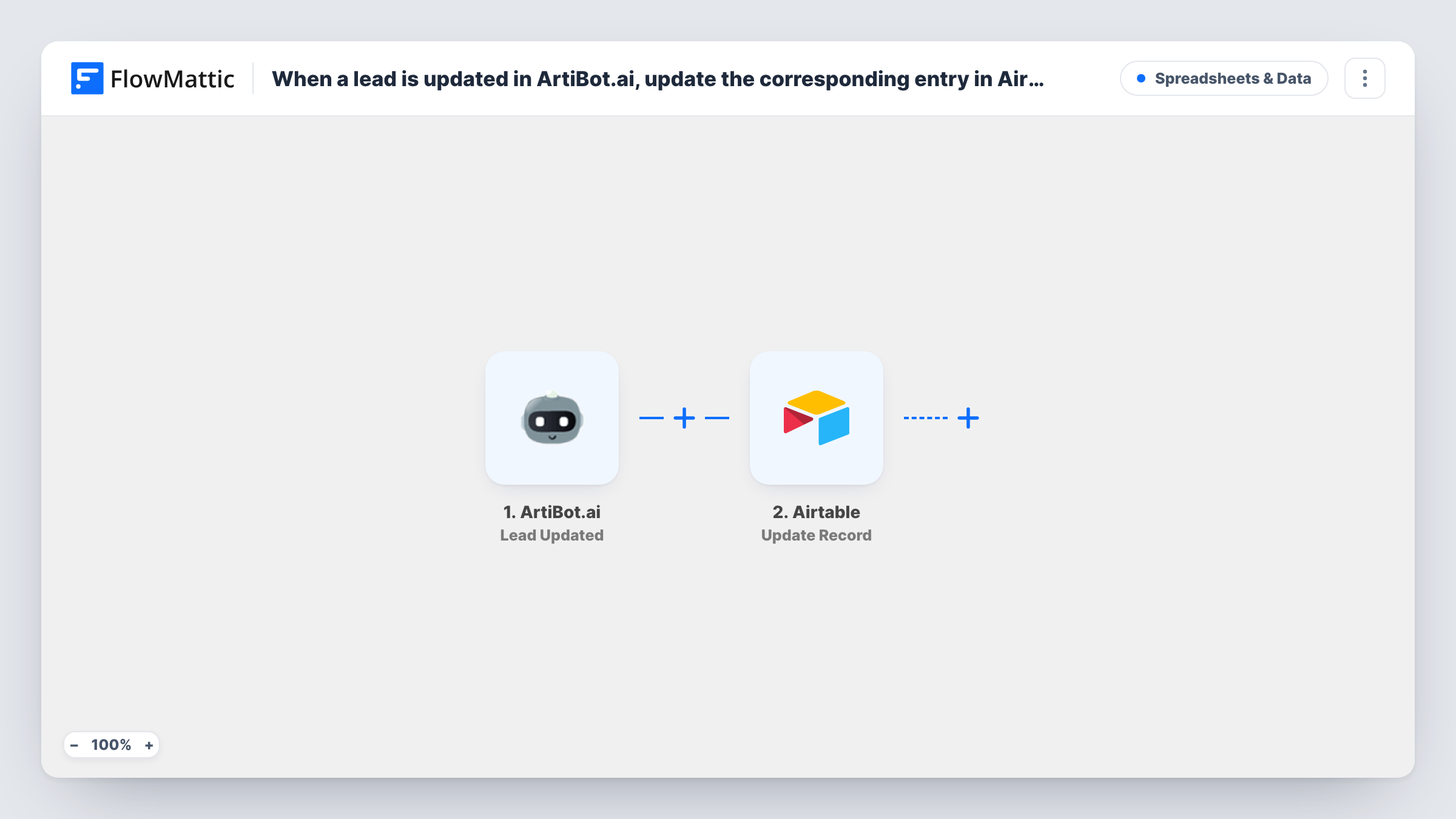
The ArtiBot.ai trigger, Lead Updated, fires when a lead is updated. FlowMattic receives the lead's current details, such as the name, email and the answers ArtiBot.ai has gathered.
Two Airtable steps do the rest. Search Record looks up the lead with a filter formula, and Update Record writes the new details to the record that search returns. Both come without any mapping. After import you pick your base and table, write the formula to match a value your records already hold, such as the lead's email, then map the found record's ID and the ArtiBot.ai fields you want refreshed into the update.
The flow updates only; it never creates records, so leads must already be in Airtable, for example from a separate new-lead workflow. Update a test lead in ArtiBot.ai and check Task History to see whether the search found the record and what Airtable returned.
Agency lead tracker kept current
A marketing agency logs chatbot leads in Airtable, and when ArtiBot.ai later collects a phone number, the lead's record shows it the same day.
Appointment details for sales calls
A consultant's Airtable base gets the latest lead details after ArtiBot.ai updates a lead, so the call prep view reflects what the visitor told the bot.
Qualification answers in one base
A real estate team reviews leads in Airtable and sees the budget and area answers once ArtiBot.ai updates each lead.
How this workflow runs
What happens at each step once the workflow is on, and what you need before you import it.
 ArtiBot.ai Lead Updated
Fires when a lead is updated in ArtiBot.ai. The lead's latest details are passed on so Airtable can find and update the matching record.
- Airtable Search Record
Looks up the lead in your Airtable table using a filter formula. After import, choose the base and table and match on a value both sides store, such as the email address.
- Airtable Update Record
Writes the updated lead details to the Airtable record that Search Record returned. Map that record's ID, then map each ArtiBot.ai field you want refreshed into your columns.
What you need
- FlowMatticCore
- ArtiBot.ai AccountAccount
- Airtable AccountAccount
After importing, map your own data. To keep the template universal, not every step is pre-filled. Open each step in the builder and connect your accounts and fields (channels, lists, sheets, recipients) before you switch the workflow on.
Make it yours
Changes worth making after you import it.
- Add leads to Airtable with a separate workflow on the ArtiBot.ai Lead Created trigger, and store the email or lead ID there, so this update flow has a record to find.
- Search on a value that doesn't change, such as a lead ID, if ArtiBot.ai provides one, since an email typed wrongly at first and fixed later won't match.
- Map only the fields ArtiBot.ai can actually change, so notes your team adds in other Airtable fields aren't overwritten.
Questions about this workflow
What if the ArtiBot.ai lead isn't in Airtable yet?
This workflow doesn't create records. The search finds nothing to update, and Task History shows the empty result, so add new leads to the base with a separate workflow.
How does the Airtable search match the ArtiBot.ai lead?
Through the filter formula you write in the Search Record step, comparing a field in your table with a value from the lead, usually the email. Test it with a lead you know is in the base.
Which ArtiBot.ai changes start this workflow?
Any update to a lead that ArtiBot.ai reports. Each one runs the search and the update.
More Spreadsheets & Data workflows
Other ready-to-import templates from the same category.




Import this workflow into your WordPress site
Download the JSON, import it from the Workflows screen and connect your accounts. Every run stays on your server, with no per-task fees.
30-day money-back guarantee Unlimited workflows and runs Self-hosted