

Log every new RedPodium registration in a Google Sheets spreadsheet
Each new RedPodium registration adds a row to a Google Sheets spreadsheet, giving you a running list of sign-ups for your event that you can sort, share or print without exporting from RedPodium.
 RedPodium
 Google Sheets
2 steps Setup ~5 min Used on 3.5k sites Free to import
What this workflow does
Race directors and event organisers often need registration data outside the registration platform. Volunteers want a check-in list, a sponsor wants numbers, and you want to sort entries your own way. Copying entries across by hand works, but the list is out of date as soon as the next person signs up.
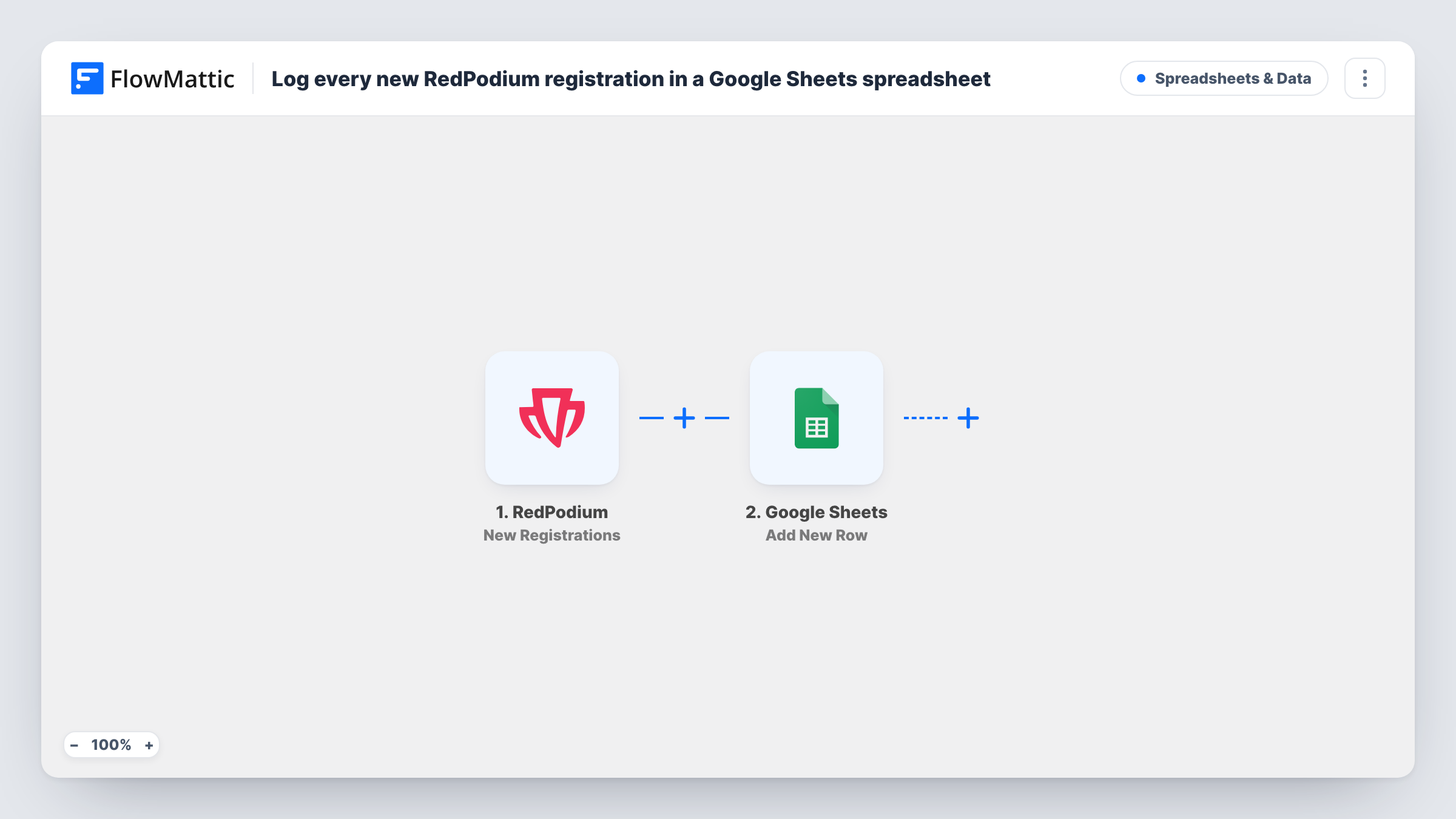
This workflow uses the New Registrations trigger from RedPodium, which fires when a new registration is created. FlowMattic receives the registration data and passes it to Google Sheets. The Add New Row action then writes one row to the spreadsheet you pick, filling each column with the RedPodium value you map to it.
Every registration produces its own row, so the sheet grows as people sign up. Rows are appended, never updated. The workflow never edits or removes them, so a later change to a registration in RedPodium is not reflected in the sheet. Task History lists each run if you need to check what was sent.
Check-in list for race day
Volunteers at the start line open the shared sheet on a tablet and tick off runners, with every RedPodium registration already listed.
Sign-up counts for sponsors
A sponsor asks how many people have entered so far. You share a view of the Google Sheet, which updates as each RedPodium registration arrives.
T-shirt and kit planning
If your RedPodium form asks for a shirt size, map it to a column and count sizes in the sheet when you place the kit order.
How this workflow runs
What happens at each step once the workflow is on, and what you need before you import it.
 RedPodium New Registrations
Fires when a new registration is created in RedPodium. The registration's data is passed to FlowMattic for mapping into the sheet.
- Google Sheets Add New Row
Writes one new row to the Google Sheets spreadsheet and sheet you choose. Connect your Google account, then map RedPodium registration values to the columns you want filled.
What you need
- FlowMatticCore
- RedPodium AccountAccount
- Google Sheets AccountAccount
After importing, map your own data. To keep the template universal, not every step is pre-filled. Open each step in the builder and connect your accounts and fields (channels, lists, sheets, recipients) before you switch the workflow on.
Make it yours
Changes worth making after you import it.
- Add a header row to the sheet before you map the step, so each column has a name and the mapping screen shows which RedPodium value goes where.
- Running several events? Add a Router after the trigger with one route per event, each with its own Add New Row step pointing at a separate sheet, as long as each route checks a different event value.
- Make a test registration in RedPodium after import so FlowMattic captures real data, then map the fields and check the new row before you switch the workflow on.
Questions about this workflow
Are past RedPodium registrations added to the sheet?
No. Only registrations created after you turn the workflow on are sent. Add earlier sign-ups to the sheet yourself if you want a complete list.
What happens when a RedPodium registration is edited?
Nothing in the sheet changes. The trigger only fires for new registrations and the Google Sheets step only adds rows.
Which RedPodium details can I put in Google Sheets?
Any value RedPodium includes with the New Registrations event. Run a test registration to see the captured data, then map the parts you need to columns.
Can my team see the RedPodium sign-ups without a RedPodium login?
Yes. Share the spreadsheet with them in Google Sheets and they see whatever columns you chose to fill.
More Spreadsheets & Data workflows
Other ready-to-import templates from the same category.



Import this workflow into your WordPress site
Download the JSON, import it from the Workflows screen and connect your accounts. Every run stays on your server, with no per-task fees.
30-day money-back guarantee Unlimited workflows and runs Self-hosted