

When feedback is deleted, archive the feedback in Airtable
When a piece of feedback is deleted in Userback, FlowMattic creates a record in Airtable from the deletion event, so you keep a trace of feedback that has been removed from your project.
 Userback
 Airtable
2 steps Setup ~5 min Used on 1.6k sites Free to import
What this workflow does
Feedback gets cleaned up: duplicates are removed, resolved items are cleared, and sometimes something is deleted by mistake. Once it is gone from Userback, there may be no easy way to see what was there or when it went. This workflow keeps a copy in an Airtable base as each item is deleted.
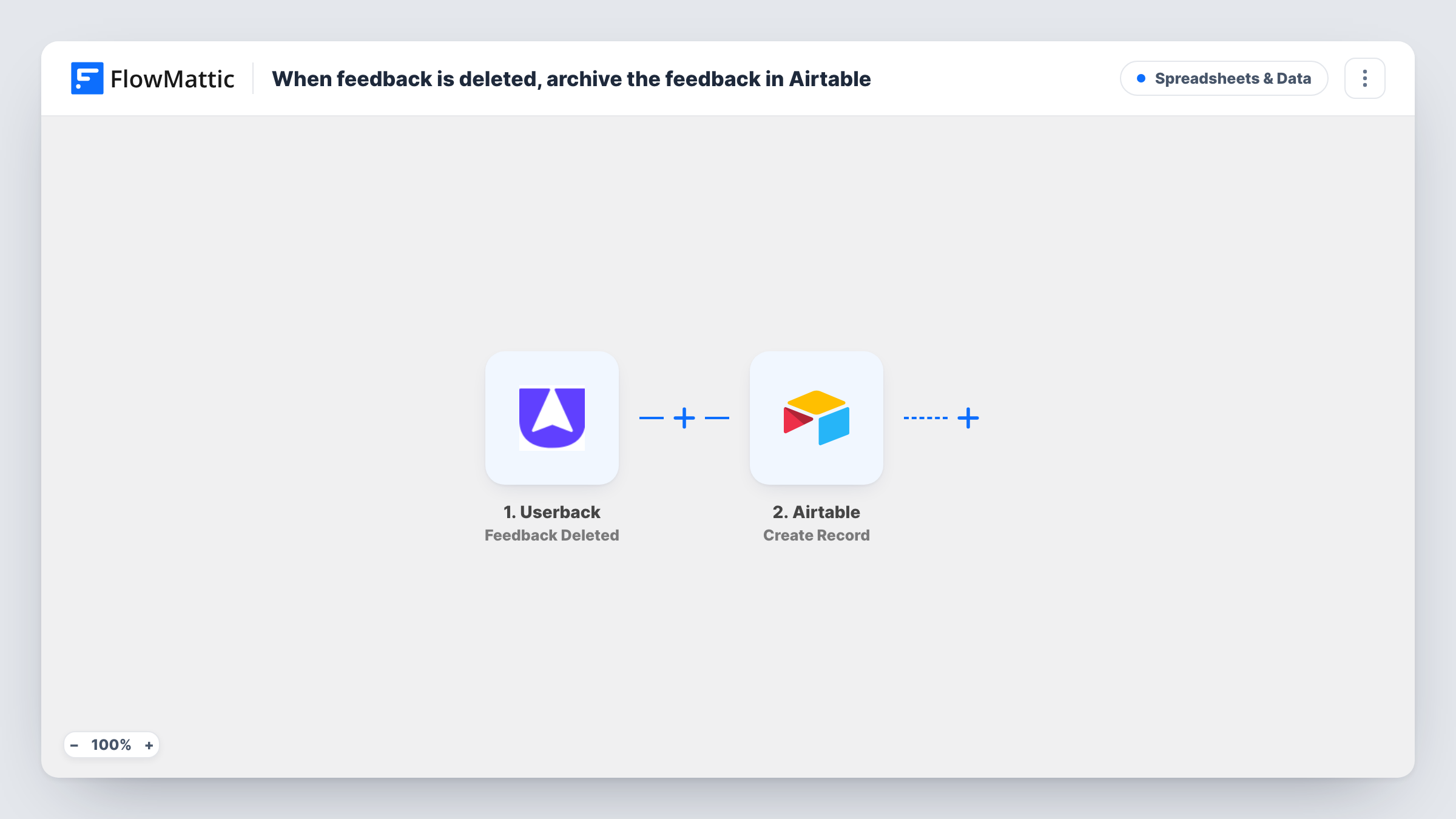
The Userback trigger runs on the Feedback Deleted event and passes the data Userback sends with it to FlowMattic. The Airtable Create Record action then adds a new record to the base and table you choose, with the values you map into its fields.
How much of the original feedback you can archive depends on what the deletion event carries. Delete a test item after import and look at the trigger data before you map the fields. Task History keeps a log of each deletion the workflow handled.
Audit trail for a client project
When feedback is cleared from a client's Userback project, a record in Airtable shows what was removed and when, in case the client asks later.
Recovering something deleted by mistake
A teammate deletes the wrong Userback item. The Airtable archive holds the data from the deletion event, which helps you recreate it.
Reviewing how feedback is triaged
A product lead looks through the Airtable table each month to see which kinds of Userback feedback the team deletes rather than acts on.
How this workflow runs
What happens at each step once the workflow is on, and what you need before you import it.
 Userback Feedback Deleted
Runs when feedback is deleted in Userback. The data in the deletion event is available to map into the Airtable record.
- Airtable Create Record
Creates a record in the Airtable base and table you select. Connect Airtable, then map the Userback event data to your table's fields. A Created time field in Airtable records when each one arrived.
What you need
- FlowMatticCore
- Userback AccountAccount
- Airtable AccountAccount
After importing, map your own data. To keep the template universal, not every step is pre-filled. Open each step in the builder and connect your accounts and fields (channels, lists, sheets, recipients) before you switch the workflow on.
Make it yours
Changes worth making after you import it.
- Before mapping, delete a test feedback item in Userback and inspect what the trigger receives. That shows which details of the feedback can be archived.
- Userback has other triggers in FlowMattic, such as Feedback Assigned. A second workflow on one of them can write to the same Airtable table, so the archive covers more than deletions.
- Use a single-select field in Airtable, set to a fixed value like Deleted in this step, so the table can hold other feedback events alongside these records.
Questions about this workflow
Does the Airtable record contain the full Userback feedback?
It contains whatever the Feedback Deleted event provides and you map. Run a test deletion after import to see exactly which details come through.
Is feedback deleted from Userback before the import archived?
No. Only items deleted after you turn the workflow on create Airtable records.
Can I restore the feedback to Userback from Airtable?
Not with this workflow. It only copies data into Airtable; nothing is written back to Userback.
Which Airtable table should the deleted Userback feedback go into?
Any table you can edit. A dedicated table with fields matching the event data you saw in the test keeps the archive tidy.
More Spreadsheets & Data workflows
Other ready-to-import templates from the same category.




Import this workflow into your WordPress site
Download the JSON, import it from the Workflows screen and connect your accounts. Every run stays on your server, with no per-task fees.
30-day money-back guarantee Unlimited workflows and runs Self-hosted